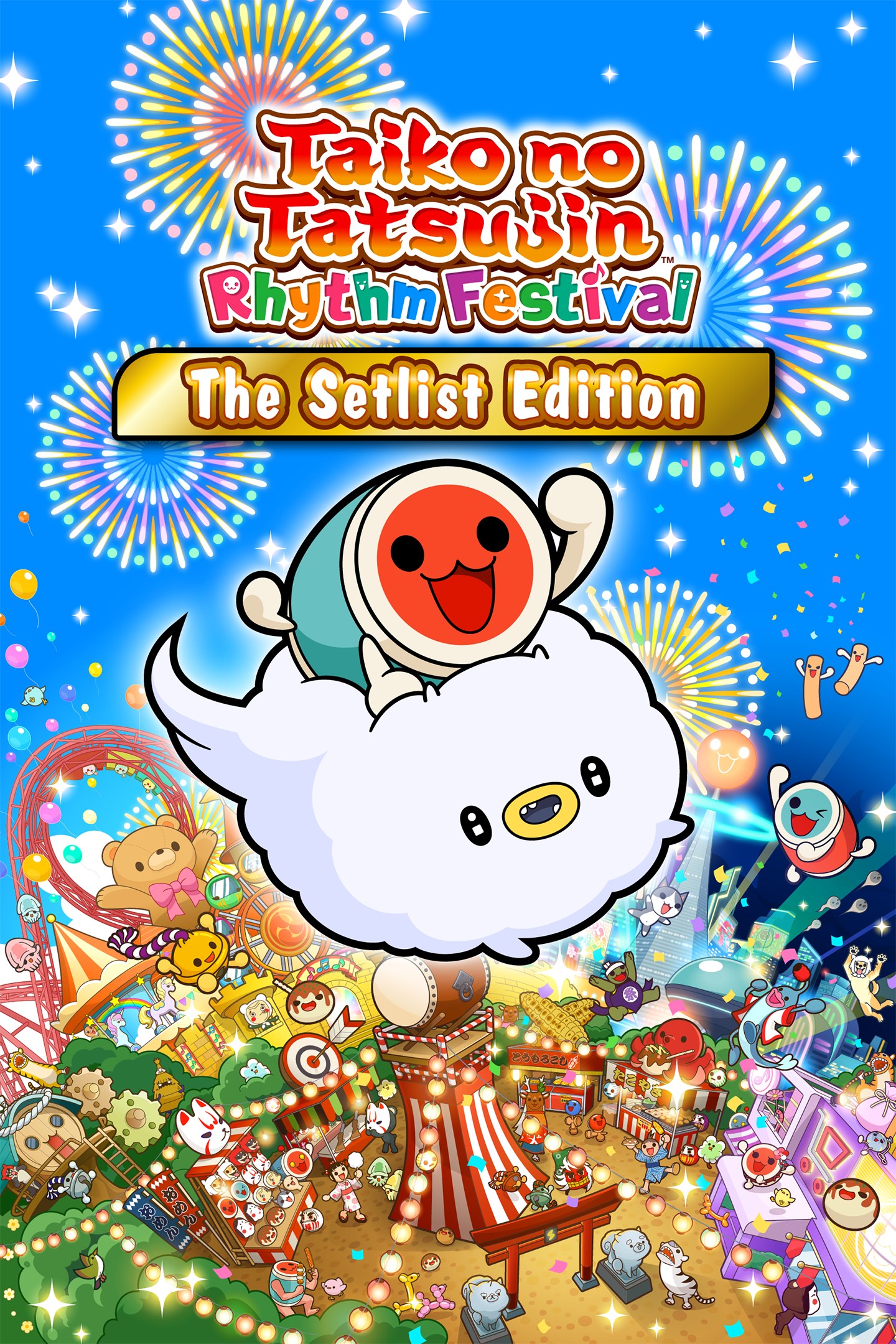
Taiko no Tatsujin: Rhythm Festival The Setlist Edition
Details
- Publisher
- Bandai Namco Entertainment America Inc.
- Developer
- Bandai Namco Amusement Lab Inc.
- Release date
- 07.11.2024
- Age rating
- ESRB:E
- Localization
- English
Purchase options
Primary: our account is set as the home Xbox of your console ("My home Xbox"), so the game is shared with your own profile and works offline — that is one slot on one console. Secondary: you sign in to our account and launch the game from it, and the console has to stay online. The activation code is an extra option: it is redeemed on your own account, and the game stays there forever.
You install the game from our account and set our account as the home one ("My home Xbox"): after that you play from your own profile, and the progress and achievements stay yours. It works offline.
You sign in to our account and play right from it. A permanent internet connection is required and only the issued profile can be used. It costs less than the primary access.
A bonus way to buy: you get a 25-character code and redeem it on your own account. The game stays with you forever, no other profiles and no sign-in to a shared account.
What happens after payment
About the game
The Setlist Edition includes:
- Taiko no Tatsujin: Rhythm Festival
- Anime Songs Collection
- Pops Collection
- Vocaloid™ Songs Collection
Welcome to Omiko City, where everyone’s favorite Taiko elements come together in one place! Together with Don-chan, meet your new friend, Kumo-kyun and aim to become a Taiko Master!
Taiko Mode
Drum along to the rhythm of your favorite songs and aim to play them from start to finish! Select from 4 difficulty modes.
76 songs across multiple genres such as Anime, VOCALOID™, Game Music, and Pop are available in the game! Songs include Gurenge, My Neighbor Totoro - Ending Theme Song, Charles, MEGALOVANIA, Into The Night, Feel Special and many more! Have fun playing casually with another player or compete for the highest score! You can also use Improvement Support to help you improve your drumming skills!
3 types of party games for 2-4 players are available.
- Great Drum Toy War
Play along to songs and deploy toys to push back your opponent's toys and aim for victory!
- Don-chan Band
Work as a group of 4 to perform successful concerts!
- Run! Ninja Dojo
Become a ninja and race with up to 4 other players! Overcome multiple obstacles as you compete for 1st place!
Online Matches
- Online Ranked Match
Challenge players from all over the world and aim for the top ranks!
- Room Match
Play casually with friends and players from around the world in Taiko Mode and Great Drum Toy War!
Have fun playing Taiko solo, or together with friends!
Taiko Music Pass
- Join the Taiko Music Pass to access over 700 additional songs! New songs
are added every month!
- Some songs are also sold individually.
*Another edition of this product is available and products included in this set are also available for purchase separately. Please take care to avoid duplicate purchases.
*The songs included in this product may also be available in the Taiko Music Pass.
*The songs available in the Taiko Music Pass are subject to change.
*Taiko Mode and Great Drum Toy War can be played by up to 2 players. Don-chan Band and Run! Ninja Dojo can be played by up to 4 players. Each player needs 1 controller.
*This game is compatible with the Taiko no Tatsujin Drum Controller for Xbox Series X|S, Windows® PC.
Screenshots
Click a frame to open it larger, use the arrows to browse
How to activate
Guide for Xbox Series X|S
Primary — the game is shared with your own profile
- 1Press the Xbox button, open "Profile & system" → "Add or switch" → "Add new" and sign in with the login and password from your order.
- 2Now open "Settings" → "General" → "Personalization" → "My home Xbox" and choose "Make this my home Xbox". This is what shares our games with every profile on your console.
- 3Switch back to your own profile, open "My games & apps" → "Library" and install the game. The internet is only needed for the download.
- 4Launch the game from your own profile: achievements, saves and progress stay yours, and after the installation the game works offline.
Only one console at a time can be the home Xbox for our account — that is the slot you bought. Please do not change the password, the email or the two-factor settings of the account, or the access will be blocked.
Secondary — you play from our account
- 1Press the Xbox button, open "Profile & system" → "Add or switch" → "Add new" and sign in with the login and password from your order.
- 2Open "My games & apps" → "Library", switch to our profile in the top-left corner and install the game.
- 3Launch the game while our profile stays signed in, and keep the console online: the licence is checked over the internet.
- 4Use your own profile for everything else — the game stays available as long as our account is signed in on this console.
Secondary costs less, but it needs a permanent internet connection and our account stays signed in on your console.
Activation code
- 1On the console open "Store" and go to the "Redeem code" section.
- 2Enter the 25-character code from your order and confirm the activation on your own account.
- 3After the activation the code is shown as "Used" — but you can reinstall the game from your library at any time.
Notes for Xbox Series
Important
How to play online
Warranty and support
The warranty covers the whole period of use of the account. If the access stops working, we replace the account or refund your money.
- If the game stops launching, we replace the account or refund your money.
- Average support response time — 15–30 minutes during working hours.
- The warranty covers the whole rental period of the access.
Support
Telegram: @weskars
E-mail: support@gears.games
Working hours: daily 11:00 – 23:00 (UTC+3)
Every order goes through clear stages: "New" → "Awaiting payment" → "Paid" → "Delivered". You can follow the status in your account page.
Similar games
More games in the "Music" genre