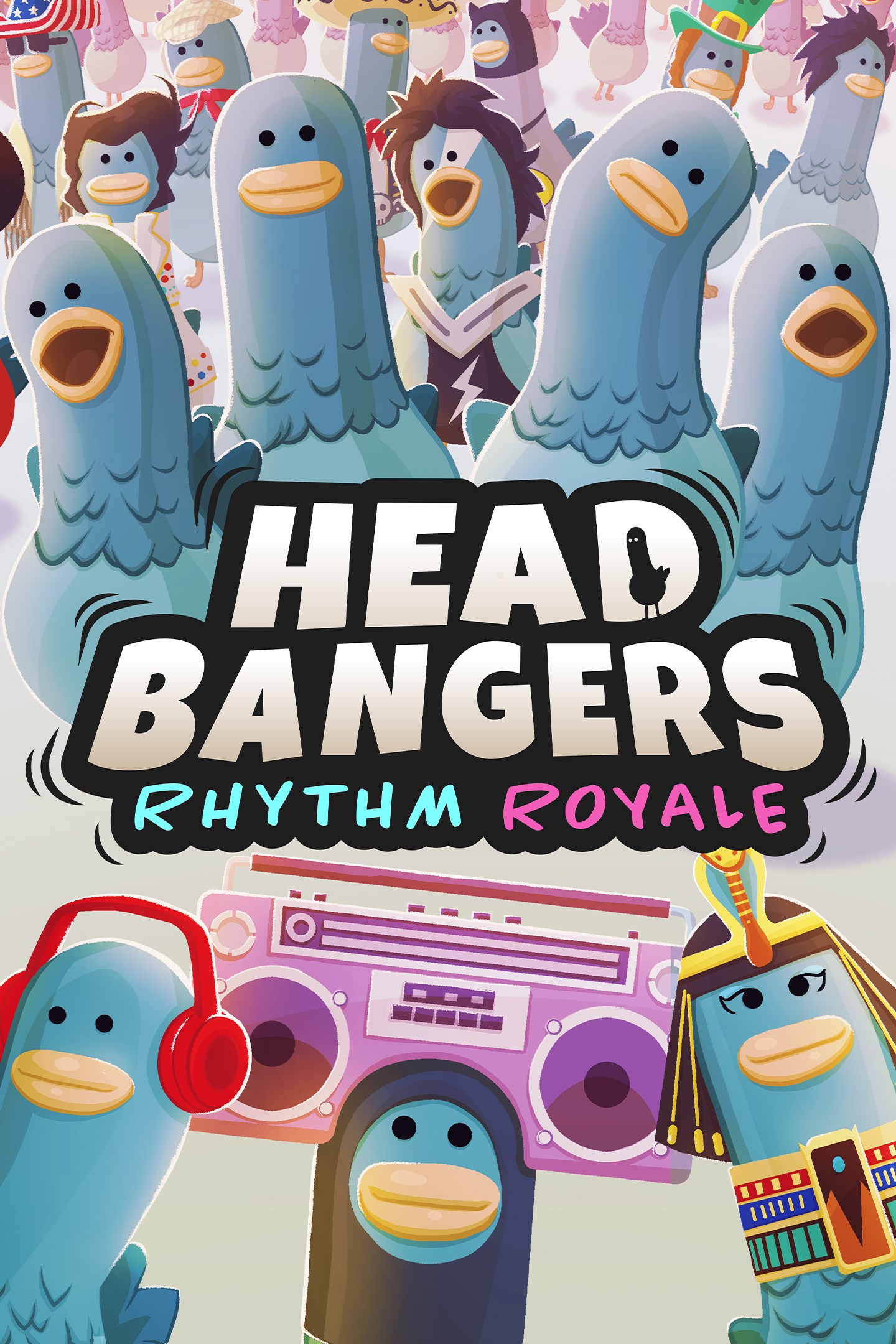
Headbangers: Rhythm Royale
Details
- Publisher
- Team17
- Developer
- Glee-Cheese
- Release date
- 31.10.2023
- Age rating
- ESRB:E10
- Localization
- English
Purchase options
Platform
Primary: our account is set as the home Xbox of your console ("My home Xbox"), so the game is shared with your own profile and works offline — that is one slot on one console. Secondary: you sign in to our account and launch the game from it, and the console has to stay online. The activation code is an extra option: it is redeemed on your own account, and the game stays there forever.
You install the game from our account and set our account as the home one ("My home Xbox"): after that you play from your own profile, and the progress and achievements stay yours. It works offline.
You sign in to our account and play right from it. A permanent internet connection is required and only the issued profile can be used. It costs less than the primary access.
A bonus way to buy: you get a 25-character code and redeem it on your own account. The game stays with you forever, no other profiles and no sign-in to a shared account.
What happens after payment
About the game
About this game:
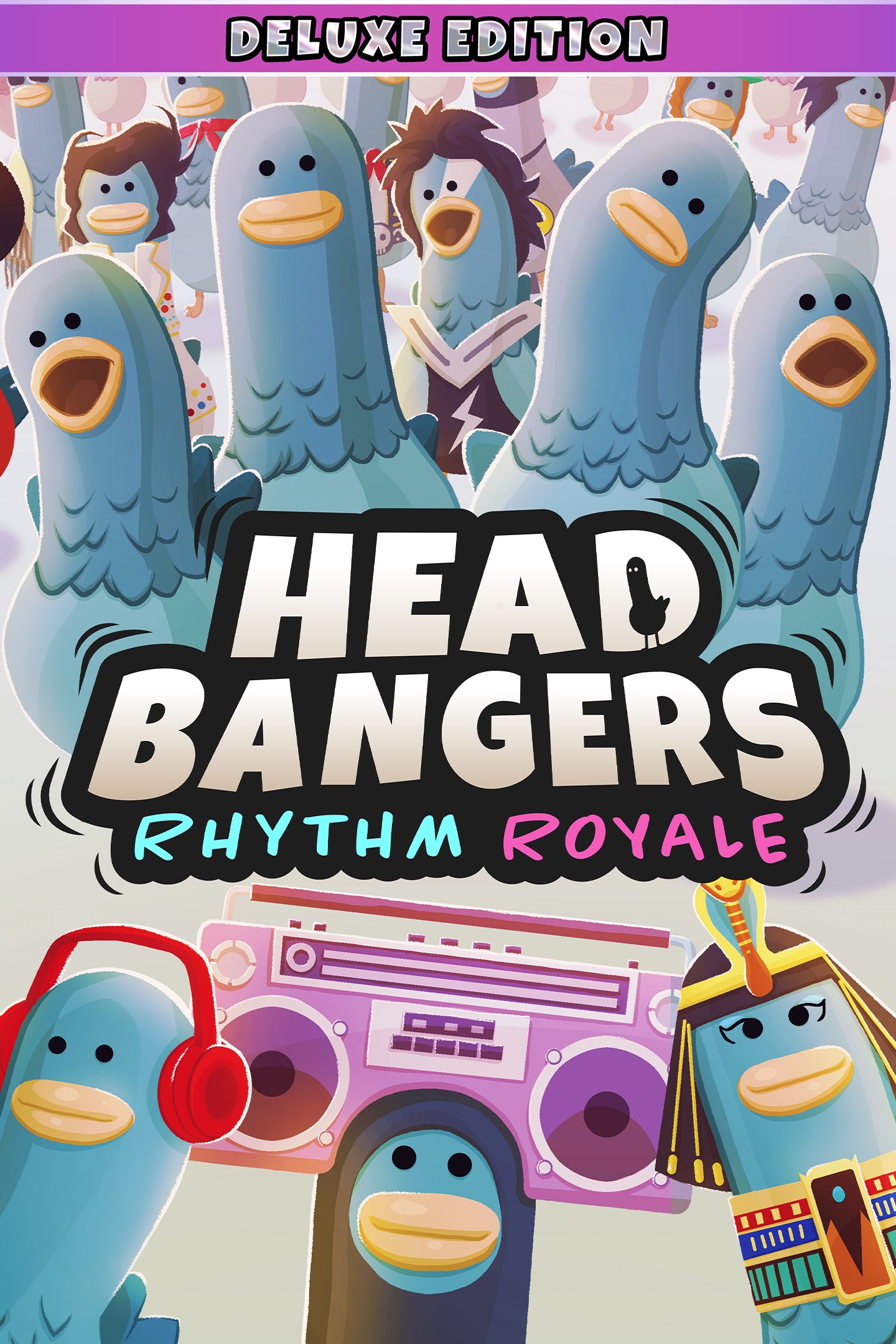
Have you ever looked at a Pigeon and thought, “what is going on in your head?”
Well, think no more! Headbangers puts you and 29 others into the eye of the Pigeon while you battle it out in rhythmic challenges to find out who is the ultimate Master Headbanger.
Compete against each other in mind- bending musical minigames, screw over your competitors with powerups, and collect Crumbs to customise your very own Pigeon!
Gameplay Features:
Minigames:
Grab your friends and battle through minigame madness through online cross platform multiplayer. With 23 minigames across 4 rounds, each Headbangers level contains a new challenge with a stimulating and unique musical twist! Each round escalates in difficulty, progressing musical frenzy until the final round– keep as cool as a coo-cumber and get that bread!
Minigames will test your memory, rhythm, reflexes, reaction time and most importantly… your rap ability! Simple controls paired with engaging gameplay, means this musical party is available for all!
Customisation:
Design your Pigeon from hundreds of unique items, including outfits, hats, glasses, voices, taunts and more. For every game you play, you earn Crumbs which can be spent in the Shop to purchase full costumes, costume items, taunts, sounds and more! Your Pigeon is your common canvas to mix and match items, allowing players to create and craft your ultimate Pigeon masterpiece, just like the famous painters Pigecasso and Michelangelcrow.
Found yourself at the top of the leader board? Besting your friends? Be sure to spend those hard-earned Crumbs on some in game taunts to rub your wins in your fellow Pigeon’s faces, making your victories so much sweeter!
Progression:
Complete challenges to unlock customisation for your pigeon and progress through the in-game battle pass. Collecting Crumbs and XP through in game powerups, extra bonus rounds, and completing rounds will help you be the most stylish bird in the flock!
Cross play + Multiplayer:
Play with up to 30 Pigeons on any platform. No matter your friend’s device of choice to play on, you can flock together, battling it out to see who is crowned the Master Headbanger!
Screenshots
Click a frame to open it larger, use the arrows to browse
How to activate
Guide for Xbox One
Primary — the game is shared with your own profile
- 1Press the Xbox button, open "Profile & system" → "Add or switch" → "Add new" and sign in with the login and password from your order.
- 2Now open "Settings" → "General" → "Personalization" → "My home Xbox" and choose "Make this my home Xbox". This is what shares our games with every profile on your console.
- 3Switch back to your own profile, open "My games & apps" → "Library" and install the game. The internet is only needed for the download.
- 4Launch the game from your own profile: achievements, saves and progress stay yours, and after the installation the game works offline.
Only one console at a time can be the home Xbox for our account — that is the slot you bought. Please do not change the password, the email or the two-factor settings of the account, or the access will be blocked.
Secondary — you play from our account
- 1Press the Xbox button, open "Profile & system" → "Add or switch" → "Add new" and sign in with the login and password from your order.
- 2Open "My games & apps" → "Library", switch to our profile in the top-left corner and install the game.
- 3Launch the game while our profile stays signed in, and keep the console online: the licence is checked over the internet.
- 4Use your own profile for everything else — the game stays available as long as our account is signed in on this console.
Secondary costs less, but it needs a permanent internet connection and our account stays signed in on your console.
Activation code
- 1On the console open "Store" and go to the "Redeem code" section.
- 2Enter the 25-character code from your order and confirm the activation on your own account.
- 3After the activation the code is shown as "Used" — but you can reinstall the game from your library at any time.
Notes for Xbox One
Important
How to play online
Warranty and support
The warranty covers the whole period of use of the account. If the access stops working, we replace the account or refund your money.
- If the game stops launching, we replace the account or refund your money.
- Average support response time — 15–30 minutes during working hours.
- The warranty covers the whole rental period of the access.
Support
Telegram: @weskars
E-mail: support@gears.games
Working hours: daily 11:00 – 23:00 (UTC+3)
Every order goes through clear stages: "New" → "Awaiting payment" → "Paid" → "Delivered". You can follow the status in your account page.
Similar games
More games in the "Music" genre