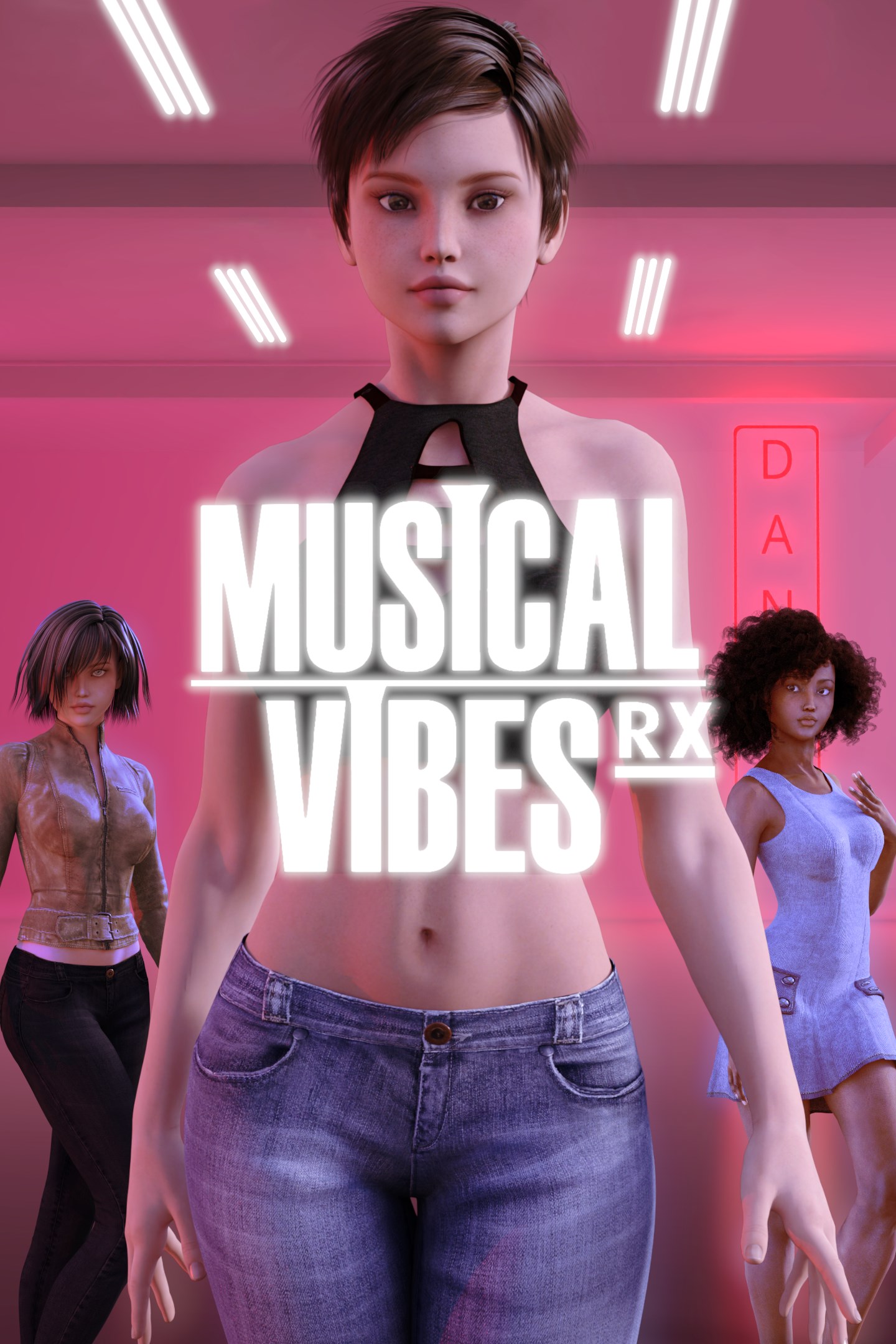
Musical Vibes RX: Total Vibes Vol. 18
Details
- Publisher
- ZikWave Studios Inc.
- Developer
- ZikWave Studios Inc.
- Release date
- 29.08.2026
- Age rating
- ESRB:E
- Localization
- English
Purchase options
Platform
Primary: our account is set as the home Xbox of your console ("My home Xbox"), so the game is shared with your own profile and works offline — that is one slot on one console. Secondary: you sign in to our account and launch the game from it, and the console has to stay online. The activation code is an extra option: it is redeemed on your own account, and the game stays there forever.
You install the game from our account and set our account as the home one ("My home Xbox"): after that you play from your own profile, and the progress and achievements stay yours. It works offline.
You sign in to our account and play right from it. A permanent internet connection is required and only the issued profile can be used. It costs less than the primary access.
A bonus way to buy: you get a 25-character code and redeem it on your own account. The game stays with you forever, no other profiles and no sign-in to a shared account.
What happens after payment
About the game
Musical Vibes RX: Total Vibes Vol. 18 includes the base game Musical Vibes RX and 14 additional songs, all previously released and now offered together at a lower price than if purchased separately.
This bundle is a great way for new players to jump into the full Musical Vibes RX experience, complete with online multiplayer for up to 6 players, hands-free dancing using your smartphone camera, and a growing library of tracks.
Get ready to move with Musical Vibes RX, the new version of Musical Vibes, the first-ever dance game to let players use the camera of their smartphone connected to a console or PC. Originally released in June 2023, the original broke new ground, and now RX takes the experience even further!
Dance Hands-Free with Incredible Moves!
Groove to fantastic music and master exciting new dance moves with full-body tracking powered by advanced AI technology. Put the controller down, your smartphone camera does the tracking. Just follow the beat!
Track Your Progress
Stay motivated with the built-in calorie counter that provides an estimated calorie burn during your game session.
Included Songs (21)
"Runway" by Zai Miles – R&B/Trap
"Into The Night" by Aria Kodee – Pop
"Quiet Replay" by Zai Miles – R&B
"Bright Tonight" by Lyrae – K-Pop
"Spark of Life" by Lyrae – K-Pop
"Shine Through" by Nyomi King – R&B/Soul
"Yeah" by Jaevi – Hip Hop/K-Pop
"On My Way" by Zai Miles – Afrobeats/R&B
"Night Shift Flex" by Alina Rae feat. J-Rhyme — Drill/R&B
"Velvet Nights" by Vénna — K-Pop
"Club Reverie" by Naya Luz Feat. J-Rhyme – R&B
"Platinum Dreams" by NARAE SOLIS — K-Pop
"Champion Sound (Remix)" by SIZZLA feat. TURBULENCE — Dancehall
"Noche de Brillo" by LINA RIKO — Reggaeton
"Embrace Your Light" by NINA RAY — Pop
"Party" by FIVEEBEATZ — Amapiano
"Victory Lap" by Cipher Blaze feat Lila Brooks — Hip Hop
"Queen Of The Night" by Elara Mae - K-Pop
"Lost and Found" by Lyra Rin – K-Pop
"Magnetic Pulse" by Vénna feat. Jinseo — K-Pop
"Pretty Boy" by Clara Solane — R&B
More tracks are planned for future updates!
Multiplayer Fun
Up to 2 players can dance together using smartphone camera tracking.
Play online with up to 5 players for an even bigger dance party!
Customize Your Experience
Personalize your avatar with fun outfits and choose from a variety of vibrant venues to match your style and mood!
Enhance Your Dance Floor
Own a Philips Hue smart lighting system? Connect it to transform your space into a dazzling concert venue with lights that react to the music!
More Than Dance
Feeling less energetic? Switch to Rhythm Game Mode, where you can press the correct direction on your controller in time with the beat, perfect for playing on the go!
Exciting Updates to Come!
Stay tuned for more tracks and features coming soon.
Smartphone Requirements
To play using your smartphone camera, you must install the free Musical Vibes Camera app, available on the App Store and Google Play. The app requires an iPhone 6S or newer, or an Android device with performance equivalent to or better than the Samsung Galaxy S9 and at least 4GB of RAM. To find out whether the app works on your Android phone, download it from Google Play, launch it and follow the onscreen instructions. At some point, the app checks your phone's performance and lets you know if it has enough power. Users must be 13 years of age or older to use the Musical Vibes Camera app.
Screenshots
Click a frame to open it larger, use the arrows to browse
How to activate
Guide for Xbox One
Primary — the game is shared with your own profile
- 1Press the Xbox button, open "Profile & system" → "Add or switch" → "Add new" and sign in with the login and password from your order.
- 2Now open "Settings" → "General" → "Personalization" → "My home Xbox" and choose "Make this my home Xbox". This is what shares our games with every profile on your console.
- 3Switch back to your own profile, open "My games & apps" → "Library" and install the game. The internet is only needed for the download.
- 4Launch the game from your own profile: achievements, saves and progress stay yours, and after the installation the game works offline.
Only one console at a time can be the home Xbox for our account — that is the slot you bought. Please do not change the password, the email or the two-factor settings of the account, or the access will be blocked.
Secondary — you play from our account
- 1Press the Xbox button, open "Profile & system" → "Add or switch" → "Add new" and sign in with the login and password from your order.
- 2Open "My games & apps" → "Library", switch to our profile in the top-left corner and install the game.
- 3Launch the game while our profile stays signed in, and keep the console online: the licence is checked over the internet.
- 4Use your own profile for everything else — the game stays available as long as our account is signed in on this console.
Secondary costs less, but it needs a permanent internet connection and our account stays signed in on your console.
Activation code
- 1On the console open "Store" and go to the "Redeem code" section.
- 2Enter the 25-character code from your order and confirm the activation on your own account.
- 3After the activation the code is shown as "Used" — but you can reinstall the game from your library at any time.
Notes for Xbox One
Important
How to play online
Warranty and support
The warranty covers the whole period of use of the account. If the access stops working, we replace the account or refund your money.
- If the game stops launching, we replace the account or refund your money.
- Average support response time — 15–30 minutes during working hours.
- The warranty covers the whole rental period of the access.
Support
Telegram: @weskars
E-mail: support@gears.games
Working hours: daily 11:00 – 23:00 (UTC+3)
Every order goes through clear stages: "New" → "Awaiting payment" → "Paid" → "Delivered". You can follow the status in your account page.
Similar games
More games in the "Music" genre