
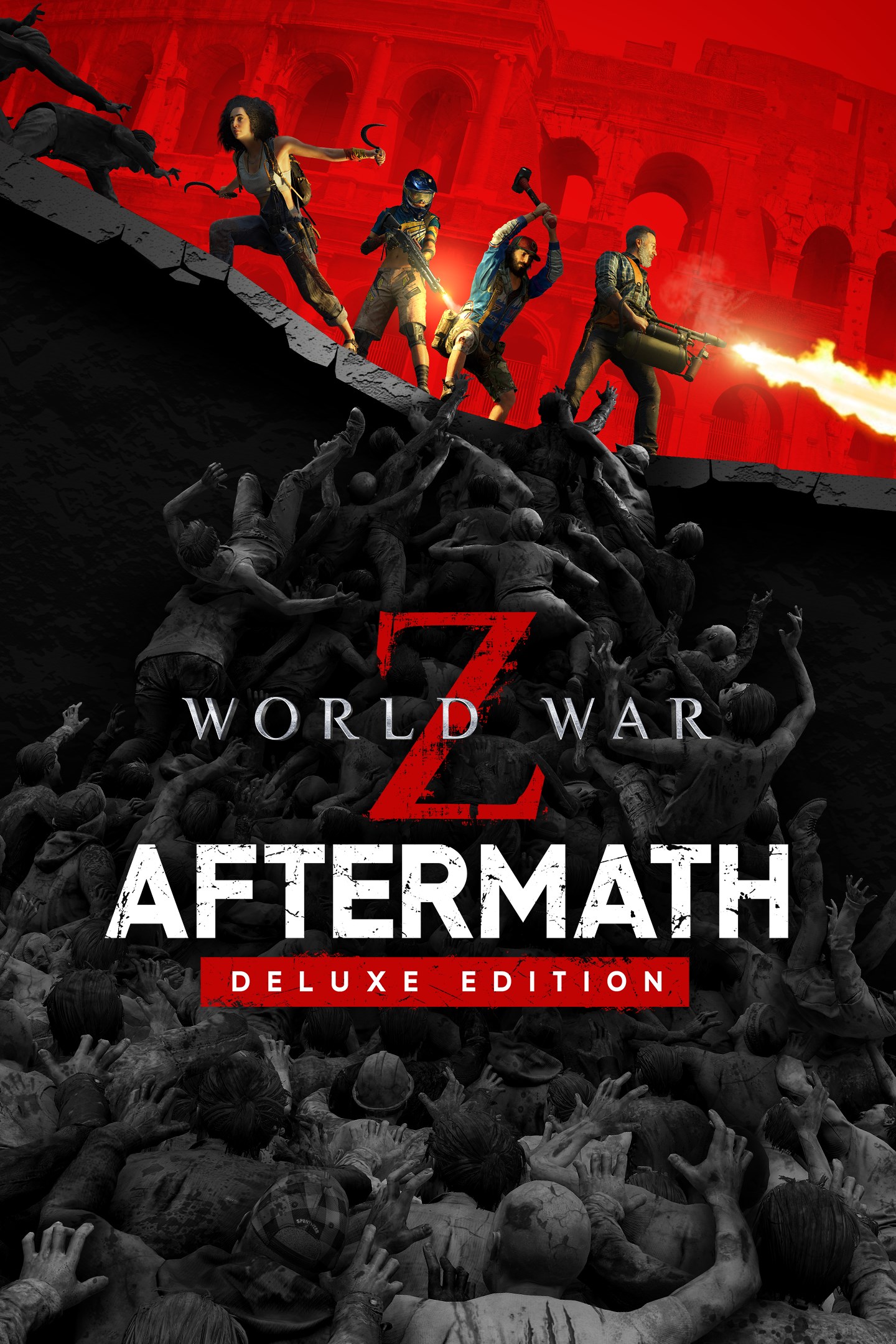
World War Z: Aftermath - Deluxe Edition
Details
- Publisher
- Saber Interactive Inc.
- Developer
- Saber Interactive Inc.
- Release date
- 21.09.2021
- Age rating
- ESRB:M
- Localization
- English
Purchase options
Platform
Primary: our account is set as the home Xbox of your console ("My home Xbox"), so the game is shared with your own profile and works offline — that is one slot on one console. Secondary: you sign in to our account and launch the game from it, and the console has to stay online. The activation code is an extra option: it is redeemed on your own account, and the game stays there forever.
You install the game from our account and set our account as the home one ("My home Xbox"): after that you play from your own profile, and the progress and achievements stay yours. It works offline.
You sign in to our account and play right from it. A permanent internet connection is required and only the issued profile can be used. It costs less than the primary access.
A bonus way to buy: you get a 25-character code and redeem it on your own account. The game stays with you forever, no other profiles and no sign-in to a shared account.
What happens after payment
About the game
Buy World War Z: Aftermath - Deluxe Edition and get:
• Base Game
• Bonus weapons: The Sledgehammer and Dual Cleavers
• The Exxplorer Weapon Skin Pack
World War Z: Aftermath is the ultimate co-op zombie shooter based on Paramount Pictures’ blockbuster film, and the next evolution of the original hit World War Z that has now captivated over 20 million players. Turn the tide of the zombie apocalypse across consoles and PC with full cross-play. Join up to three friends or play on your own with AI teammates against hordes of ravenous zombies in intense story episodes across new zombie-ravaged locations around the world: Rome, Vatican City and Russia’s Kamchatka peninsula.
World War Z: Aftermath also includes all content from the Game of the Year Edition of World War Z. Players who own the original World War Z or World War Z: GOTY Edition will be able to purchase World War Z: Aftermath at a discounted rate on the same respective platform.
New Stories From a World at War
All-new story episodes in Rome, Vatican City, and the Russian far east at Kamchatka. Play as both new and returning characters as you take the fight to the undead with a brutal new melee system, decimating zekes with unique moves, perks and dual-wield weapon options like the sickle and cleaver. Fend off new undead monstrosities, including swarms of flesh-hungry rats that will unleash total chaos on your team.
The Next Generation of the Zombie Swarm
Play in glorious 4K|60 FPS on Xbox Series XIS. Endure endless waves of increasingly difficult zombies in the new Horde Mode XL game mode on Xbox Series X|S, featuring hundreds more zombies on screen than ever before possible.
Deep Progression and a New Perspective
Experience a heart-pounding new perspective with Aftermath’s immersive new First-Person Mode option. Level up eight unique classes — the Gunslinger, Hellraiser, Slasher, Medic, Fixer, Exterminator, Dronemaster, and all-new Vanguard class — each with their own perks and playstyles. Customize your weapons to survive any challenge, and conquer new daily missions with special modifiers for bonus rewards.
Screenshots
Click a frame to open it larger, use the arrows to browse
How to activate
Guide for Xbox One
Primary — the game is shared with your own profile
- 1Press the Xbox button, open "Profile & system" → "Add or switch" → "Add new" and sign in with the login and password from your order.
- 2Now open "Settings" → "General" → "Personalization" → "My home Xbox" and choose "Make this my home Xbox". This is what shares our games with every profile on your console.
- 3Switch back to your own profile, open "My games & apps" → "Library" and install the game. The internet is only needed for the download.
- 4Launch the game from your own profile: achievements, saves and progress stay yours, and after the installation the game works offline.
Only one console at a time can be the home Xbox for our account — that is the slot you bought. Please do not change the password, the email or the two-factor settings of the account, or the access will be blocked.
Secondary — you play from our account
- 1Press the Xbox button, open "Profile & system" → "Add or switch" → "Add new" and sign in with the login and password from your order.
- 2Open "My games & apps" → "Library", switch to our profile in the top-left corner and install the game.
- 3Launch the game while our profile stays signed in, and keep the console online: the licence is checked over the internet.
- 4Use your own profile for everything else — the game stays available as long as our account is signed in on this console.
Secondary costs less, but it needs a permanent internet connection and our account stays signed in on your console.
Activation code
- 1On the console open "Store" and go to the "Redeem code" section.
- 2Enter the 25-character code from your order and confirm the activation on your own account.
- 3After the activation the code is shown as "Used" — but you can reinstall the game from your library at any time.
Notes for Xbox One
Important
How to play online
Warranty and support
The warranty covers the whole period of use of the account. If the access stops working, we replace the account or refund your money.
- If the game stops launching, we replace the account or refund your money.
- Average support response time — 15–30 minutes during working hours.
- The warranty covers the whole rental period of the access.
Support
Telegram: @weskars
E-mail: support@gears.games
Working hours: daily 11:00 – 23:00 (UTC+3)
Every order goes through clear stages: "New" → "Awaiting payment" → "Paid" → "Delivered". You can follow the status in your account page.
Similar games
More games in the "Action & adventure" genre



