Wizard of Legend 2
Details
- Publisher
- Humble Games
- Developer
- Dead Mage
- Release date
- 12.06.2025
- Age rating
- ESRB:E10
- Localization
- English
Purchase options
Primary: our account is set as the home Xbox of your console ("My home Xbox"), so the game is shared with your own profile and works offline — that is one slot on one console. Secondary: you sign in to our account and launch the game from it, and the console has to stay online. The activation code is an extra option: it is redeemed on your own account, and the game stays there forever.
You install the game from our account and set our account as the home one ("My home Xbox"): after that you play from your own profile, and the progress and achievements stay yours. It works offline.
You sign in to our account and play right from it. A permanent internet connection is required and only the issued profile can be used. It costs less than the primary access.
A bonus way to buy: you get a 25-character code and redeem it on your own account. The game stays with you forever, no other profiles and no sign-in to a shared account.
What happens after payment
About the game
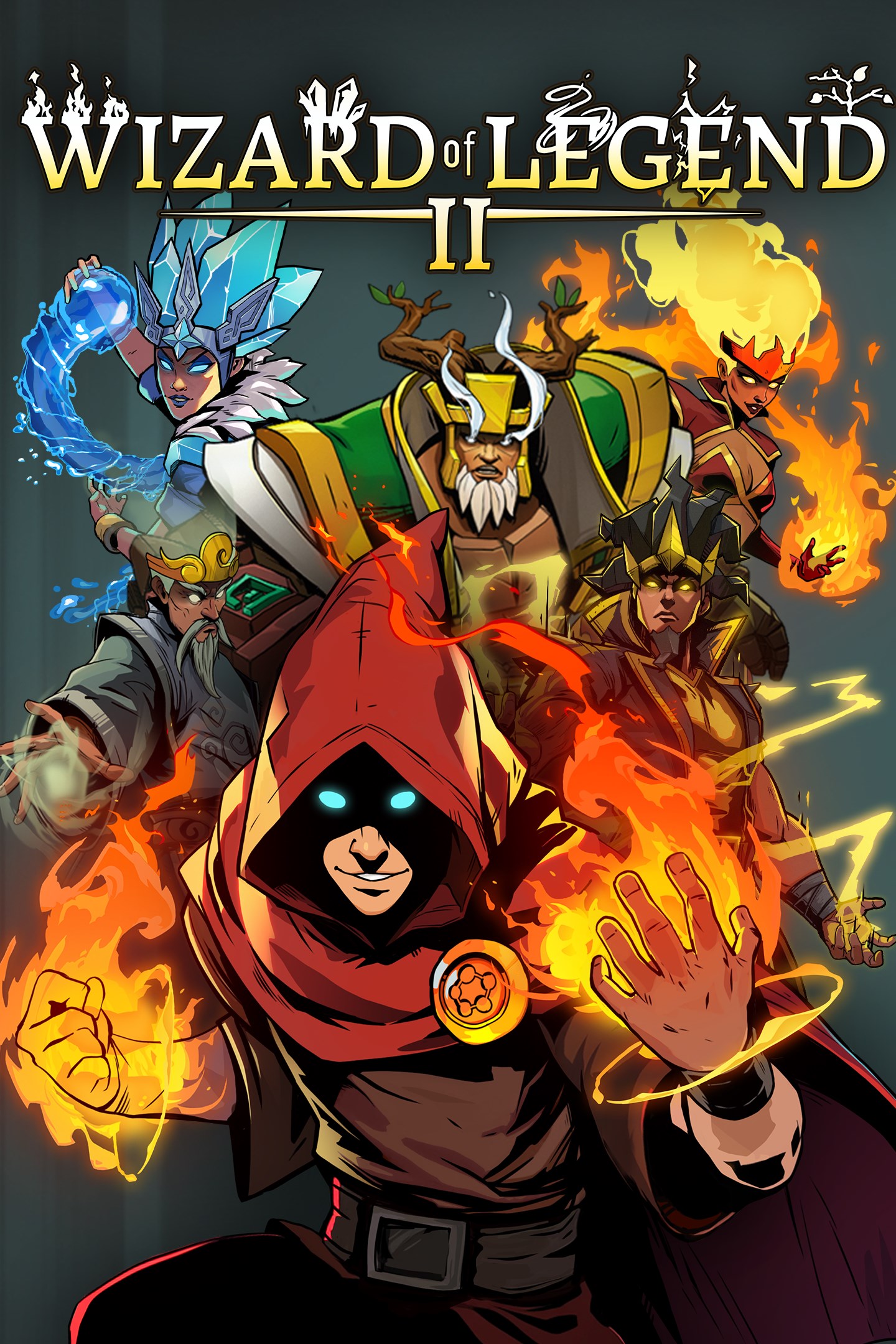
In an age of myth and magic, ambitious wizards from around the world have assembled to undertake the perilous Trials of Legend in the Floating Lands. Many will try. Most will fail. Only those who have truly mastered the chaotic, shifting elemental forces of Arcana will become a Wizard of Legend!
Prepare to face an all-new series of unpredictably perilous trials in Wizard of Legend 2—the action-packed follow-up to the acclaimed dungeon-delving original, featuring vibrant new 3D visuals and fast-paced 4-player online co-op. Wield familiar and new Arcana, experiment with devious new spell combinations, and seek immortality as you return again and again (and again) to master ever-changing rogue-lite challenges.
Journey Back to an Era of Legendary Trials
Put your spellcraft skills to the test in the Floating Lands—a shifting sorcerous gauntlet conjured forth by Hieronymus, Lanova’s wizard supreme to find a wizard worthy of legend. Get to know the peculiar and powerful members of the wizarding council as they oversee, guide, or throw a twist into your trials.
Unleash your Arcana
Harness the power of familiar and new Arcana—attacks that tame the land’s magical chaotic forces into the form of fiery projectiles, magical melee strikes, swirling tempests, and more. Discover powers during your trial that change your Arcana (and your play) in unexpected ways. Mix, match, experiment, and master your favorite combinations…until you find a new favorite on your next run.
Master the Elements
Command the raw aspects of fire, water, earth, lightning, air, and chaos. Upgrade your Arcana and equip fortune-changing Relics, adding new layers of possibility and potential. Focus on the raw damage of fire or the unbreakability of earth. Move quicker, sling Arcana faster, or seek balance as each trial demands.
Persevere and prevail
Each treacherous trial is unlike the last, and the odds are not in your favor. Learn from your predecessors’ failures through a persistent rogue-lite progression system that grants more arcane options to your next initiate. Each trial takes you one step closer to becoming the Wizard of Legend!
Screenshots
Click a frame to open it larger, use the arrows to browse
How to activate
Guide for Xbox Series X|S
Primary — the game is shared with your own profile
- 1Press the Xbox button, open "Profile & system" → "Add or switch" → "Add new" and sign in with the login and password from your order.
- 2Now open "Settings" → "General" → "Personalization" → "My home Xbox" and choose "Make this my home Xbox". This is what shares our games with every profile on your console.
- 3Switch back to your own profile, open "My games & apps" → "Library" and install the game. The internet is only needed for the download.
- 4Launch the game from your own profile: achievements, saves and progress stay yours, and after the installation the game works offline.
Only one console at a time can be the home Xbox for our account — that is the slot you bought. Please do not change the password, the email or the two-factor settings of the account, or the access will be blocked.
Secondary — you play from our account
- 1Press the Xbox button, open "Profile & system" → "Add or switch" → "Add new" and sign in with the login and password from your order.
- 2Open "My games & apps" → "Library", switch to our profile in the top-left corner and install the game.
- 3Launch the game while our profile stays signed in, and keep the console online: the licence is checked over the internet.
- 4Use your own profile for everything else — the game stays available as long as our account is signed in on this console.
Secondary costs less, but it needs a permanent internet connection and our account stays signed in on your console.
Activation code
- 1On the console open "Store" and go to the "Redeem code" section.
- 2Enter the 25-character code from your order and confirm the activation on your own account.
- 3After the activation the code is shown as "Used" — but you can reinstall the game from your library at any time.
Notes for Xbox Series
Important
How to play online
Warranty and support
The warranty covers the whole period of use of the account. If the access stops working, we replace the account or refund your money.
- If the game stops launching, we replace the account or refund your money.
- Average support response time — 15–30 minutes during working hours.
- The warranty covers the whole rental period of the access.
Support
Telegram: @weskars
E-mail: support@gears.games
Working hours: daily 11:00 – 23:00 (UTC+3)
Every order goes through clear stages: "New" → "Awaiting payment" → "Paid" → "Delivered". You can follow the status in your account page.
Similar games
More games in the "Role playing" genre