
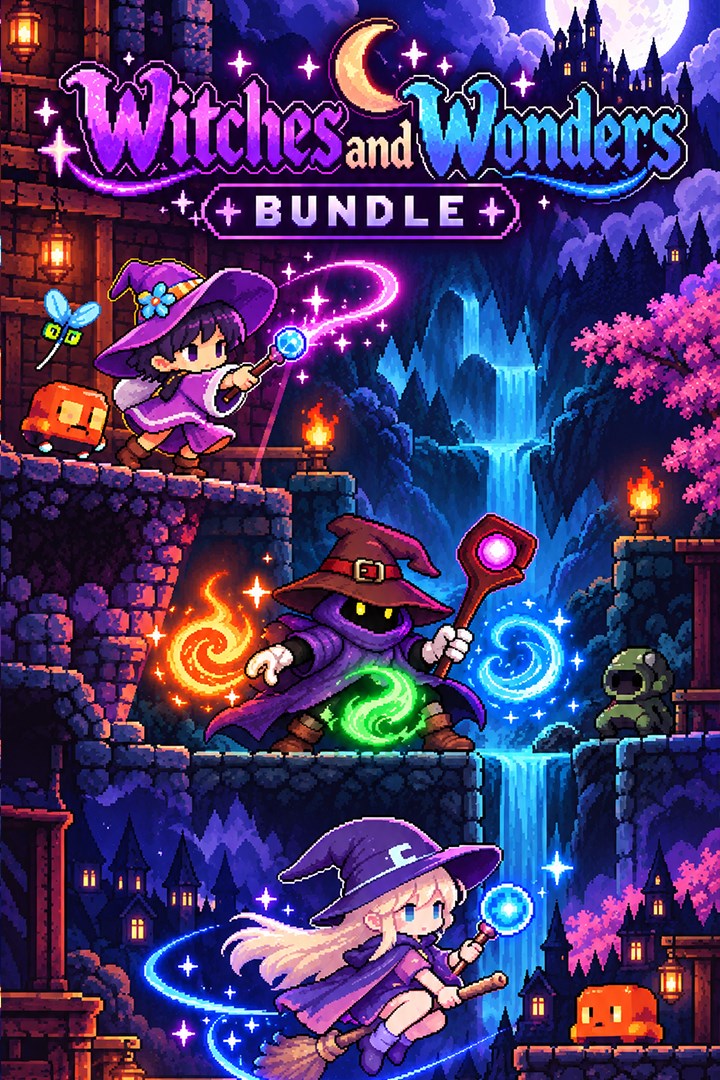
Witches and Wonders Bundle
Details
- Publisher
- Synnergy Circle Games
- Developer
- Synnergy Circle Games
- Release date
- 26.09.2026
- Age rating
- ESRB:E
- Localization
- English
Purchase options
Platform
Primary: our account is set as the home Xbox of your console ("My home Xbox"), so the game is shared with your own profile and works offline — that is one slot on one console. Secondary: you sign in to our account and launch the game from it, and the console has to stay online. The activation code is an extra option: it is redeemed on your own account, and the game stays there forever.
You install the game from our account and set our account as the home one ("My home Xbox"): after that you play from your own profile, and the progress and achievements stay yours. It works offline.
You sign in to our account and play right from it. A permanent internet connection is required and only the issued profile can be used. It costs less than the primary access.
A bonus way to buy: you get a 25-character code and redeem it on your own account. The game stays with you forever, no other profiles and no sign-in to a shared account.
What happens after payment
About the game
Three magical adventures come together in the Witches and Wonders Bundle from Synnergy Circle Games.
Game 1: Mystic Thief - Elemental Conquest
Enter a world where magic is power—and theft is your greatest weapon.
Play as Zevi, a mysterious hooded wizard with the rare ability to steal magical staffs and harness the spells of others. Venture into the ever-shifting Elemental Dungeon, a perilous maze known only to wizards, filled with ancient treasures, elemental foes, and forbidden sorcery.
Master every element. Conquer every chamber. Become the ultimate arcane master.
Game 2: Spellthief Erinn
Spellthief Erinn is a 2D puzzle platformer in which you explore a dungeon filled with ancient runes, secrets, and dangers while collecting as many magical spells as possible.
Erinn Moonbane is an elf witch with no natural talent for magic. Unable to cast even a simple fireball, she became the laughingstock of the witch community. But Erinn possesses a rare gift: she can analyze and modify magic circles, changing a spell before it is cast.
Obsessed with grimoires, magic scrolls, and enchanted relics, Erinn dreams of creating the Grimoire of Erinn—a collection of every spell ever devised. Her search leads her to a newly discovered arcane dungeon filled with hidden and forbidden magic.
Use Spellthief Magic to alter and seize control of other characters' spells, opening new paths, solving obstacles, and defeating enemies.
Game 3: Hexfire Witch
Hettie Rose, better known as the Hexfire Witch, owes the guild a huge debt after causing property damage and chaos across cities and public spaces. To repay it, she is sent into a monster-infested dungeon where her rapid-fire magic missiles may be the only way to survive.
Help the Hexfire Witch clear the dungeon, repay her debt, restore her name, and collect every coin and piece of loot along the way.
Screenshots
Click a frame to open it larger, use the arrows to browse
How to activate
Guide for Xbox One
Primary — the game is shared with your own profile
- 1Press the Xbox button, open "Profile & system" → "Add or switch" → "Add new" and sign in with the login and password from your order.
- 2Now open "Settings" → "General" → "Personalization" → "My home Xbox" and choose "Make this my home Xbox". This is what shares our games with every profile on your console.
- 3Switch back to your own profile, open "My games & apps" → "Library" and install the game. The internet is only needed for the download.
- 4Launch the game from your own profile: achievements, saves and progress stay yours, and after the installation the game works offline.
Only one console at a time can be the home Xbox for our account — that is the slot you bought. Please do not change the password, the email or the two-factor settings of the account, or the access will be blocked.
Secondary — you play from our account
- 1Press the Xbox button, open "Profile & system" → "Add or switch" → "Add new" and sign in with the login and password from your order.
- 2Open "My games & apps" → "Library", switch to our profile in the top-left corner and install the game.
- 3Launch the game while our profile stays signed in, and keep the console online: the licence is checked over the internet.
- 4Use your own profile for everything else — the game stays available as long as our account is signed in on this console.
Secondary costs less, but it needs a permanent internet connection and our account stays signed in on your console.
Activation code
- 1On the console open "Store" and go to the "Redeem code" section.
- 2Enter the 25-character code from your order and confirm the activation on your own account.
- 3After the activation the code is shown as "Used" — but you can reinstall the game from your library at any time.
Notes for Xbox One
Important
How to play online
Warranty and support
The warranty covers the whole period of use of the account. If the access stops working, we replace the account or refund your money.
- If the game stops launching, we replace the account or refund your money.
- Average support response time — 15–30 minutes during working hours.
- The warranty covers the whole rental period of the access.
Support
Telegram: @weskars
E-mail: support@gears.games
Working hours: daily 11:00 – 23:00 (UTC+3)
Every order goes through clear stages: "New" → "Awaiting payment" → "Paid" → "Delivered". You can follow the status in your account page.
Similar games
More games in the "Action & adventure" genre



