
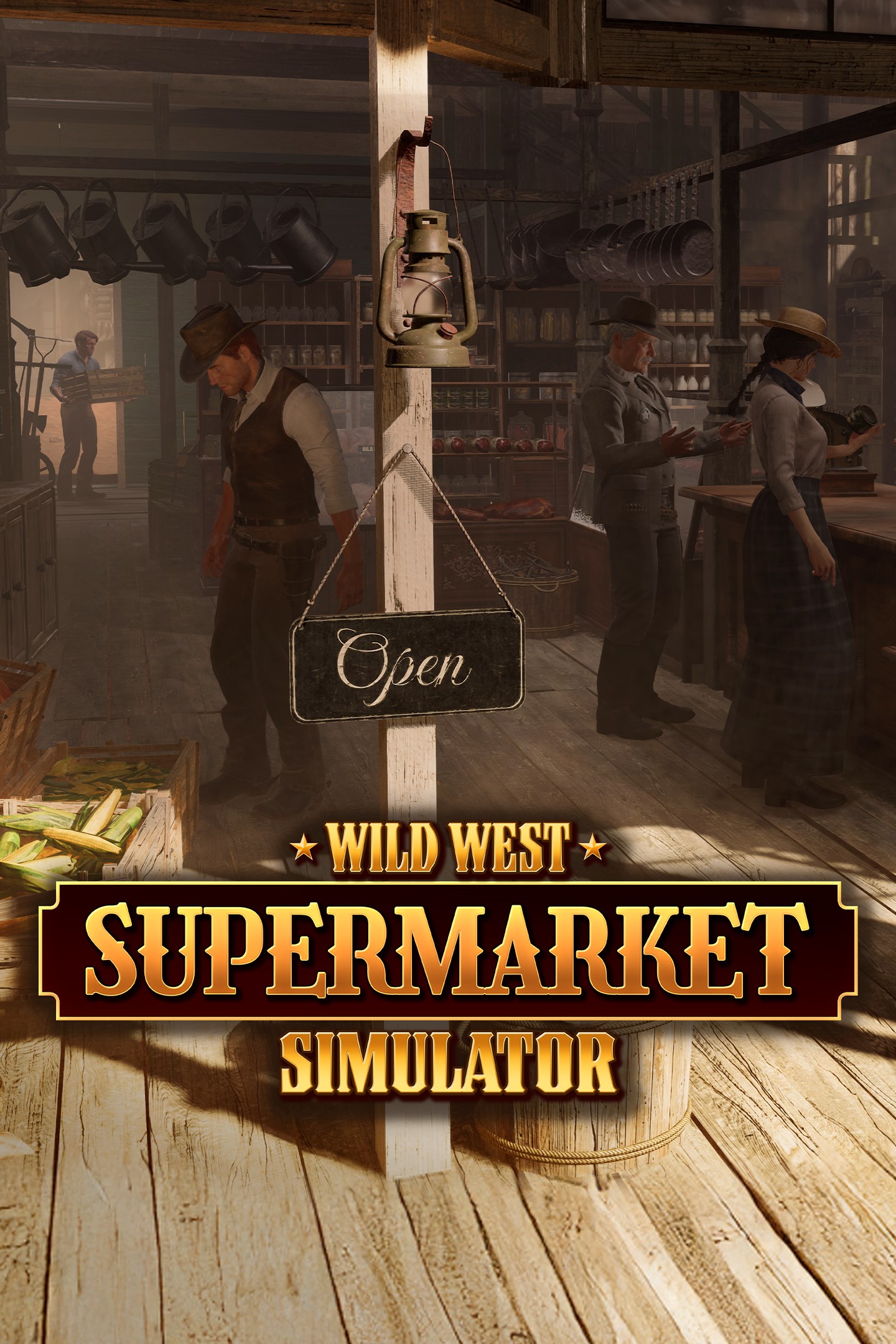
Wild West Supermarket Simulator
Details
- Publisher
- Toplitz Productions, SunDust
- Developer
- SunDust
- Release date
- 26.06.2026
- Age rating
- ESRB:E
- Localization
- English
Purchase options
Primary: our account is set as the home Xbox of your console ("My home Xbox"), so the game is shared with your own profile and works offline — that is one slot on one console. Secondary: you sign in to our account and launch the game from it, and the console has to stay online. The activation code is an extra option: it is redeemed on your own account, and the game stays there forever.
You install the game from our account and set our account as the home one ("My home Xbox"): after that you play from your own profile, and the progress and achievements stay yours. It works offline.
You sign in to our account and play right from it. A permanent internet connection is required and only the issued profile can be used. It costs less than the primary access.
A bonus way to buy: you get a 25-character code and redeem it on your own account. The game stays with you forever, no other profiles and no sign-in to a shared account.
What happens after payment
About the game
The Wild West during the prime of the Gold Rush. The year is 1850. It was an offer you couldn’t refuse: Take over a prosperous General Store on the main street of a thriving growing town. What they forgot to mention: The store is a mere shadow of its former self in the middle of a ghost town. After the Gold was gone, so were most of the people. But you want to live the American Dream. And no one can stop you.
Show your business acumen and iron will to make it to the top. Start stacking shelves, set prices in an ever changing business environment and take care of the supply of goods.
Make sure your customers’ evolving needs are satisfied and hire helpers so you can focus on optimizing your profits.
Did we mention that you can also show your skills as an interior designer when you paint and decorate not only your store but also your home overlooking the town from a hill?
Your Store, Your Choice
You have control over every store element from shelves to interior design. Optimize your displays, so your customers have a pleasant and wholesome shopping experience in your general store and find what they are looking for. A happy customer will be a returning customer. Can you bring back life to the deserted ghost town?
Manage your stock
Order your stock from over 70 goods from food items to weapons, tools and furniture. Barter with suppliers and wandering traders in an ever changing economic environment, where supply and demand is in constant flow. Adjust your prices to maximize the profits and react to changing markets and base prices. But don’t overdo it - a lost customer might never return.
Do-It-Yourself
Unpack goods, stack the shelves and organize your storage space. Work the cash register and make sure that the customer gets the best service possible. Or hire helpers to help with the daily business.
Expand your store
More is definitely more. Satisfied customers bring more business and a demand for more varied goods. So expand your property or build a second floor to display everything you have to offer. Who knows? Maybe you can take over a few of the other deserted shops in town and build a commercial district.
You’ll never know what’cha gonna get
Watch the town grow as your product variety increases and attracts more patrons. React to a multitude of events influencing your customers’ needs and shopping behavior.
Mini Games
Participate in fun mini-games like the Tomahawk Throwing Contest. Take on the leaderboards and unlock new licences for your shop.
Keep Your Poker Face
From time to time suppliers old and new might offer you a mystery box that can contain a wide variety of items or an extended amount of goods. The contents can bring a tremendous profit - if you are willing to take a risk.
Make yourself at home
You are not only responsible for the interior of the shop. Overlooking the town from a hill is your house, just waiting to be personalized and decorated.
Screenshots
Click a frame to open it larger, use the arrows to browse
How to activate
Guide for Xbox Series X|S
Primary — the game is shared with your own profile
- 1Press the Xbox button, open "Profile & system" → "Add or switch" → "Add new" and sign in with the login and password from your order.
- 2Now open "Settings" → "General" → "Personalization" → "My home Xbox" and choose "Make this my home Xbox". This is what shares our games with every profile on your console.
- 3Switch back to your own profile, open "My games & apps" → "Library" and install the game. The internet is only needed for the download.
- 4Launch the game from your own profile: achievements, saves and progress stay yours, and after the installation the game works offline.
Only one console at a time can be the home Xbox for our account — that is the slot you bought. Please do not change the password, the email or the two-factor settings of the account, or the access will be blocked.
Secondary — you play from our account
- 1Press the Xbox button, open "Profile & system" → "Add or switch" → "Add new" and sign in with the login and password from your order.
- 2Open "My games & apps" → "Library", switch to our profile in the top-left corner and install the game.
- 3Launch the game while our profile stays signed in, and keep the console online: the licence is checked over the internet.
- 4Use your own profile for everything else — the game stays available as long as our account is signed in on this console.
Secondary costs less, but it needs a permanent internet connection and our account stays signed in on your console.
Activation code
- 1On the console open "Store" and go to the "Redeem code" section.
- 2Enter the 25-character code from your order and confirm the activation on your own account.
- 3After the activation the code is shown as "Used" — but you can reinstall the game from your library at any time.
Notes for Xbox Series
Important
How to play online
Warranty and support
The warranty covers the whole period of use of the account. If the access stops working, we replace the account or refund your money.
- If the game stops launching, we replace the account or refund your money.
- Average support response time — 15–30 minutes during working hours.
- The warranty covers the whole rental period of the access.
Support
Telegram: @weskars
E-mail: support@gears.games
Working hours: Daily 11:00–23:00 (UTC+3)
Every order goes through clear stages: "New" → "Awaiting payment" → "Paid" → "Delivered". You can follow the status in your account page.
Similar games
More games in the "Simulation" genre



