
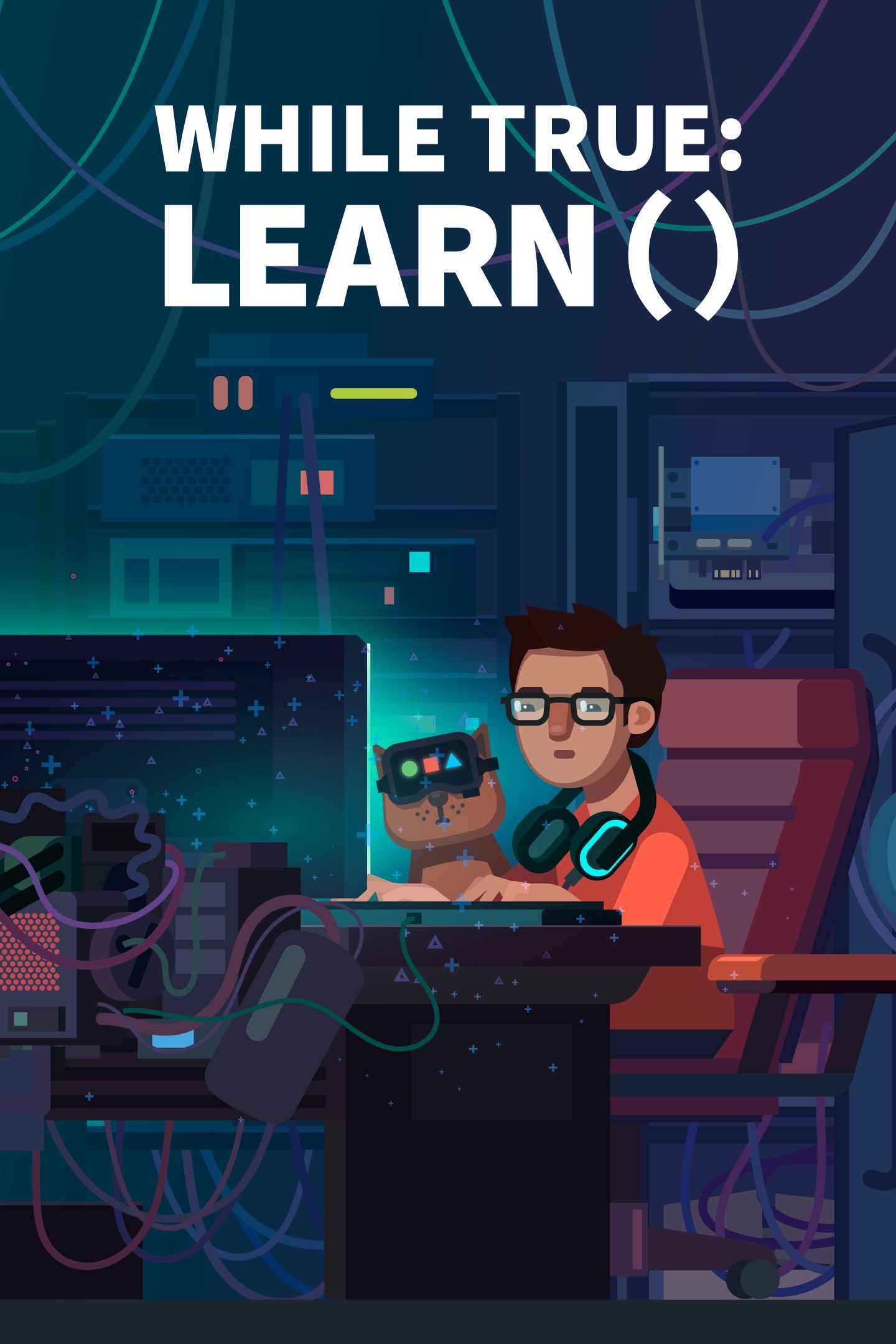
while True: learn()
Details
- Publisher
- Luden.io
- Developer
- Luden.io
- Release date
- 26.01.2024
- Age rating
- ESRB:E
- Localization
- English
Purchase options
Platform
Primary: our account is set as the home Xbox of your console ("My home Xbox"), so the game is shared with your own profile and works offline — that is one slot on one console. Secondary: you sign in to our account and launch the game from it, and the console has to stay online. The activation code is an extra option: it is redeemed on your own account, and the game stays there forever.
You install the game from our account and set our account as the home one ("My home Xbox"): after that you play from your own profile, and the progress and achievements stay yours. It works offline.
You sign in to our account and play right from it. A permanent internet connection is required and only the issued profile can be used. It costs less than the primary access.
A bonus way to buy: you get a 25-character code and redeem it on your own account. The game stays with you forever, no other profiles and no sign-in to a shared account.
What happens after payment
About the game
while True: learn() is a puzzle/simulation game about even more puzzling stuff: machine learning, neural networks, big data and AI. But most importantly, it’s about understanding your cat.
In this game, you play as a coder who accidentally found out that their cat is extremely good at coding, but not as good at speaking human language. Now this coder (it’s you!) must learn all there is to know about machine learning and use visual programming to build a cat-to-human speech recognition system.
This game fits best for...
- People who want to know more about how machine learning and related technologies work
- Parents and teachers who are looking for a fun and easy way to make an intro to logical thinking, programming, and technologies for kids
- Programmers who want to learn new concepts that they can apply to their own coding
- Those who want to play games and not feel guilty about ‘wasting their time’ (although we believe you shouldn’t feel guilty at all while playing games!)
- Players who like to keep their brains busy and working in different ways, while still having fun
- Gamers looking to improve their problem-solving skills and feel immense sense of satisfaction and achievement that comes along with it
- People who like smart cats
Learn how machine learning works in real life! The game is loosely based on real-life machine learning technologies: from goofy Expert Systems to mighty Recurrent Neural Networks, capable of predicting the future. Don’t worry: it all plays out as a puzzle game. No coding experience required!
Train yourself into a data science wizard! Drag objects around your screen with a mouse! Connect them with lines (oh yeah)! Try. Fail. Optimize. Try again. Then press “Release” button and see that sweet pieces of data flow smoothly through your screen.
Embrace an adventurous lifestyle of a machine learning specialist! Designing a groundbreaking technology requires time, experience and money. That means you’ll have to work as a freelancer, with all the excitement that comes along with it. Receive emails! Accept contracts! Sit alone in a dark room for days without saying a single word! Socialize on forums! That’s what real data scientists do!
Coding just got real! Our quests are based on actual problems, solved by machine learning. This includes building a self-driving car (with your cat as a pilot). And if you really want to test your programming might, you can become a CTO of a startup: it’s your skills and your schemes against the savage laws of the market! Earn a fortune, flip off your bosses and become a tech guru… Or lose everything and crawl back to the doorstep of HR department: at least it was worth trying, right?
Improve your gear, improve your life! Once you ensure a stable cashflow, you’ll be able to buy yourself a bunch of fancy hardware to improve your performance. But it’s not just about the hardware! Buy yourself a new smartphone or a geeky figurine! Buy fancy outfits for your cat! Hell, you can even buy yourself an aloe!
Fun fact: this is what machine learning specialists actually do. Now, you can become one of them (minus the money)! while True: learn() is the best game about being a data science specialist because no one else has been weird enough to make another one!"
Screenshots
Click a frame to open it larger, use the arrows to browse
How to activate
Guide for Xbox One
Primary — the game is shared with your own profile
- 1Press the Xbox button, open "Profile & system" → "Add or switch" → "Add new" and sign in with the login and password from your order.
- 2Now open "Settings" → "General" → "Personalization" → "My home Xbox" and choose "Make this my home Xbox". This is what shares our games with every profile on your console.
- 3Switch back to your own profile, open "My games & apps" → "Library" and install the game. The internet is only needed for the download.
- 4Launch the game from your own profile: achievements, saves and progress stay yours, and after the installation the game works offline.
Only one console at a time can be the home Xbox for our account — that is the slot you bought. Please do not change the password, the email or the two-factor settings of the account, or the access will be blocked.
Secondary — you play from our account
- 1Press the Xbox button, open "Profile & system" → "Add or switch" → "Add new" and sign in with the login and password from your order.
- 2Open "My games & apps" → "Library", switch to our profile in the top-left corner and install the game.
- 3Launch the game while our profile stays signed in, and keep the console online: the licence is checked over the internet.
- 4Use your own profile for everything else — the game stays available as long as our account is signed in on this console.
Secondary costs less, but it needs a permanent internet connection and our account stays signed in on your console.
Activation code
- 1On the console open "Store" and go to the "Redeem code" section.
- 2Enter the 25-character code from your order and confirm the activation on your own account.
- 3After the activation the code is shown as "Used" — but you can reinstall the game from your library at any time.
Notes for Xbox One
Important
How to play online
Warranty and support
The warranty covers the whole period of use of the account. If the access stops working, we replace the account or refund your money.
- If the game stops launching, we replace the account or refund your money.
- Average support response time — 15–30 minutes during working hours.
- The warranty covers the whole rental period of the access.
Support
Telegram: @weskars
E-mail: support@gears.games
Working hours: daily 11:00 – 23:00 (UTC+3)
Every order goes through clear stages: "New" → "Awaiting payment" → "Paid" → "Delivered". You can follow the status in your account page.
Similar games
More games in the "Simulation" genre



