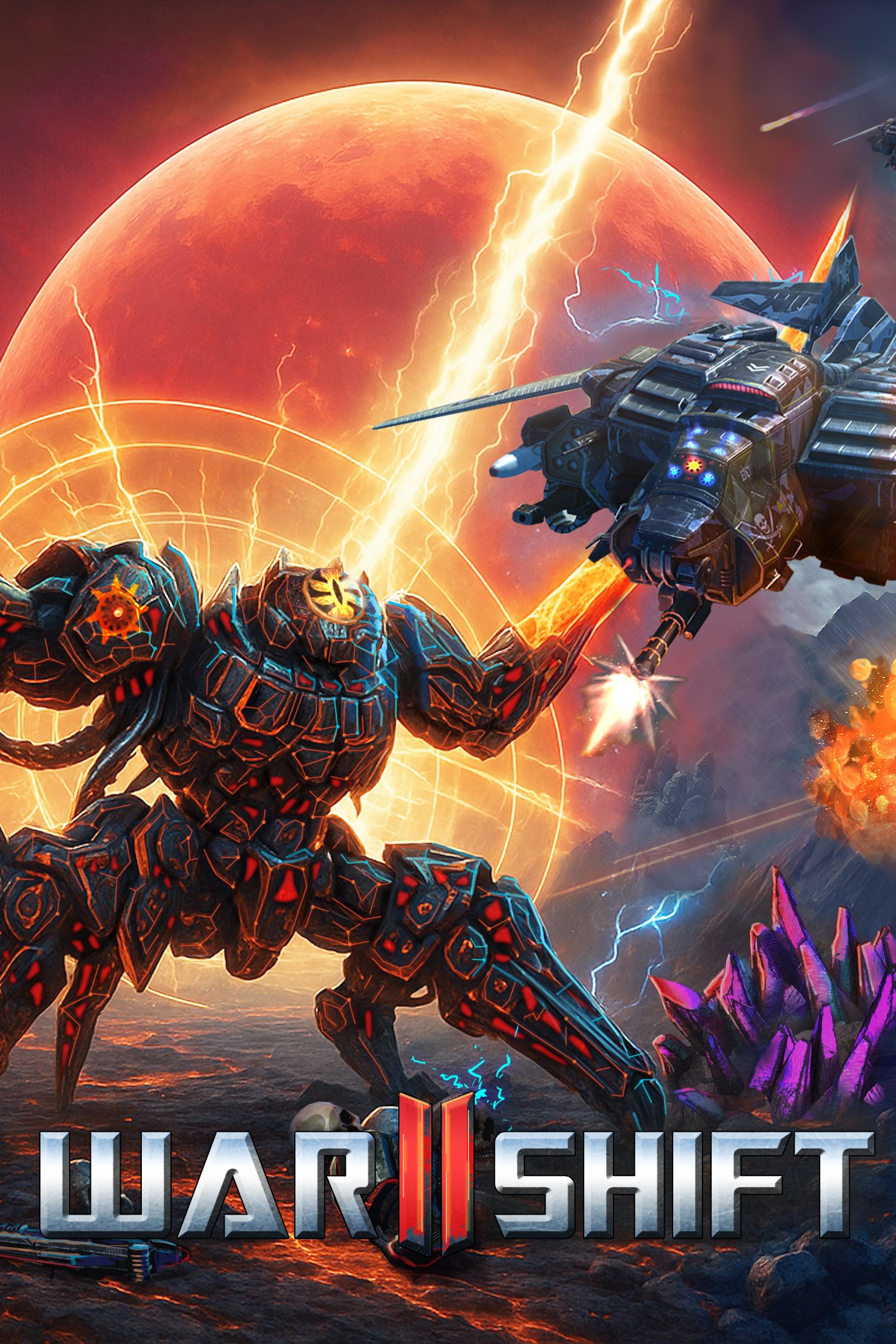
Warshift 2: Machines of Madness
Details
- Publisher
- FORTELL GAMES
- Developer
- Cyril Megem
- Release date
- 29.08.2026
- Age rating
- ESRB:T
- Localization
- English
Purchase options
Primary: our account is set as the home Xbox of your console ("My home Xbox"), so the game is shared with your own profile and works offline — that is one slot on one console. Secondary: you sign in to our account and launch the game from it, and the console has to stay online. The activation code is an extra option: it is redeemed on your own account, and the game stays there forever.
You install the game from our account and set our account as the home one ("My home Xbox"): after that you play from your own profile, and the progress and achievements stay yours. It works offline.
You sign in to our account and play right from it. A permanent internet connection is required and only the issued profile can be used. It costs less than the primary access.
A bonus way to buy: you get a 25-character code and redeem it on your own account. The game stays with you forever, no other profiles and no sign-in to a shared account.
What happens after payment
About the game
Warshift 2: Machines of Madness is a unique mix of Strategy, Action, and RPG gameplay elements. You can build a base, manage troops, mechs, battleships, and carriers, and then come down to keep your enemy at gunpoint in the dynamic battle and customize your Heroes (combat avatars).
HYBRID ACTION-RTS GAMEPLAY
Toggle between Third Person Action and Strategy modes in real time on the battlefield
Real-Time Strategy gameplay: manage troops, aircraft carriers, and battleships
Dynamic battles: army vs against hordes of machines
HEAVY UNITS TACTICS
Create and command your army, buildings, and defensive towers
Economic component: extraction of resources and creating energy is critical for success
Tactic component: manage heavy units, aircraft carriers and flying battleships for massive destruction
Order orbital mass destruction weapons
CUSTOMIZATION
Customize, upgrade, and evolve systems for the Heroes
Dozens of weapons and upgrades for each Hero
Each hero has a unique super-ability and their own weapons
New type of Addons for Heroes: supports drones/turrets
ENVIRONMENTS
Terrain, Air, Water, Volcanic, Underwater, and Outer Space environments
Single player campaigns including interactive training missions
Custom skirmishes vs AI - infinite combinations and replayability
THE STORY
In the near future, humanity faces an aggressive biomechanical civilization determined to consume all forms of life. Frontier planets turn into battlegrounds where war cyborgs, heavy machinery, and bio-engineered beasts clash for every meter of territory.
Players take the role of commanders who can both lead armies from above and personally enter the fight by controlling hero units in real time. Your mission is to hold the invasion, build your defenses, and turn the tide of the conflict across large-scale ground and space operations. Worlds fall. Armies evolve. The future is in your hands!
Screenshots
Click a frame to open it larger, use the arrows to browse
How to activate
Guide for Xbox Series X|S
Primary — the game is shared with your own profile
- 1Press the Xbox button, open "Profile & system" → "Add or switch" → "Add new" and sign in with the login and password from your order.
- 2Now open "Settings" → "General" → "Personalization" → "My home Xbox" and choose "Make this my home Xbox". This is what shares our games with every profile on your console.
- 3Switch back to your own profile, open "My games & apps" → "Library" and install the game. The internet is only needed for the download.
- 4Launch the game from your own profile: achievements, saves and progress stay yours, and after the installation the game works offline.
Only one console at a time can be the home Xbox for our account — that is the slot you bought. Please do not change the password, the email or the two-factor settings of the account, or the access will be blocked.
Secondary — you play from our account
- 1Press the Xbox button, open "Profile & system" → "Add or switch" → "Add new" and sign in with the login and password from your order.
- 2Open "My games & apps" → "Library", switch to our profile in the top-left corner and install the game.
- 3Launch the game while our profile stays signed in, and keep the console online: the licence is checked over the internet.
- 4Use your own profile for everything else — the game stays available as long as our account is signed in on this console.
Secondary costs less, but it needs a permanent internet connection and our account stays signed in on your console.
Activation code
- 1On the console open "Store" and go to the "Redeem code" section.
- 2Enter the 25-character code from your order and confirm the activation on your own account.
- 3After the activation the code is shown as "Used" — but you can reinstall the game from your library at any time.
Notes for Xbox Series
Important
How to play online
Warranty and support
The warranty covers the whole period of use of the account. If the access stops working, we replace the account or refund your money.
- If the game stops launching, we replace the account or refund your money.
- Average support response time — 15–30 minutes during working hours.
- The warranty covers the whole rental period of the access.
Support
Telegram: @weskars
E-mail: support@gears.games
Working hours: daily 11:00 – 23:00 (UTC+3)
Every order goes through clear stages: "New" → "Awaiting payment" → "Paid" → "Delivered". You can follow the status in your account page.
Similar games
More games in the "Strategy" genre