
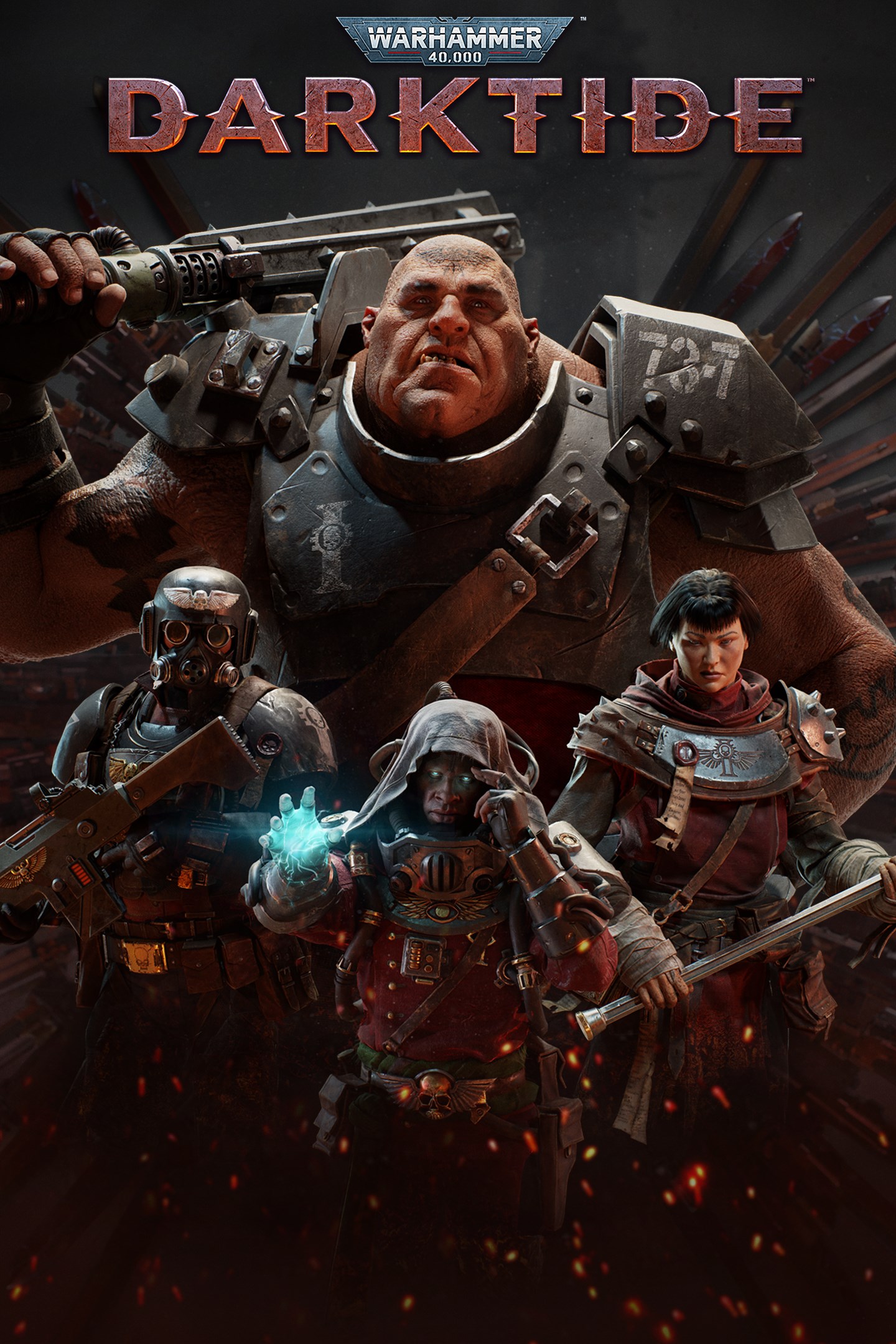
Warhammer 40,000: Darktide
Details
- Publisher
- Fatshark
- Developer
- Fatshark
- Release date
- 04.10.2023
- Age rating
- ESRB:M
- Localization
- English
Purchase options
Primary: our account is set as the home Xbox of your console ("My home Xbox"), so the game is shared with your own profile and works offline — that is one slot on one console. Secondary: you sign in to our account and launch the game from it, and the console has to stay online. The activation code is an extra option: it is redeemed on your own account, and the game stays there forever.
You install the game from our account and set our account as the home one ("My home Xbox"): after that you play from your own profile, and the progress and achievements stay yours. It works offline.
You sign in to our account and play right from it. A permanent internet connection is required and only the issued profile can be used. It costs less than the primary access.
A bonus way to buy: you get a 25-character code and redeem it on your own account. The game stays with you forever, no other profiles and no sign-in to a shared account.
What happens after payment
About the game
Take back the city of Tertium from hordes of bloodthirsty foes in this intense and brutal action shooter. Warhammer 40,000: Darktide is the new co-op focused experience from the award-winning team behind the Vermintide series.
In the depths of the hive, the seeds of corruption threaten to turn into an overwhelming tide of darkness. A mysterious and sinister new force is seeking to take control of the entire city. It is up to you and your allies in the Inquisition to root out the enemy before the city succumbs to Chaos.
As Tertium falls, Rejects Will Rise.
Your Character, Your Playstyle
Create your own, unique character and customize their physical appearance, voice, and origin. Choose your class to determine which unique traits and skill sets they will make use of in battle. Will you be a seasoned veteran of the Imperial army, a snarky outsider, or a fiery zealot? The choice is yours.
Combat Evolved
Built on the legacy of Vermintide 2’s best-in-class melee combat, Warhammer 40,000: Darktide introduces intense WH40K gunplay to the mix. Master the balance between ranged and melee combat as you fight through a slew of enemies. Feel the impact of each swipe, swing, and slice of a chainsword, or fry some flesh with a lasgun.
Save Tertium From Ruin
Step into the violent, dystopian world of Warhammer 40,000. From boiling hot industrial factories to the decaying water maintenance zone afflicted by constant acid rainfall - Tertium Hive is a hard and unforgiving place even at the best of times. Your role is to serve the zealous Inquisition by embarking on missions to exterminate the threats lurking in the depths of the hive city, or die trying.
Overcome Unpredictable Challenges
Adapt to the erratic whims of Chaos with circumstances - mutators that add a spontaneous challenge to your mission. Your team must learn to adjust, adopt new tactics and change up their loadouts to face these ruthless challenges.
Screenshots
Click a frame to open it larger, use the arrows to browse
How to activate
Guide for Xbox Series X|S
Primary — the game is shared with your own profile
- 1Press the Xbox button, open "Profile & system" → "Add or switch" → "Add new" and sign in with the login and password from your order.
- 2Now open "Settings" → "General" → "Personalization" → "My home Xbox" and choose "Make this my home Xbox". This is what shares our games with every profile on your console.
- 3Switch back to your own profile, open "My games & apps" → "Library" and install the game. The internet is only needed for the download.
- 4Launch the game from your own profile: achievements, saves and progress stay yours, and after the installation the game works offline.
Only one console at a time can be the home Xbox for our account — that is the slot you bought. Please do not change the password, the email or the two-factor settings of the account, or the access will be blocked.
Secondary — you play from our account
- 1Press the Xbox button, open "Profile & system" → "Add or switch" → "Add new" and sign in with the login and password from your order.
- 2Open "My games & apps" → "Library", switch to our profile in the top-left corner and install the game.
- 3Launch the game while our profile stays signed in, and keep the console online: the licence is checked over the internet.
- 4Use your own profile for everything else — the game stays available as long as our account is signed in on this console.
Secondary costs less, but it needs a permanent internet connection and our account stays signed in on your console.
Activation code
- 1On the console open "Store" and go to the "Redeem code" section.
- 2Enter the 25-character code from your order and confirm the activation on your own account.
- 3After the activation the code is shown as "Used" — but you can reinstall the game from your library at any time.
Notes for Xbox Series
Important
How to play online
Warranty and support
The warranty covers the whole period of use of the account. If the access stops working, we replace the account or refund your money.
- If the game stops launching, we replace the account or refund your money.
- Average support response time — 15–30 minutes during working hours.
- The warranty covers the whole rental period of the access.
Support
Telegram: @weskars
E-mail: support@gears.games
Working hours: daily 11:00 – 23:00 (UTC+3)
Every order goes through clear stages: "New" → "Awaiting payment" → "Paid" → "Delivered". You can follow the status in your account page.
Similar games
More games in the "Action & adventure" genre



