
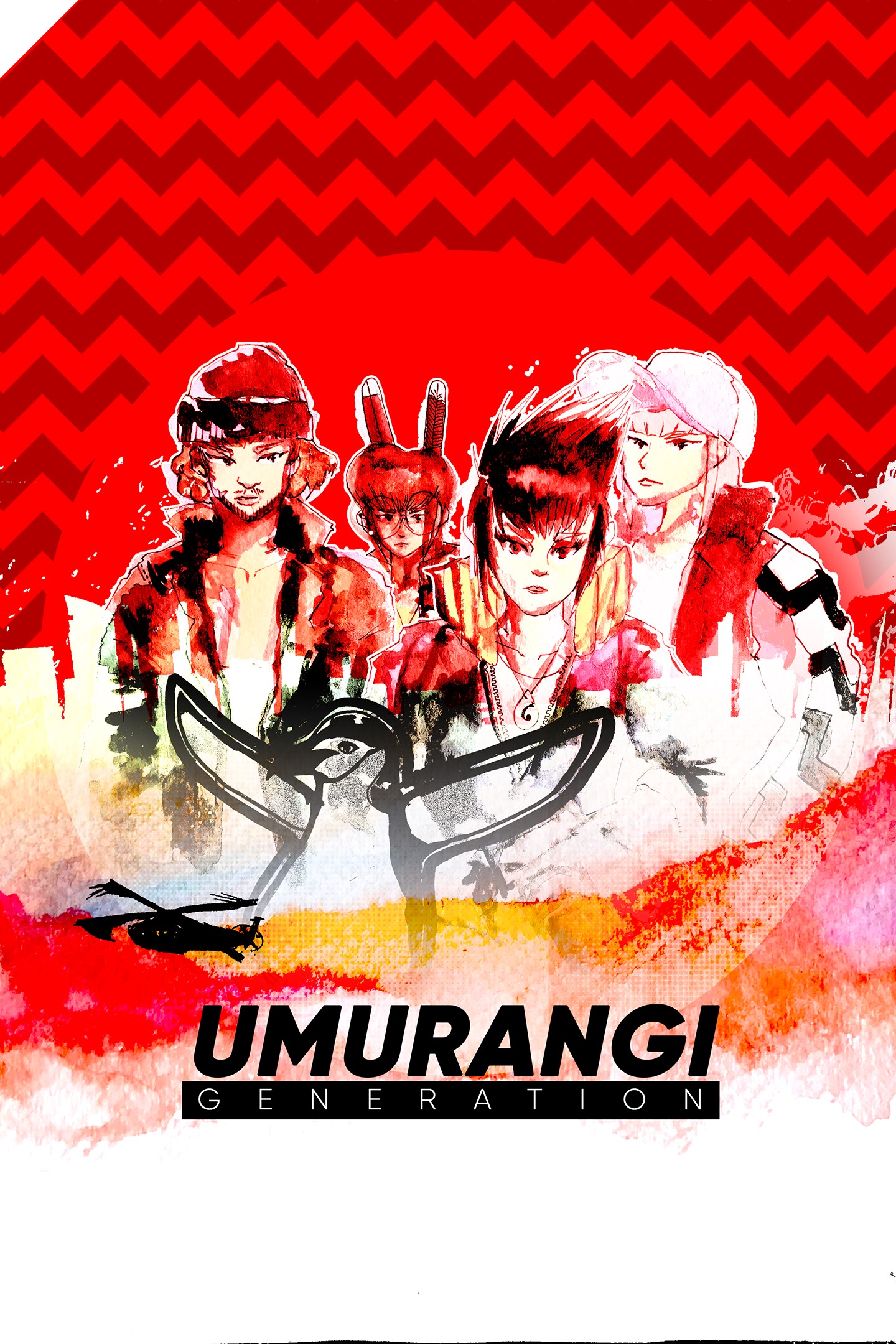
Umurangi Generation Special Edition
Details
- Publisher
- PLAYISM
- Developer
- ORIGAME DIGITAL
- Release date
- 17.05.2022
- Age rating
- ESRB:M
- Localization
- English
Purchase options
Platform
Primary: our account is set as the home Xbox of your console ("My home Xbox"), so the game is shared with your own profile and works offline — that is one slot on one console. Secondary: you sign in to our account and launch the game from it, and the console has to stay online. The activation code is an extra option: it is redeemed on your own account, and the game stays there forever.
You install the game from our account and set our account as the home one ("My home Xbox"): after that you play from your own profile, and the progress and achievements stay yours. It works offline.
You sign in to our account and play right from it. A permanent internet connection is required and only the issued profile can be used. It costs less than the primary access.
A bonus way to buy: you get a 25-character code and redeem it on your own account. The game stays with you forever, no other profiles and no sign-in to a shared account.
What happens after payment
About the game
Umurangi Generation is a first-person photography game set in the retro future.
Set in Tauranga, Aotearoa off the back of an impending crisis, major cities are walled off, with the United Nations deploying the military and towering mecha to defend against an alien invasion.
From fighter jets beaming overhead, the sound of constant gunfire and wounded soldiers to the advertising boards in-game, everything you see provides more context to the daily lives of those in Tauranga.
Despite all of that, life goes on... People go to work, party to escape reality, complain about the government and the inequalities between the poor and the rich...
As a courier for the Tauranga Express, you get to travel around Tauranga taking pictures and documenting the world and its reality through the lenses of your camera. Throughout the game, you will unlock a variety of lenses and equipment.
*This version contains both the full PC version, its DLCs, as well as some additional modes.
▼ Unique and expressive grading system
Each photo you take is judged on its color, content and composition. Taking a photo will net you a cash score, which will go towards your final payout. Complete Photo Bounties any way you like. Once you've completed these bounties, deliver the parcel to finish the level.
▼ Exploration bonuses on each level
New equipment for your camera is unlocked by finding film canisters, recreating postcards, fulfilling timed deliveries, and finding a way to fit all of your friends in one photo.
▼ Full creative control
Edit your photos and develop your unique color grade. The tools in the game are flexible enough that you can touch up your photos to look better than when you took them. If you are an experienced photographer, you’ll fit right in. If this is your first time, you’ll be on your journey in no time.
▼ Speed run and creative modes
The game offers replayability through two special play modes. The speed run mode tests your gaming skills and is perfect for those up for a challenge. The creative mode, on the other hand, gives you full control over the creative side to achieve that perfect snap, sure to satisfy those of you avid photographers out there.
▼ What is an 'Umurangi'?
Umurangi is the Te Reo word for Red Sky.
Screenshots
Click a frame to open it larger, use the arrows to browse
How to activate
Guide for Xbox One
Primary — the game is shared with your own profile
- 1Press the Xbox button, open "Profile & system" → "Add or switch" → "Add new" and sign in with the login and password from your order.
- 2Now open "Settings" → "General" → "Personalization" → "My home Xbox" and choose "Make this my home Xbox". This is what shares our games with every profile on your console.
- 3Switch back to your own profile, open "My games & apps" → "Library" and install the game. The internet is only needed for the download.
- 4Launch the game from your own profile: achievements, saves and progress stay yours, and after the installation the game works offline.
Only one console at a time can be the home Xbox for our account — that is the slot you bought. Please do not change the password, the email or the two-factor settings of the account, or the access will be blocked.
Secondary — you play from our account
- 1Press the Xbox button, open "Profile & system" → "Add or switch" → "Add new" and sign in with the login and password from your order.
- 2Open "My games & apps" → "Library", switch to our profile in the top-left corner and install the game.
- 3Launch the game while our profile stays signed in, and keep the console online: the licence is checked over the internet.
- 4Use your own profile for everything else — the game stays available as long as our account is signed in on this console.
Secondary costs less, but it needs a permanent internet connection and our account stays signed in on your console.
Activation code
- 1On the console open "Store" and go to the "Redeem code" section.
- 2Enter the 25-character code from your order and confirm the activation on your own account.
- 3After the activation the code is shown as "Used" — but you can reinstall the game from your library at any time.
Notes for Xbox One
Important
How to play online
Warranty and support
The warranty covers the whole period of use of the account. If the access stops working, we replace the account or refund your money.
- If the game stops launching, we replace the account or refund your money.
- Average support response time — 15–30 minutes during working hours.
- The warranty covers the whole rental period of the access.
Support
Telegram: @weskars
E-mail: support@gears.games
Working hours: daily 11:00 – 23:00 (UTC+3)
Every order goes through clear stages: "New" → "Awaiting payment" → "Paid" → "Delivered". You can follow the status in your account page.
Similar games
More games in the "Simulation" genre



