
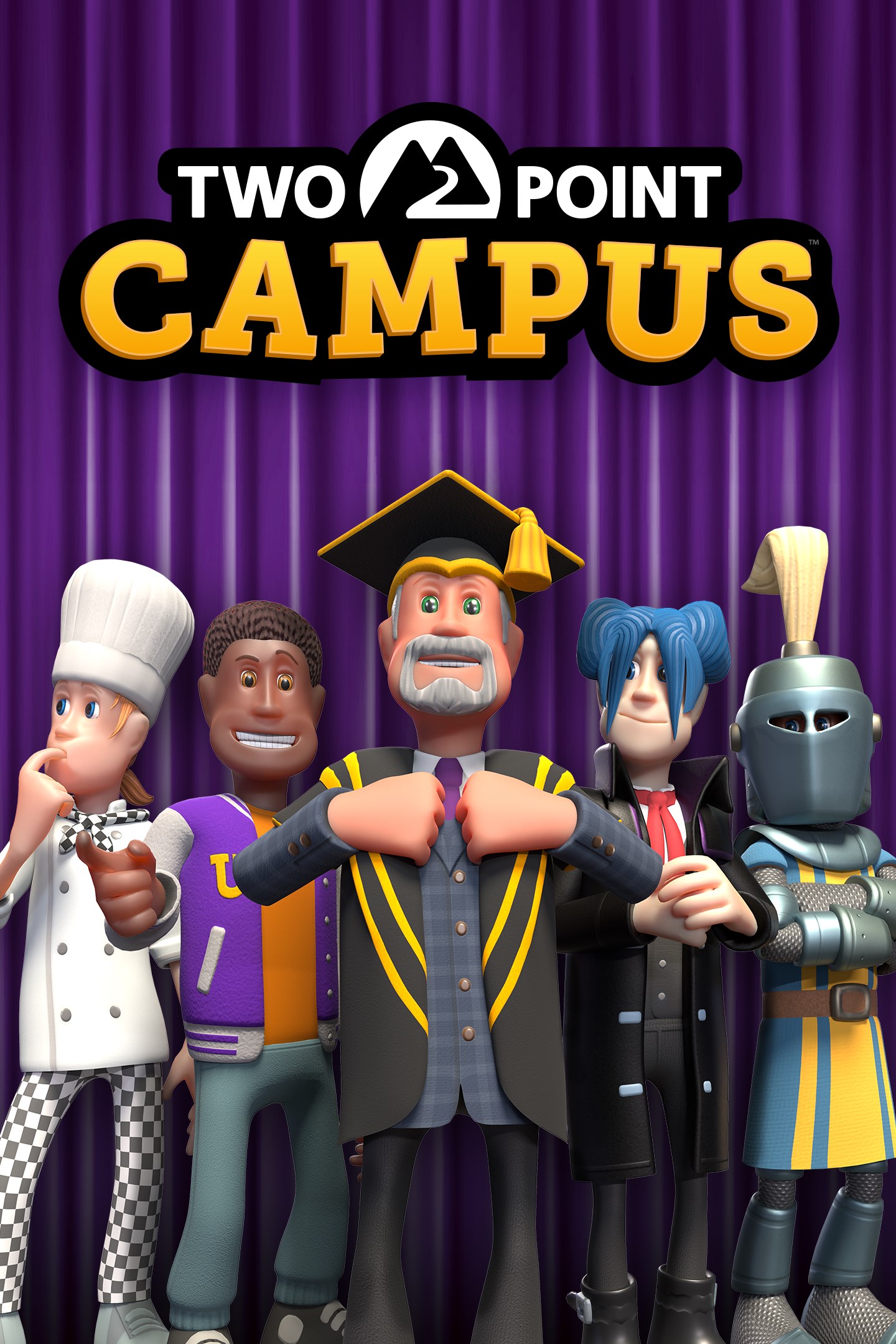
Two Point Campus
Details
- Publisher
- SEGA Europe Ltd
- Developer
- Two Point Studios
- Release date
- 09.08.2022
- Age rating
- ESRB:T
- Localization
- English
- Metascore
- 83 / 100
Source: Steam
Purchase options
Platform
Primary: our account is set as the home Xbox of your console ("My home Xbox"), so the game is shared with your own profile and works offline — that is one slot on one console. Secondary: you sign in to our account and launch the game from it, and the console has to stay online. The activation code is an extra option: it is redeemed on your own account, and the game stays there forever.
You install the game from our account and set our account as the home one ("My home Xbox"): after that you play from your own profile, and the progress and achievements stay yours. It works offline.
You sign in to our account and play right from it. A permanent internet connection is required and only the issued profile can be used. It costs less than the primary access.
A bonus way to buy: you get a 25-character code and redeem it on your own account. The game stays with you forever, no other profiles and no sign-in to a shared account.
What happens after payment
About the game
Take your simulation management experience to a class above with Two Point Campus, the sequel to the multi-million selling Two Point Hospital. Build your university, your way! It’s time to spin academia on its head! Got a yearning for learning? Or just keen to build an educational masterpiece? Two Point Campus is jam-packed with new creative tools to help you build the university of your dreams. For the first time, build on the outside as you develop a blank canvas of greenery into your own delightfully educational campus environment, housing the top teaching facilities in the land. Lay down pathways with new easy-to-use tools. Plant glorious collections of outdoor flora. Place benches and tennis courts. Build a Cheeseball arena, complete with stands. The only limit is your imagination (and your in-game bank balance). Not the usual fare But, of course, it wouldn’t be a Two Point game without a twist. Rather than typical academic fare, students in Two Point County enjoy a range of wild and wonderful courses: from Knight School (hey, we all have to learn jousting at some point in our lives), to the salivatory Gastronomy, where your students will build mouth-watering concoctions like giant pizzas and enormous pies. The academic year… is here! Take advantage of the opportunity to spend way more time with the little people in your university. The academic year begins with a summer break, giving you enough time to get everything looking great before your students move in. Build libraries, hire the best staff, kit your campus out with the best courses and watch the academic potential of your students get unlocked! Shaping the students of the future. But it’s not just work hard. Oh, no. It’s play hard, too. For your university students aren’t all bookish 24/7. You’ll need to keep an eye on their happiness and make sure they’re getting enough entertainment, pastoral care and general joie de vivre to develop into incredible individuals who will do the legacy of your university proud. Keep it classy!
Microsoft no longer supports Windows 10 or older versions
Screenshots
Click a frame to open it larger, use the arrows to browse
How to activate
Guide for Xbox One
Primary — the game is shared with your own profile
- 1Press the Xbox button, open "Profile & system" → "Add or switch" → "Add new" and sign in with the login and password from your order.
- 2Now open "Settings" → "General" → "Personalization" → "My home Xbox" and choose "Make this my home Xbox". This is what shares our games with every profile on your console.
- 3Switch back to your own profile, open "My games & apps" → "Library" and install the game. The internet is only needed for the download.
- 4Launch the game from your own profile: achievements, saves and progress stay yours, and after the installation the game works offline.
Only one console at a time can be the home Xbox for our account — that is the slot you bought. Please do not change the password, the email or the two-factor settings of the account, or the access will be blocked.
Secondary — you play from our account
- 1Press the Xbox button, open "Profile & system" → "Add or switch" → "Add new" and sign in with the login and password from your order.
- 2Open "My games & apps" → "Library", switch to our profile in the top-left corner and install the game.
- 3Launch the game while our profile stays signed in, and keep the console online: the licence is checked over the internet.
- 4Use your own profile for everything else — the game stays available as long as our account is signed in on this console.
Secondary costs less, but it needs a permanent internet connection and our account stays signed in on your console.
Activation code
- 1On the console open "Store" and go to the "Redeem code" section.
- 2Enter the 25-character code from your order and confirm the activation on your own account.
- 3After the activation the code is shown as "Used" — but you can reinstall the game from your library at any time.
Notes for Xbox One
Important
How to play online
Warranty and support
The warranty covers the whole period of use of the account. If the access stops working, we replace the account or refund your money.
- If the game stops launching, we replace the account or refund your money.
- Average support response time — 15–30 minutes during working hours.
- The warranty covers the whole rental period of the access.
Support
Telegram: @weskars
E-mail: support@gears.games
Working hours: daily 11:00 – 23:00 (UTC+3)
Every order goes through clear stages: "New" → "Awaiting payment" → "Paid" → "Delivered". You can follow the status in your account page.
Similar games
More games in the "Simulation" genre



