
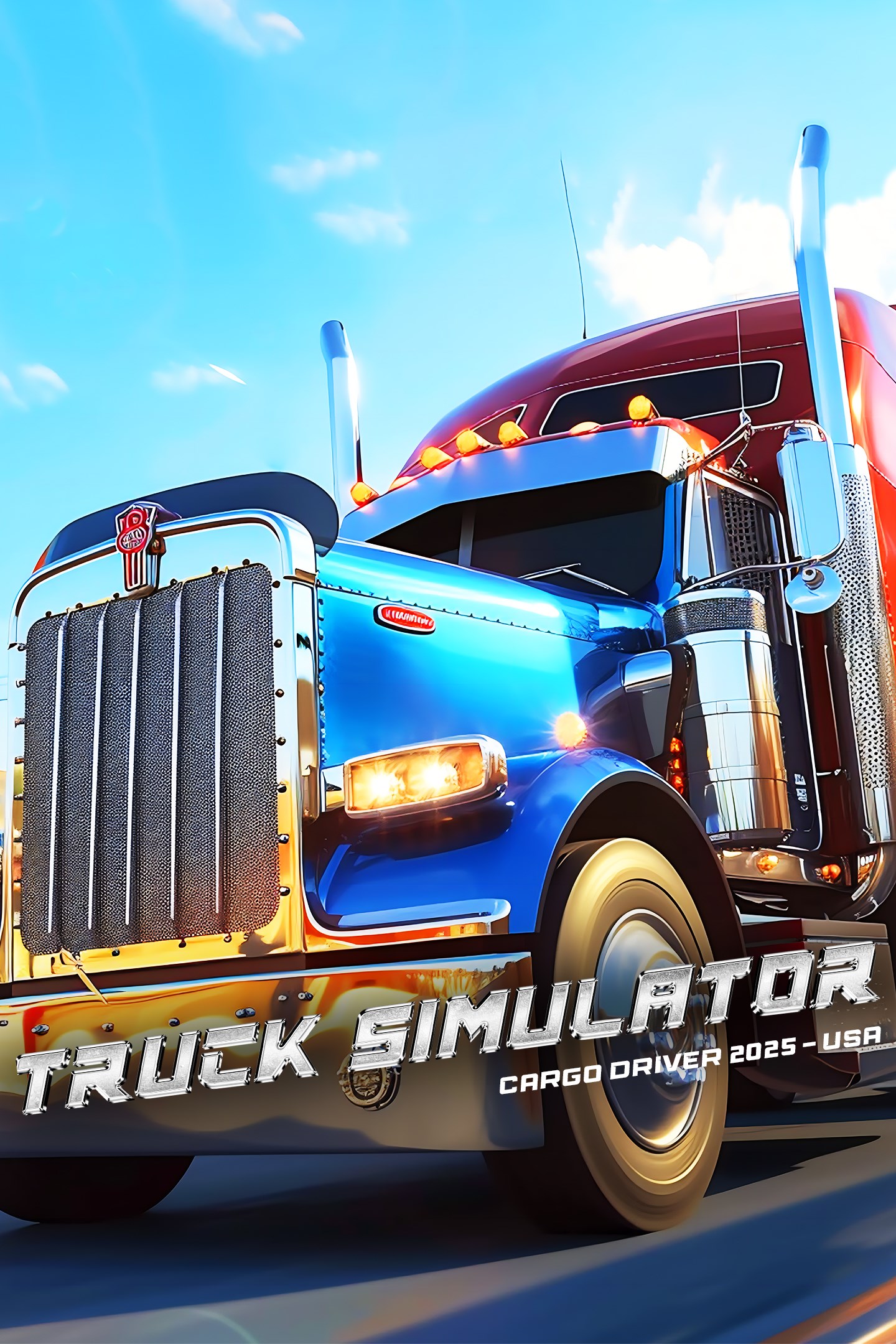
Truck Simulator Cargo Driver 2025 - USA
Details
- Publisher
- GOGAME CONSOLE PUBLISHER
- Developer
- GOGAME CONSOLE PUBLISHER
- Release date
- 08.05.2025
- Age rating
- ESRB:E
- Localization
- English
Purchase options
Primary: our account is set as the home Xbox of your console ("My home Xbox"), so the game is shared with your own profile and works offline — that is one slot on one console. Secondary: you sign in to our account and launch the game from it, and the console has to stay online. The activation code is an extra option: it is redeemed on your own account, and the game stays there forever.
You install the game from our account and set our account as the home one ("My home Xbox"): after that you play from your own profile, and the progress and achievements stay yours. It works offline.
You sign in to our account and play right from it. A permanent internet connection is required and only the issued profile can be used. It costs less than the primary access.
A bonus way to buy: you get a 25-character code and redeem it on your own account. The game stays with you forever, no other profiles and no sign-in to a shared account.
What happens after payment
About the game
Truck Simulator Cargo Driver 2025 - USA invites you to fire up your engines and embark on an authentic adventure across America’s vast roads!
In this game, you'll have the chance to experience the thrill and challenge of being a truck driver. You'll take on missions that involve transporting different types of cargo, ensuring that you reach your destination on time and with minimal damage to your truck.
But that's not all - as a truck driver, you'll also need to take care of your basic needs like eating, refuelling, and getting enough sleep. Failing to do so can have serious consequences on your performance and the safety of your cargo.
To make your journey even more exciting, you'll have the option to upgrade your truck and buy other trucks to expand your fleet. Choose from a variety of customisation options to make your truck truly unique and tailor it to your personal preferences.
Explore different locations, from bustling cities to scenic highways, each with its own unique challenges and rewards. Take on challenging routes, navigate through tough terrain, and overcome obstacles on your way to becoming the best truck driver in the game.
With realistic graphics and immersive gameplay, this truck simulator game is sure to keep you hooked for hours on end. So what are you waiting for? Get ready to hit the road and start your journey towards becoming the ultimate truck driver today!
Screenshots
Click a frame to open it larger, use the arrows to browse
How to activate
Guide for Xbox Series X|S
Primary — the game is shared with your own profile
- 1Press the Xbox button, open "Profile & system" → "Add or switch" → "Add new" and sign in with the login and password from your order.
- 2Now open "Settings" → "General" → "Personalization" → "My home Xbox" and choose "Make this my home Xbox". This is what shares our games with every profile on your console.
- 3Switch back to your own profile, open "My games & apps" → "Library" and install the game. The internet is only needed for the download.
- 4Launch the game from your own profile: achievements, saves and progress stay yours, and after the installation the game works offline.
Only one console at a time can be the home Xbox for our account — that is the slot you bought. Please do not change the password, the email or the two-factor settings of the account, or the access will be blocked.
Secondary — you play from our account
- 1Press the Xbox button, open "Profile & system" → "Add or switch" → "Add new" and sign in with the login and password from your order.
- 2Open "My games & apps" → "Library", switch to our profile in the top-left corner and install the game.
- 3Launch the game while our profile stays signed in, and keep the console online: the licence is checked over the internet.
- 4Use your own profile for everything else — the game stays available as long as our account is signed in on this console.
Secondary costs less, but it needs a permanent internet connection and our account stays signed in on your console.
Activation code
- 1On the console open "Store" and go to the "Redeem code" section.
- 2Enter the 25-character code from your order and confirm the activation on your own account.
- 3After the activation the code is shown as "Used" — but you can reinstall the game from your library at any time.
Notes for Xbox Series
Important
How to play online
Warranty and support
The warranty covers the whole period of use of the account. If the access stops working, we replace the account or refund your money.
- If the game stops launching, we replace the account or refund your money.
- Average support response time — 15–30 minutes during working hours.
- The warranty covers the whole rental period of the access.
Support
Telegram: @weskars
E-mail: support@gears.games
Working hours: daily 11:00 – 23:00 (UTC+3)
Every order goes through clear stages: "New" → "Awaiting payment" → "Paid" → "Delivered". You can follow the status in your account page.
Similar games
More games in the "Simulation" genre



