
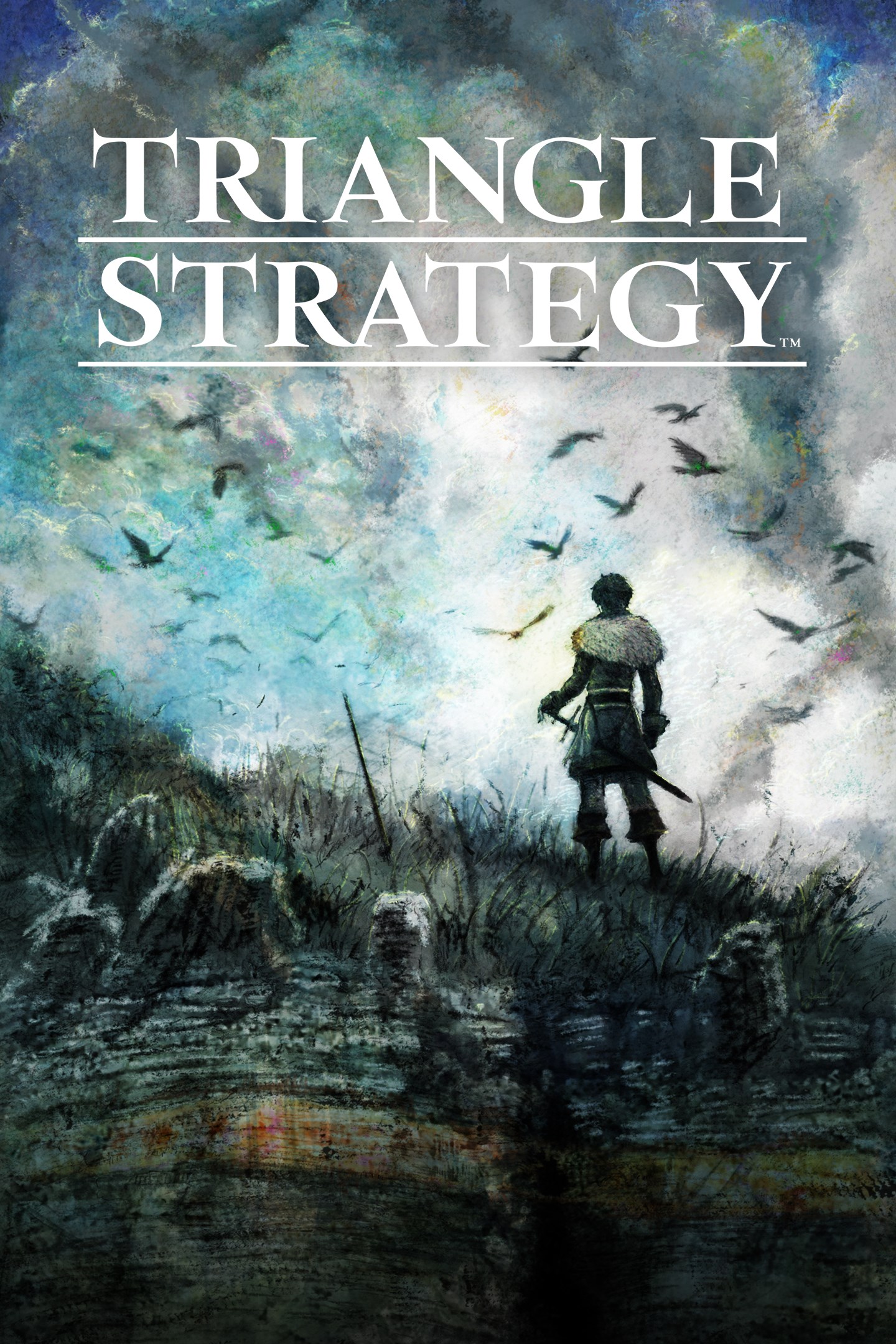
TRIANGLE STRATEGY
Details
- Publisher
- Square Enix
- Developer
- Square Enix, ARTDINK
- Release date
- 20.08.2025
- Age rating
- ESRB:T
- Localization
- English
Purchase options
Primary: our account is set as the home Xbox of your console ("My home Xbox"), so the game is shared with your own profile and works offline — that is one slot on one console. Secondary: you sign in to our account and launch the game from it, and the console has to stay online. The activation code is an extra option: it is redeemed on your own account, and the game stays there forever.
You install the game from our account and set our account as the home one ("My home Xbox"): after that you play from your own profile, and the progress and achievements stay yours. It works offline.
You sign in to our account and play right from it. A permanent internet connection is required and only the issued profile can be used. It costs less than the primary access.
A bonus way to buy: you get a 25-character code and redeem it on your own account. The game stays with you forever, no other profiles and no sign-in to a shared account.
What happens after payment
About the game
A brand-new tactical RPG from the team behind the BRAVELY and OCTOPATH TRAVELER series. Experience the dramatic story of war-torn Norzelia from different perspectives in stunning HD-2D, with a complex turn-based battle system.
The World
In the land of Norzelia, the Holy State of Hyzante controls the realm's supply of salt; the snowswept Grand Duchy of Aesfrost, its veins of iron; and between the two lies the Kingdom of Glenbrook, a land of verdant forests and rivers. These nations waged what came to be known as the Saltiron War. After the war ended, the three nations maintained a tenuous peace. Yet a looming event threatens to destroy that balance...
Multiple Stories, Multiple Endings
• A tale that will challenge your convictions
You will face many difficult choices as the three nations conspire against each other. Making value judgments and decisions based on the ideals of Utility, Morality, and Liberty will determine your Conviction. These parameters will affect how the story branches, and which companions join your party.
• Voting affects your fate
Important decisions affecting the fate of the protagonists are made through a voting process employing the Scales of Conviction. You must persuade allies, each with their own values and opinions, to cast their coin upon the scales to see your desired goals achieved.
Where will your convictions lead you?
Tactical Battles
Make use of the terrain and field elevation, coordinate attacks between your units, surround your foes on both sides to perform follow-up attacks, and more. Create a party from 30 different characters with diverse skills to take on complex battles and emerge victorious.
The Latest HD-2D Graphics
Advanced pixel graphics as previously featured in the OCTOPATH TRAVELER series, DRAGON QUEST III HD-2D Remake, and LIVE A LIVE bring the story to life in beautiful HD-2D. 3DCG image effects are added to retro graphics to create an immersive world full of character and delightful detail.
To Fans of Tactical RPGs
Square Enix presents a brand-new tactical RPG to fans of games like Tactics Ogre: Let Us Cling Together, Tactics Ogre: Reborn, and FINAL FANTASY TACTICS: The War of the Lions.
Screenshots
Click a frame to open it larger, use the arrows to browse
How to activate
Guide for Xbox Series X|S
Primary — the game is shared with your own profile
- 1Press the Xbox button, open "Profile & system" → "Add or switch" → "Add new" and sign in with the login and password from your order.
- 2Now open "Settings" → "General" → "Personalization" → "My home Xbox" and choose "Make this my home Xbox". This is what shares our games with every profile on your console.
- 3Switch back to your own profile, open "My games & apps" → "Library" and install the game. The internet is only needed for the download.
- 4Launch the game from your own profile: achievements, saves and progress stay yours, and after the installation the game works offline.
Only one console at a time can be the home Xbox for our account — that is the slot you bought. Please do not change the password, the email or the two-factor settings of the account, or the access will be blocked.
Secondary — you play from our account
- 1Press the Xbox button, open "Profile & system" → "Add or switch" → "Add new" and sign in with the login and password from your order.
- 2Open "My games & apps" → "Library", switch to our profile in the top-left corner and install the game.
- 3Launch the game while our profile stays signed in, and keep the console online: the licence is checked over the internet.
- 4Use your own profile for everything else — the game stays available as long as our account is signed in on this console.
Secondary costs less, but it needs a permanent internet connection and our account stays signed in on your console.
Activation code
- 1On the console open "Store" and go to the "Redeem code" section.
- 2Enter the 25-character code from your order and confirm the activation on your own account.
- 3After the activation the code is shown as "Used" — but you can reinstall the game from your library at any time.
Notes for Xbox Series
Important
How to play online
Warranty and support
The warranty covers the whole period of use of the account. If the access stops working, we replace the account or refund your money.
- If the game stops launching, we replace the account or refund your money.
- Average support response time — 15–30 minutes during working hours.
- The warranty covers the whole rental period of the access.
Support
Telegram: @weskars
E-mail: support@gears.games
Working hours: daily 11:00 – 23:00 (UTC+3)
Every order goes through clear stages: "New" → "Awaiting payment" → "Paid" → "Delivered". You can follow the status in your account page.
Similar games
More games in the "Simulation" genre



