
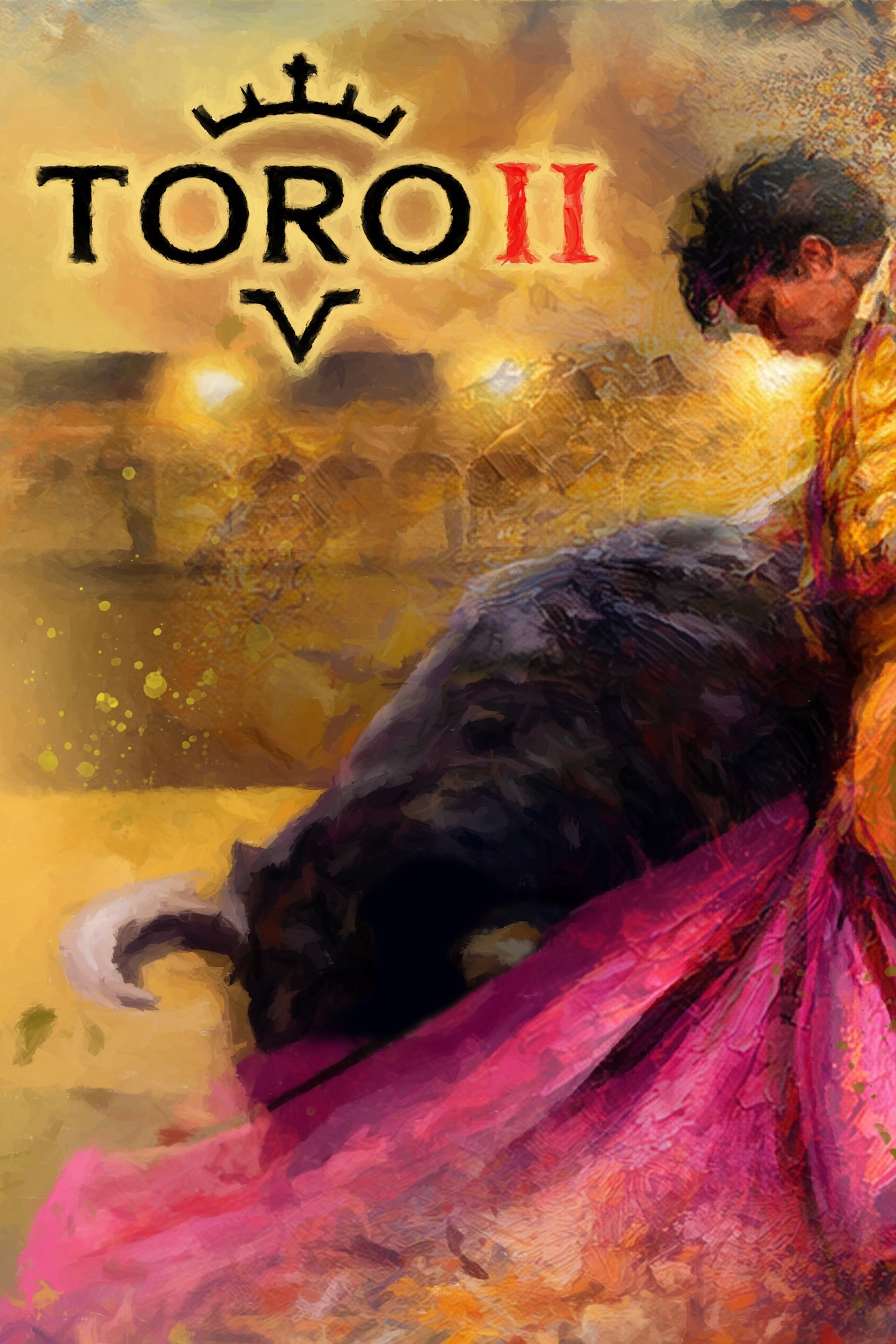
TORO 2
Details
- Publisher
- Recotechnology SL
- Developer
- Recotechnology SL
- Release date
- 09.09.2026
- Age rating
- ESRB:T
- Localization
- English
Purchase options
Platform
Primary: our account is set as the home Xbox of your console ("My home Xbox"), so the game is shared with your own profile and works offline — that is one slot on one console. Secondary: you sign in to our account and launch the game from it, and the console has to stay online. The activation code is an extra option: it is redeemed on your own account, and the game stays there forever.
You install the game from our account and set our account as the home one ("My home Xbox"): after that you play from your own profile, and the progress and achievements stay yours. It works offline.
You sign in to our account and play right from it. A permanent internet connection is required and only the issued profile can be used. It costs less than the primary access.
A bonus way to buy: you get a 25-character code and redeem it on your own account. The game stays with you forever, no other profiles and no sign-in to a shared account.
What happens after payment
About the game
Toro 2 is a third-person 3D bullfighting simulator that lets you, in its Career Mode, step into the shoes of a bullfighter on his rise to stardom. Travel the world facing the fiercest fighting bulls, avoid getting caught by them, and you’ll become a star in the world of bullfighting.
BECOME A STAR
From the pasture where you made your first cape passes to the world’s largest bullrings. Learn new passes and moves as you prove your worth at the Maestranza in Seville, Las Ventas in Madrid, or La Macarena in Medellín. Thrill the crowd with your elegance and panache, evade the fury of the fiercest bulls, and you’ll become the most famous bullfighter of all time.
YOUR GAME, YOUR BULLFIGHTER
Customize your character to your liking, choose the outfit you’ll wear when entering the ring, and build your arsenal of moves to tailor your style to your gameplay. Inside the bullring, you’re the master of ceremonies, so choose from a wide variety of moves, outfits, and more to make the crowd cheer for your courage.
EVERY BULLFIGHT IS A NEW CHALLENGE
Try to score as many points as possible through your bullfighting, while completing various challenges that will push your skills to the limit. Push your abilities to the max and make the most of the tools at your disposal to reach the pinnacle of bullfighting and become a Master.
TAKE ON YOUR FRIENDS
In the new Versus Mode, you can choose to be either the bull or the matador. Duel with your friends in fast-paced local one-on-one matches, where you’ll decide who controls the matador and who controls the bull. Battle in bullrings around the world and try to outdo your friends. The cunning and finesse of a well-executed pass versus the fury and momentum of a beast weighing hundreds of kilos charging toward you. Who will win?
Screenshots
Click a frame to open it larger, use the arrows to browse
How to activate
Guide for Xbox One
Primary — the game is shared with your own profile
- 1Press the Xbox button, open "Profile & system" → "Add or switch" → "Add new" and sign in with the login and password from your order.
- 2Now open "Settings" → "General" → "Personalization" → "My home Xbox" and choose "Make this my home Xbox". This is what shares our games with every profile on your console.
- 3Switch back to your own profile, open "My games & apps" → "Library" and install the game. The internet is only needed for the download.
- 4Launch the game from your own profile: achievements, saves and progress stay yours, and after the installation the game works offline.
Only one console at a time can be the home Xbox for our account — that is the slot you bought. Please do not change the password, the email or the two-factor settings of the account, or the access will be blocked.
Secondary — you play from our account
- 1Press the Xbox button, open "Profile & system" → "Add or switch" → "Add new" and sign in with the login and password from your order.
- 2Open "My games & apps" → "Library", switch to our profile in the top-left corner and install the game.
- 3Launch the game while our profile stays signed in, and keep the console online: the licence is checked over the internet.
- 4Use your own profile for everything else — the game stays available as long as our account is signed in on this console.
Secondary costs less, but it needs a permanent internet connection and our account stays signed in on your console.
Activation code
- 1On the console open "Store" and go to the "Redeem code" section.
- 2Enter the 25-character code from your order and confirm the activation on your own account.
- 3After the activation the code is shown as "Used" — but you can reinstall the game from your library at any time.
Notes for Xbox One
Important
How to play online
Warranty and support
The warranty covers the whole period of use of the account. If the access stops working, we replace the account or refund your money.
- If the game stops launching, we replace the account or refund your money.
- Average support response time — 15–30 minutes during working hours.
- The warranty covers the whole rental period of the access.
Support
Telegram: @weskars
E-mail: support@gears.games
Working hours: daily 11:00 – 23:00 (UTC+3)
Every order goes through clear stages: "New" → "Awaiting payment" → "Paid" → "Delivered". You can follow the status in your account page.
Similar games
More games in the "Action & adventure" genre



