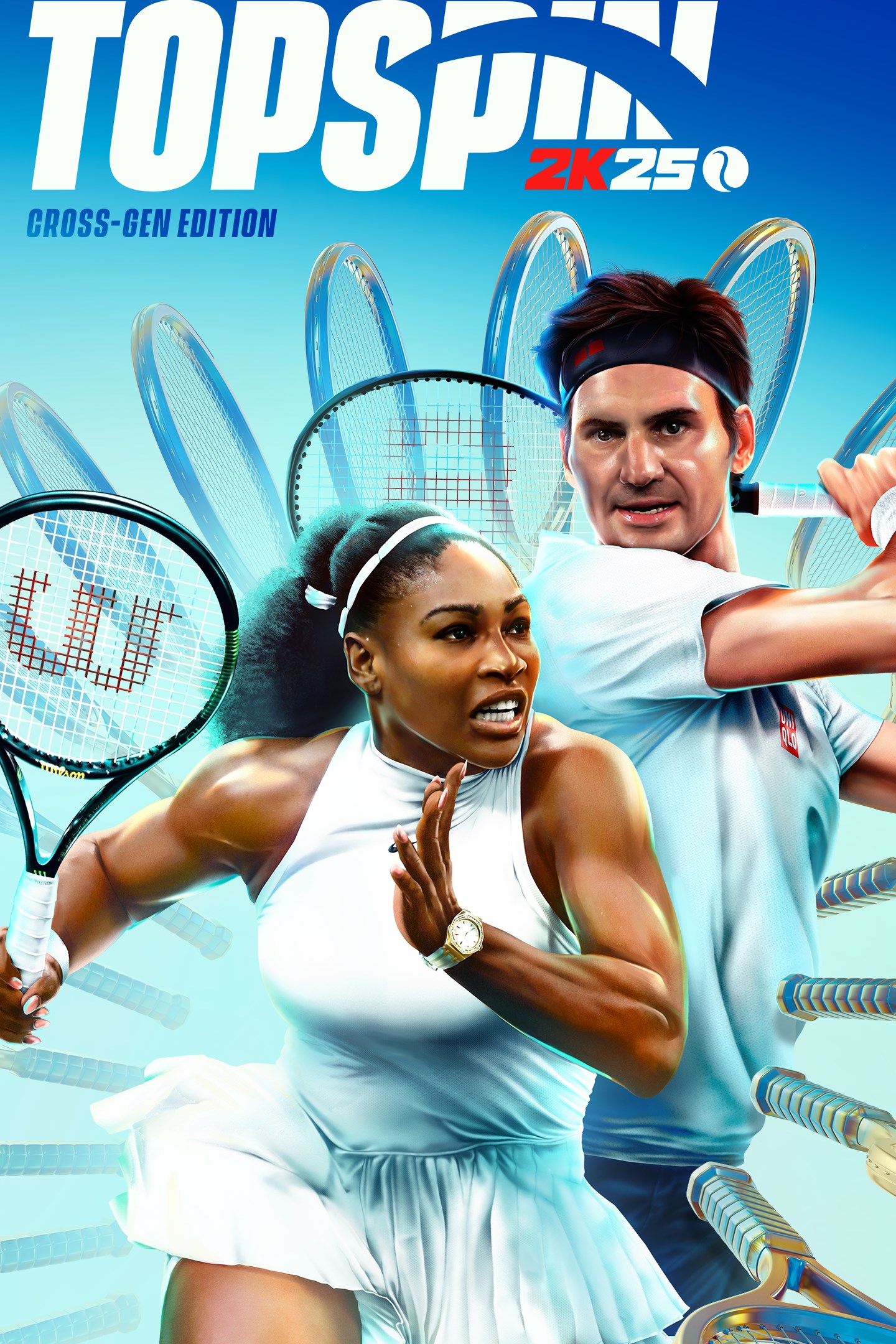
TopSpin 2K25 Cross-Gen Digital Edition
Details
- Publisher
- 2K
- Developer
- Hangar 13
- Release date
- 26.04.2024
- Age rating
- ESRB:E
- Localization
- English
Purchase options
Platform
Primary: our account is set as the home Xbox of your console ("My home Xbox"), so the game is shared with your own profile and works offline — that is one slot on one console. Secondary: you sign in to our account and launch the game from it, and the console has to stay online. The activation code is an extra option: it is redeemed on your own account, and the game stays there forever.
You install the game from our account and set our account as the home one ("My home Xbox"): after that you play from your own profile, and the progress and achievements stay yours. It works offline.
You sign in to our account and play right from it. A permanent internet connection is required and only the issued profile can be used. It costs less than the primary access.
A bonus way to buy: you get a 25-character code and redeem it on your own account. The game stays with you forever, no other profiles and no sign-in to a shared account.
What happens after payment
About the game
The Cross-Gen Edition includes TopSpin 2K25 for Xbox Series X|S and Xbox One.
AUTHENTIC GAMEPLAY
Advanced gameplay mechanics, realistic physics, and immersive visuals are at the heart of TopSpin 2K25. Several playable pros in TopSpin 2K25 have a custom forehand, backhand, and serve animation that’s been fine-tuned to replicate their real-life form. On clay, sliding across will kick up dust and leave scuff marks along the ground you’ve covered while on grass the court wear becomes more noticeable as you progress through a tournament. Deliver pinpoint precision on the court with the all-new Timing Meter, and hit the perfect serve with the new Serve Mechanic.
LOCAL MULTIPLAYER
Gather your friends and family to compete in intense, head-to-head matches on the same screen. Offline Exhibition supports up to two players in singles and up to four players in doubles, offering endless fun and rivalry.
EXPERIMENT WITH PLAYSTYLES
Do you gravitate toward a strong defensive strategy or will you lean more on dominating serves? TopSpin 2K25 features four different playstyles, each with their own upsides and unique Skills. Choose from All-Round, Offensive Baseline, Defensive Baseline, and Serve & Volley playstyles. Lean in to the playstyle of your favorite Pro or experiment and create hybrid MyPLAYERs based on these core playstyles.
WIN THE CAREER GRAND SLAM®
Travel the world as an up-and-coming pro, go toe-to-toe with the biggest names in tennis, and take Centre Court at Wimbledon, Roland-Garros, the US Open, and the Australian Open as you strive to become a Grand Slam® Champion online in MyCAREER.
DOMINATE THE COURT ONLINE
Test your MyPLAYER's mettle and showcase your tennis prowess on the World Tour or step into the 2K Tour as a playable pro challenging players around the world with cross-play support. Alternatively, have a friendly and invite your 2K friends and platform friends to online private singles matches in Online Exhibition!
PERSONALIZE YOUR MyPLAYER
Create a MyPLAYER tailored to your play style and define your look on the court! With a wide range of customization options, you can fine-tune your attributes and earn new Coaches, Fittings, and gear from adidas, HEAD, Lacoste, New Balance, Nike, Wilson, and more.
Certain portions of the game, including online multiplayer and other online features, are not accessible by child accounts. “Child” means players under the age of 13, unless local laws specify differently.
2K Account is required to play the game.
Please note that TopSpin 2K25’s online features are scheduled to be available until December 31, 2027 though we reserve the right to modify or discontinue online features without notice. Visit https://support.2k.com/hc/en-us/articles/33058906107667-2K-Online-Services-Status for more information.
Software Terms of Service (ToS) in game and at www.take2games.com/legal.
Non-transferable access to special features, such as exclusive/unlockable/downloadable/online & bonus content/services/functions/multiplayer services, may require single-use serial code, additional fee, and/or non-transferable online account registration (minimum age varies). See www.take2games.com/legal and www.take2games.com/privacy for additional details. Special feature access may require internet connection, may not be available to all users or at all times, and may be terminated, modified, or offered under different terms without notice.
Violation of ToS, Code of Conduct, or other policies may result in restriction or termination of access to game or online account. Online play and download requires broadband internet service, and may require a separate paid platform subscription and account registration. User responsible for associated fees. Unauthorized copying, alteration, reverse engineering, decompiling, transmission, public performance, rental, pay for play, or copy protection circumvention is prohibited and violates the ToS.
©2024 Take-Two Interactive Software Inc. Published by 2K Games. Developed by Hangar 13. TopSpin, 2K and related logos are trademarks of Take-Two Interactive Software, Inc. All other marks and trademarks are the property of their respective owners. All rights reserved.
Screenshots
Click a frame to open it larger, use the arrows to browse
How to activate
Guide for Xbox One
Primary — the game is shared with your own profile
- 1Press the Xbox button, open "Profile & system" → "Add or switch" → "Add new" and sign in with the login and password from your order.
- 2Now open "Settings" → "General" → "Personalization" → "My home Xbox" and choose "Make this my home Xbox". This is what shares our games with every profile on your console.
- 3Switch back to your own profile, open "My games & apps" → "Library" and install the game. The internet is only needed for the download.
- 4Launch the game from your own profile: achievements, saves and progress stay yours, and after the installation the game works offline.
Only one console at a time can be the home Xbox for our account — that is the slot you bought. Please do not change the password, the email or the two-factor settings of the account, or the access will be blocked.
Secondary — you play from our account
- 1Press the Xbox button, open "Profile & system" → "Add or switch" → "Add new" and sign in with the login and password from your order.
- 2Open "My games & apps" → "Library", switch to our profile in the top-left corner and install the game.
- 3Launch the game while our profile stays signed in, and keep the console online: the licence is checked over the internet.
- 4Use your own profile for everything else — the game stays available as long as our account is signed in on this console.
Secondary costs less, but it needs a permanent internet connection and our account stays signed in on your console.
Activation code
- 1On the console open "Store" and go to the "Redeem code" section.
- 2Enter the 25-character code from your order and confirm the activation on your own account.
- 3After the activation the code is shown as "Used" — but you can reinstall the game from your library at any time.
Notes for Xbox One
Important
How to play online
Warranty and support
The warranty covers the whole period of use of the account. If the access stops working, we replace the account or refund your money.
- If the game stops launching, we replace the account or refund your money.
- Average support response time — 15–30 minutes during working hours.
- The warranty covers the whole rental period of the access.
Support
Telegram: @weskars
E-mail: support@gears.games
Working hours: daily 11:00 – 23:00 (UTC+3)
Every order goes through clear stages: "New" → "Awaiting payment" → "Paid" → "Delivered". You can follow the status in your account page.
Similar games
More games in the "Sports" genre