
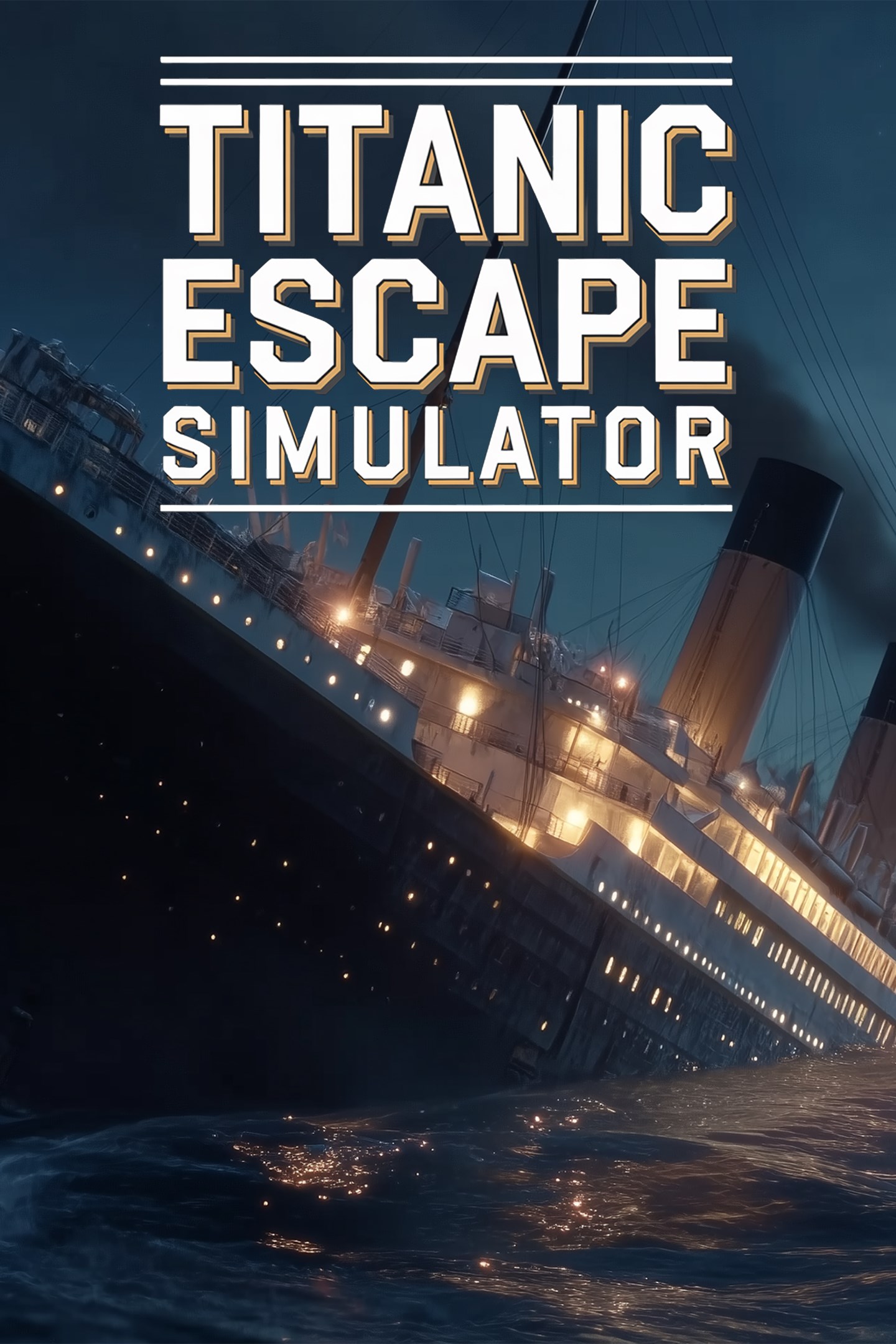
Titanic Escape Simulator
Details
- Publisher
- MagicProStudio
- Developer
- MagicProStudio
- Release date
- 07.10.2026
- Age rating
- ESRB:T
- Localization
- English
Purchase options
Primary: our account is set as the home Xbox of your console ("My home Xbox"), so the game is shared with your own profile and works offline — that is one slot on one console. Secondary: you sign in to our account and launch the game from it, and the console has to stay online. The activation code is an extra option: it is redeemed on your own account, and the game stays there forever.
You install the game from our account and set our account as the home one ("My home Xbox"): after that you play from your own profile, and the progress and achievements stay yours. It works offline.
You sign in to our account and play right from it. A permanent internet connection is required and only the issued profile can be used. It costs less than the primary access.
A bonus way to buy: you get a 25-character code and redeem it on your own account. The game stays with you forever, no other profiles and no sign-in to a shared account.
What happens after payment
About the game
Every Second Counts. History Is Inevitable.
April 14, 1912. The final night of the RMS Titanic.
You are a private investigator aboard the world’s most famous ocean liner. What begins as a routine voyage soon becomes something far darker: a suspicious death, hidden clues, locked rooms, restricted decks, and a mystery buried deep within the ship.
Explore the Titanic before disaster strikes. Question passengers, search cabins, uncover secrets, and follow a trail that leads from the elegance of First Class to the shadowed lower decks below. But as the truth begins to surface, so does the danger.
And then the iceberg hits.
What was once an investigation becomes a desperate fight for survival as freezing water floods the ship, corridors tilt, lights fail, and panic spreads across the decks. Every choice matters. Every second counts.
The ship will sink.
What you discover — and who you save — is up to you.
KEY FEATURES:
Explore the Titanic Before and During the Disaster
Walk through richly detailed areas of the ship, from luxurious public rooms to restricted service corridors, cargo spaces, machinery areas, and lifeboat decks.
Investigate a Dark Mystery
Search crime scenes, collect evidence, question passengers, and uncover hidden connections before the final night arrives.
Puzzle and Lock Interaction
Solve environmental puzzles, open locked doors, decode clues, and use tools to access restricted areas.
Stealth and Tension
Enter forbidden sections of the ship, avoid dangerous enemies, and uncover secrets others want buried.
Dynamic Sinking Gameplay
Experience rising water, tilting decks, blocked paths, failing lights, and changing environments as Titanic succumbs to the Atlantic.
Survival Mechanics
Manage cold, stamina, blocked routes, and physical hazards while trying to reach safety.
Moral Choices and Multiple Endings
In the final moments, decide what matters most: justice, love, or saving as many lives as possible.
Historical Atmosphere
Meet passengers and crew inspired by real Titanic history, and witness moments of human courage, fear, and sacrifice during the final hours.
Do you have what it takes to survive the most famous shipwreck in history? Or will you become another soul claimed by the icy depths? The clock is ticking. The water is rising. Your decisions will determine your fate.
Screenshots
Click a frame to open it larger, use the arrows to browse
How to activate
Guide for Xbox Series X|S
Primary — the game is shared with your own profile
- 1Press the Xbox button, open "Profile & system" → "Add or switch" → "Add new" and sign in with the login and password from your order.
- 2Now open "Settings" → "General" → "Personalization" → "My home Xbox" and choose "Make this my home Xbox". This is what shares our games with every profile on your console.
- 3Switch back to your own profile, open "My games & apps" → "Library" and install the game. The internet is only needed for the download.
- 4Launch the game from your own profile: achievements, saves and progress stay yours, and after the installation the game works offline.
Only one console at a time can be the home Xbox for our account — that is the slot you bought. Please do not change the password, the email or the two-factor settings of the account, or the access will be blocked.
Secondary — you play from our account
- 1Press the Xbox button, open "Profile & system" → "Add or switch" → "Add new" and sign in with the login and password from your order.
- 2Open "My games & apps" → "Library", switch to our profile in the top-left corner and install the game.
- 3Launch the game while our profile stays signed in, and keep the console online: the licence is checked over the internet.
- 4Use your own profile for everything else — the game stays available as long as our account is signed in on this console.
Secondary costs less, but it needs a permanent internet connection and our account stays signed in on your console.
Activation code
- 1On the console open "Store" and go to the "Redeem code" section.
- 2Enter the 25-character code from your order and confirm the activation on your own account.
- 3After the activation the code is shown as "Used" — but you can reinstall the game from your library at any time.
Notes for Xbox Series
Important
How to play online
Warranty and support
The warranty covers the whole period of use of the account. If the access stops working, we replace the account or refund your money.
- If the game stops launching, we replace the account or refund your money.
- Average support response time — 15–30 minutes during working hours.
- The warranty covers the whole rental period of the access.
Support
Telegram: @weskars
E-mail: support@gears.games
Working hours: daily 11:00 – 23:00 (UTC+3)
Every order goes through clear stages: "New" → "Awaiting payment" → "Paid" → "Delivered". You can follow the status in your account page.
Similar games
More games in the "Simulation" genre



