The Wandering Village
Details
- Publisher
- Stray Fawn Studio
- Developer
- Stray Fawn Studio
- Release date
- 17.07.2025
- Age rating
- ESRB:E
- Localization
- English
Purchase options
Platform
Primary: our account is set as the home Xbox of your console ("My home Xbox"), so the game is shared with your own profile and works offline — that is one slot on one console. Secondary: you sign in to our account and launch the game from it, and the console has to stay online. The activation code is an extra option: it is redeemed on your own account, and the game stays there forever.
You install the game from our account and set our account as the home one ("My home Xbox"): after that you play from your own profile, and the progress and achievements stay yours. It works offline.
You sign in to our account and play right from it. A permanent internet connection is required and only the issued profile can be used. It costs less than the primary access.
A bonus way to buy: you get a 25-character code and redeem it on your own account. The game stays with you forever, no other profiles and no sign-in to a shared account.
What happens after payment
About the game
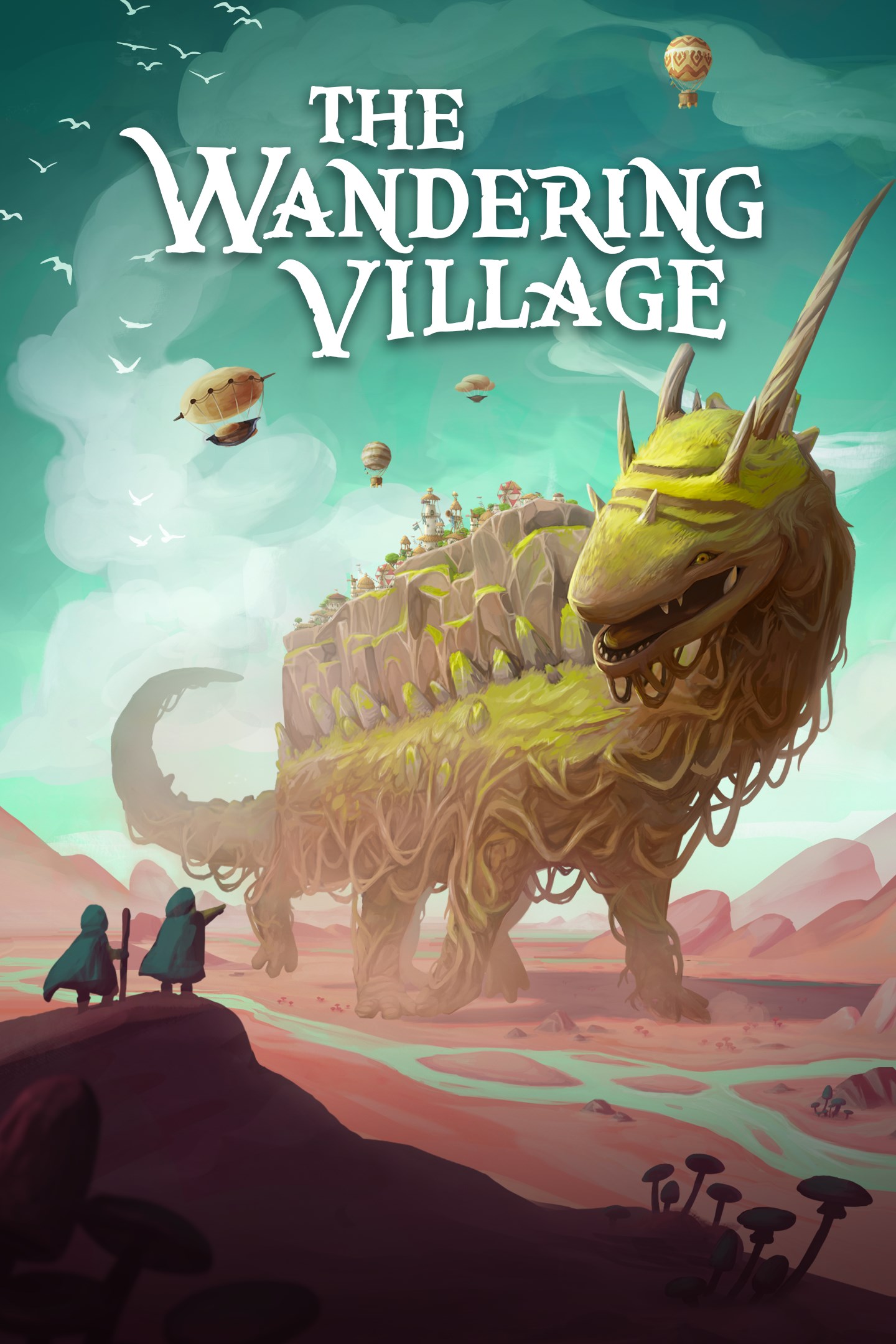
In a world where mysterious plants are spreading all over the earth, emitting toxic spores as they grow, a small group of survivors seeks shelter on the back of a giant, wandering creature they call 'Onbu'.
Become their leader, build their settlement and form a symbiotic relationship with the creature to survive together in this hostile, yet beautiful post-apocalyptic world that now surrounds you.
Build your village
A functioning village is the basis of your survival. Build your settlement and expand it over the creature's back. Plan production chains and optimize them to utilize the limited space as efficiently as possible. Create a society that can overcome any challenge.
Live on the creature's back
Living on the back of another organism comes with its own set of challenges. Will you live in symbiosis, bond with the creature and survive on mutual trust? Or will you become a parasite, only aiming to ensure a better life for your villagers? The choice is yours.
Discover different biomes
Travel through a multitude of different biomes and adapt your village to their unique opportunities and threats. Scout your environments and send out foraging missions to gather rare resources and ancient artifacts.
Research new technologies
Remnants of the old world hold knowledge that has long been forgotten, but can be unearthed by your villagers. Find and research these technologies, but use them wisely, as progress can be a double-edged sword.
Survive the wastelands
Ensure the survival of both your villagers and your Onbu, even though poisonous spores, merciless weather, bloodsucking parasites and many more challenges mean that the odds are often stacked against you.
Full details on the latest status of the game, how you can give feedback and report issues can be found at www.thewanderingvillage.com.
Screenshots
Click a frame to open it larger, use the arrows to browse
How to activate
Guide for Xbox One
Primary — the game is shared with your own profile
- 1Press the Xbox button, open "Profile & system" → "Add or switch" → "Add new" and sign in with the login and password from your order.
- 2Now open "Settings" → "General" → "Personalization" → "My home Xbox" and choose "Make this my home Xbox". This is what shares our games with every profile on your console.
- 3Switch back to your own profile, open "My games & apps" → "Library" and install the game. The internet is only needed for the download.
- 4Launch the game from your own profile: achievements, saves and progress stay yours, and after the installation the game works offline.
Only one console at a time can be the home Xbox for our account — that is the slot you bought. Please do not change the password, the email or the two-factor settings of the account, or the access will be blocked.
Secondary — you play from our account
- 1Press the Xbox button, open "Profile & system" → "Add or switch" → "Add new" and sign in with the login and password from your order.
- 2Open "My games & apps" → "Library", switch to our profile in the top-left corner and install the game.
- 3Launch the game while our profile stays signed in, and keep the console online: the licence is checked over the internet.
- 4Use your own profile for everything else — the game stays available as long as our account is signed in on this console.
Secondary costs less, but it needs a permanent internet connection and our account stays signed in on your console.
Activation code
- 1On the console open "Store" and go to the "Redeem code" section.
- 2Enter the 25-character code from your order and confirm the activation on your own account.
- 3After the activation the code is shown as "Used" — but you can reinstall the game from your library at any time.
Notes for Xbox One
Important
How to play online
Warranty and support
The warranty covers the whole period of use of the account. If the access stops working, we replace the account or refund your money.
- If the game stops launching, we replace the account or refund your money.
- Average support response time — 15–30 minutes during working hours.
- The warranty covers the whole rental period of the access.
Support
Telegram: @weskars
E-mail: support@gears.games
Working hours: daily 11:00 – 23:00 (UTC+3)
Every order goes through clear stages: "New" → "Awaiting payment" → "Paid" → "Delivered". You can follow the status in your account page.
Similar games
More games in the "Strategy" genre