
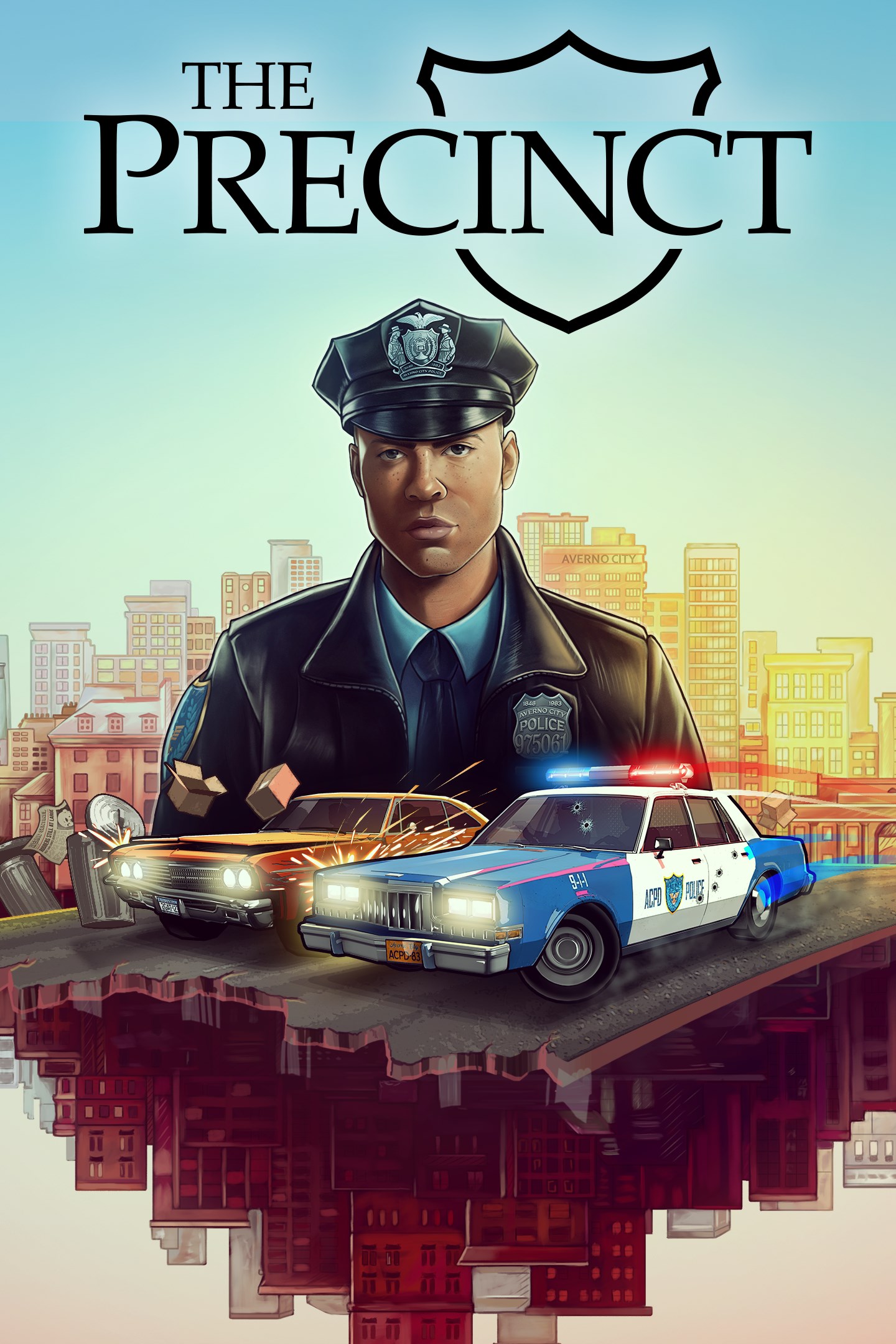
The Precinct
Details
- Publisher
- Kwalee
- Developer
- Fallen Tree Games
- Release date
- 13.05.2025
- Age rating
- ESRB:T
- Localization
- English
Purchase options
Primary: our account is set as the home Xbox of your console ("My home Xbox"), so the game is shared with your own profile and works offline — that is one slot on one console. Secondary: you sign in to our account and launch the game from it, and the console has to stay online. The activation code is an extra option: it is redeemed on your own account, and the game stays there forever.
You install the game from our account and set our account as the home one ("My home Xbox"): after that you play from your own profile, and the progress and achievements stay yours. It works offline.
You sign in to our account and play right from it. A permanent internet connection is required and only the issued profile can be used. It costs less than the primary access.
A bonus way to buy: you get a 25-character code and redeem it on your own account. The game stays with you forever, no other profiles and no sign-in to a shared account.
What happens after payment
About the game
You are Officer Nick Cordell Jr. As a rookie beat cop fresh out of the Academy, you’re on the front line of defence for Averno’s citizens. Dive into a world of thrilling car chases, sandbox crimes, and a healthy dose of 1980s noir as you protect the populace and solve the mystery of your father’s murder in the line of duty.
Take to the Streets
A love letter to classic cop movies, The Precinct combines police sim with action sandbox spectacle. Patrol the streets and respond to callouts to fight criminals petty and powerful. Choose your own tactics in thrilling chases and shootouts. Feel the shifting power struggles of Averno's gangs in a living city full of sandbox crimes, from parking infractions to bank heists, street racing to drug deals.
Hot Pursuit
Speed through the city in intense car and helicopter chases and pursue your mark through twisting alleyways before bringing them to justice. There's no need to be a lone wolf: You've got Averno's Finest backing you up, with an in-depth support system that allows you to call in squad cars, roadblocks, spike strips, and more.
A Sleepless City
Explore the ever-shifting criminal underbelly of Averno City. Deal with yuppies, bums, street vendors and furious taxi drivers from the Projects to the Financial District. Chase perps through neon-lit alleys, rain-soaked streets, and grand, decaying parklands, all subject to a day/night cycle and dynamic weather. This is the 1980s East Coast in all its neon-noir glory.
Key Features
Explore a vibrant, living city by foot, squad car and helicopter
Respond to sandbox crimes ranging from parking violations to gang shootouts
Engage in intense vehicle chases through destructible environments
Go solo or call in backup with an in-depth support system
Investigate the gangs who rule the city and the dark conspiracies keeping them in control
Day/night cycle with dynamic weather
Screenshots
Click a frame to open it larger, use the arrows to browse
How to activate
Guide for Xbox Series X|S
Primary — the game is shared with your own profile
- 1Press the Xbox button, open "Profile & system" → "Add or switch" → "Add new" and sign in with the login and password from your order.
- 2Now open "Settings" → "General" → "Personalization" → "My home Xbox" and choose "Make this my home Xbox". This is what shares our games with every profile on your console.
- 3Switch back to your own profile, open "My games & apps" → "Library" and install the game. The internet is only needed for the download.
- 4Launch the game from your own profile: achievements, saves and progress stay yours, and after the installation the game works offline.
Only one console at a time can be the home Xbox for our account — that is the slot you bought. Please do not change the password, the email or the two-factor settings of the account, or the access will be blocked.
Secondary — you play from our account
- 1Press the Xbox button, open "Profile & system" → "Add or switch" → "Add new" and sign in with the login and password from your order.
- 2Open "My games & apps" → "Library", switch to our profile in the top-left corner and install the game.
- 3Launch the game while our profile stays signed in, and keep the console online: the licence is checked over the internet.
- 4Use your own profile for everything else — the game stays available as long as our account is signed in on this console.
Secondary costs less, but it needs a permanent internet connection and our account stays signed in on your console.
Activation code
- 1On the console open "Store" and go to the "Redeem code" section.
- 2Enter the 25-character code from your order and confirm the activation on your own account.
- 3After the activation the code is shown as "Used" — but you can reinstall the game from your library at any time.
Notes for Xbox Series
Important
How to play online
Warranty and support
The warranty covers the whole period of use of the account. If the access stops working, we replace the account or refund your money.
- If the game stops launching, we replace the account or refund your money.
- Average support response time — 15–30 minutes during working hours.
- The warranty covers the whole rental period of the access.
Support
Telegram: @weskars
E-mail: support@gears.games
Working hours: daily 11:00 – 23:00 (UTC+3)
Every order goes through clear stages: "New" → "Awaiting payment" → "Paid" → "Delivered". You can follow the status in your account page.
Similar games
More games in the "Action & adventure" genre



