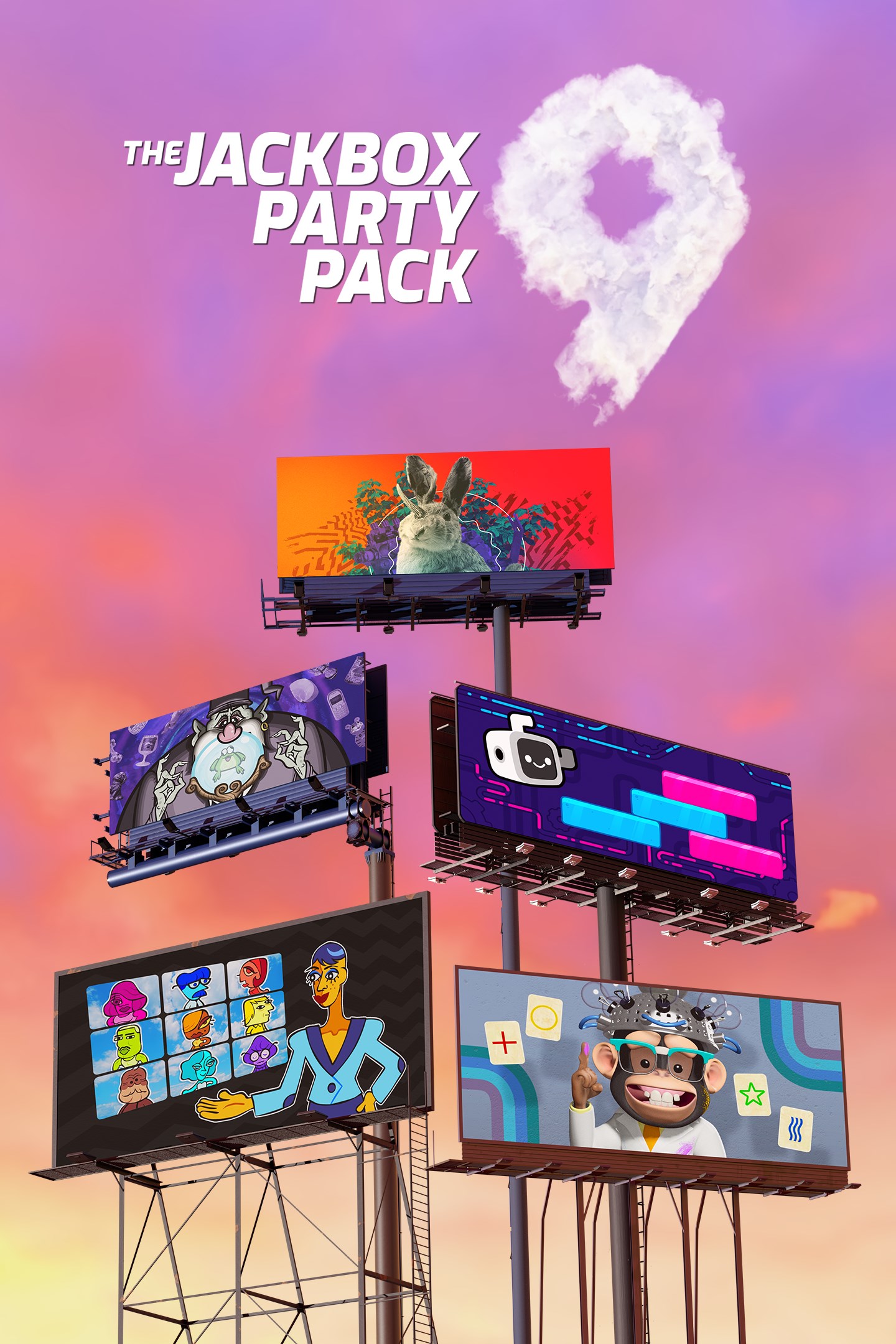
The Jackbox Party Pack 9
Details
- Publisher
- Jackbox Games, Inc.
- Developer
- Jackbox Games, Inc.
- Release date
- 20.10.2022
- Age rating
- ESRB:T
- Localization
- English
Purchase options
Platform
Primary: our account is set as the home Xbox of your console ("My home Xbox"), so the game is shared with your own profile and works offline — that is one slot on one console. Secondary: you sign in to our account and launch the game from it, and the console has to stay online. The activation code is an extra option: it is redeemed on your own account, and the game stays there forever.
You install the game from our account and set our account as the home one ("My home Xbox"): after that you play from your own profile, and the progress and achievements stay yours. It works offline.
You sign in to our account and play right from it. A permanent internet connection is required and only the issued profile can be used. It costs less than the primary access.
A bonus way to buy: you get a 25-character code and redeem it on your own account. The game stays with you forever, no other profiles and no sign-in to a shared account.
What happens after payment
About the game
About The Jackbox Party Pack 9
Introducing the ninth installment of the best-selling Party Pack Franchise you know and love! Whether you’re hanging out with friends, having a remote happy hour, trying to make the holidays less awkward, or looking for your next game to stream, The Jackbox Party Pack 9 is here to spice things up. Play now in English, French, Italian, German, or Spanish!
Let’s keep it simple. You don’t need extra controllers for extra players - everyone uses their phones or tablets to play! Games support up to 10 players and 10,000 audience members joining in the fun to impact the outcome of the game.
This game does not support online matchmaking but can still be enjoyed remotely using livestreaming services or video conferencing tools.
About Each Game
Fibbage 4 (2-8 players) - The hilarious bluffing party game returns with an all new Final Fibbage, video questions, fan-submitted questions, and Fibbage Enough About You mode! It’s a game so beloved that we decided to slap a 4 on it.
Quixort (1-10 players) - In this trivia sorting factory, work with your team to sort falling answers into their proper order before they hit the floor! Or, play the single player mode and see how many blocks you can sort before topping out. It’s as easy as A, C, B!
Junktopia (3-8 players) - A strange wizard has turned you into a frog! Create hilarious backstories for weird objects and then get them appraised. The player with the most valuable items becomes human again!
Nonsensory (3-8 players) - Professor Nanners is here to test your NSP (Nonsensory Perception) in this drawing, writing, and guessing game! How close can you get to guessing where another player’s prompt ranks on the silliest of scales?
Roomerang (4-9 players) - Channel your inner reality TV star in an attempt to come out on top! Respond to prompts, bring the competition and role-play to avoid being voted out. Never fear though, even when you’re out you’ll find yourself Roomerang-ed right back into the drama!
Screenshots
Click a frame to open it larger, use the arrows to browse
How to activate
Guide for Xbox One
Primary — the game is shared with your own profile
- 1Press the Xbox button, open "Profile & system" → "Add or switch" → "Add new" and sign in with the login and password from your order.
- 2Now open "Settings" → "General" → "Personalization" → "My home Xbox" and choose "Make this my home Xbox". This is what shares our games with every profile on your console.
- 3Switch back to your own profile, open "My games & apps" → "Library" and install the game. The internet is only needed for the download.
- 4Launch the game from your own profile: achievements, saves and progress stay yours, and after the installation the game works offline.
Only one console at a time can be the home Xbox for our account — that is the slot you bought. Please do not change the password, the email or the two-factor settings of the account, or the access will be blocked.
Secondary — you play from our account
- 1Press the Xbox button, open "Profile & system" → "Add or switch" → "Add new" and sign in with the login and password from your order.
- 2Open "My games & apps" → "Library", switch to our profile in the top-left corner and install the game.
- 3Launch the game while our profile stays signed in, and keep the console online: the licence is checked over the internet.
- 4Use your own profile for everything else — the game stays available as long as our account is signed in on this console.
Secondary costs less, but it needs a permanent internet connection and our account stays signed in on your console.
Activation code
- 1On the console open "Store" and go to the "Redeem code" section.
- 2Enter the 25-character code from your order and confirm the activation on your own account.
- 3After the activation the code is shown as "Used" — but you can reinstall the game from your library at any time.
Notes for Xbox One
Important
How to play online
Warranty and support
The warranty covers the whole period of use of the account. If the access stops working, we replace the account or refund your money.
- If the game stops launching, we replace the account or refund your money.
- Average support response time — 15–30 minutes during working hours.
- The warranty covers the whole rental period of the access.
Support
Telegram: @weskars
E-mail: support@gears.games
Working hours: daily 11:00 – 23:00 (UTC+3)
Every order goes through clear stages: "New" → "Awaiting payment" → "Paid" → "Delivered". You can follow the status in your account page.
Similar games
More games in the "Other" genre