
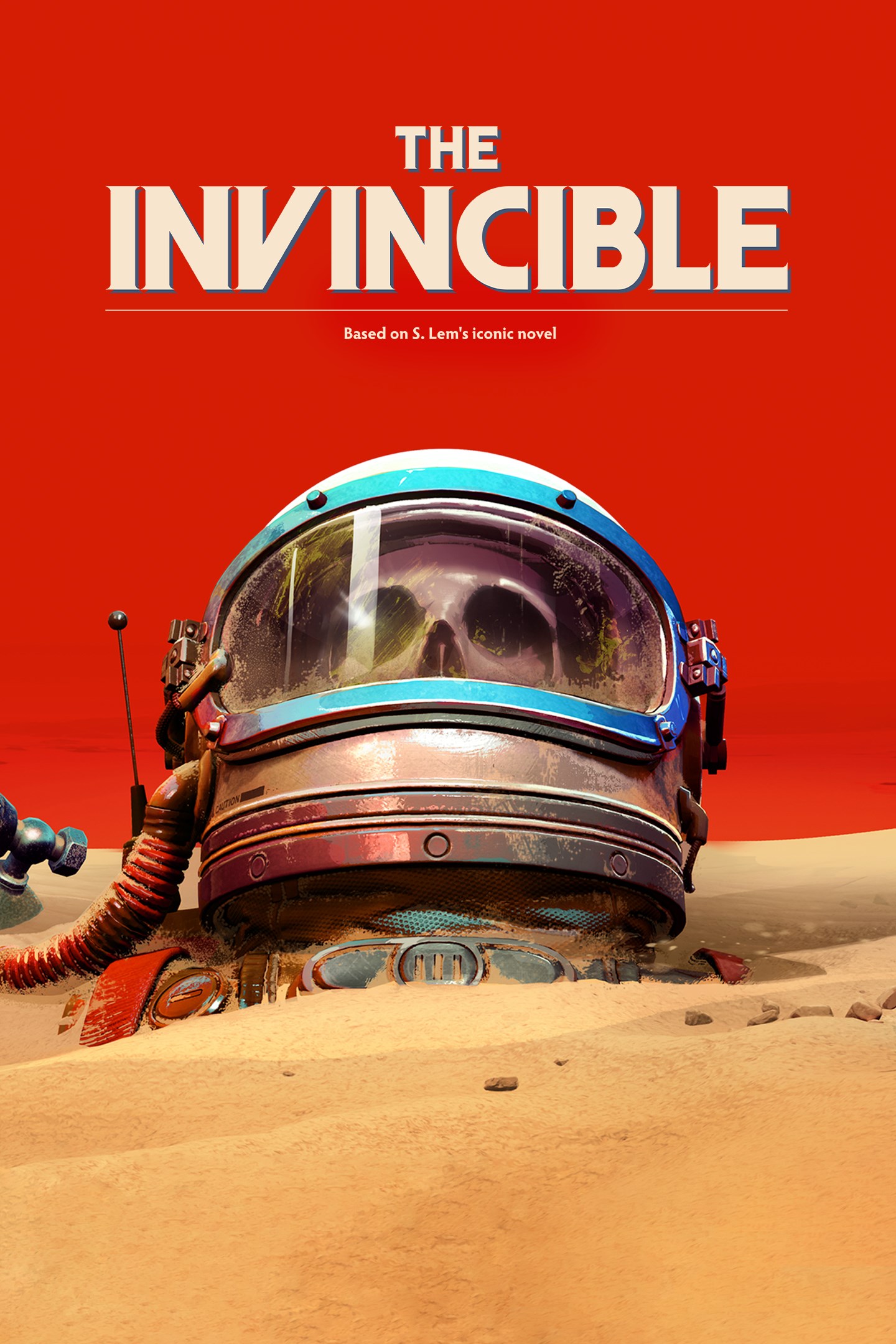
The Invincible
Details
- Publisher
- 11 bit studios
- Developer
- Starward Industries
- Release date
- 06.11.2023
- Age rating
- ESRB:M
- Localization
- English
Purchase options
Primary: our account is set as the home Xbox of your console ("My home Xbox"), so the game is shared with your own profile and works offline — that is one slot on one console. Secondary: you sign in to our account and launch the game from it, and the console has to stay online. The activation code is an extra option: it is redeemed on your own account, and the game stays there forever.
You install the game from our account and set our account as the home one ("My home Xbox"): after that you play from your own profile, and the progress and achievements stay yours. It works offline.
You sign in to our account and play right from it. A permanent internet connection is required and only the issued profile can be used. It costs less than the primary access.
A bonus way to buy: you get a 25-character code and redeem it on your own account. The game stays with you forever, no other profiles and no sign-in to a shared account.
What happens after payment
About the game
You are a highly qualified, sharp-witted astrobiologist named Yasna. Being entangled in a space race, you and your crew end up on the unexplored planet Regis III. The scientific journey quickly turns into a search mission for lost crewmates. Follow its trail, but be fully aware that every decision you make can bring you closer to danger.
On her journey, Yasna will face decisions that will shape the outcome of the story. Help her make difficult choices and witness one of 11 possible endings to the deeply philosophical story.
Discover fragments of what’s lost and report to your Astrogator. Let his voice aid you during hard times when humanity’s greatest threat emerges. The latter will force you to rethink mankind’s ambitions and biases. Go on - make decisions, follow the mystery… but remember not to underestimate the brutal simplicity and brilliance of evolution.
Robots, people… Choose whether to interact with different creatures on Regis III or how to do it. Friend, companion? Enemy? You never suspected what these words might really mean before you got here.
Immerse yourself in the atompunk atmosphere by using various tools, such as a telemeter or a tracker, and drive a vehicle through a stunning landscape. Experience realistic interactions with analogue technologies in a retro futuristic timeline.
The Invincible is a first-person game based on the motifs of The Invincible - an iconic novel of the world-known, hard science-fiction author and Polish futurologist Stanisław Lem.
There are places like Regis III, not prepared for us and for which we are not prepared for. Still, our spacecraft inevitably comes closer to the destination - for our stories and fates to cross in a dead spot.
Screenshots
Click a frame to open it larger, use the arrows to browse
How to activate
Guide for Xbox Series X|S
Primary — the game is shared with your own profile
- 1Press the Xbox button, open "Profile & system" → "Add or switch" → "Add new" and sign in with the login and password from your order.
- 2Now open "Settings" → "General" → "Personalization" → "My home Xbox" and choose "Make this my home Xbox". This is what shares our games with every profile on your console.
- 3Switch back to your own profile, open "My games & apps" → "Library" and install the game. The internet is only needed for the download.
- 4Launch the game from your own profile: achievements, saves and progress stay yours, and after the installation the game works offline.
Only one console at a time can be the home Xbox for our account — that is the slot you bought. Please do not change the password, the email or the two-factor settings of the account, or the access will be blocked.
Secondary — you play from our account
- 1Press the Xbox button, open "Profile & system" → "Add or switch" → "Add new" and sign in with the login and password from your order.
- 2Open "My games & apps" → "Library", switch to our profile in the top-left corner and install the game.
- 3Launch the game while our profile stays signed in, and keep the console online: the licence is checked over the internet.
- 4Use your own profile for everything else — the game stays available as long as our account is signed in on this console.
Secondary costs less, but it needs a permanent internet connection and our account stays signed in on your console.
Activation code
- 1On the console open "Store" and go to the "Redeem code" section.
- 2Enter the 25-character code from your order and confirm the activation on your own account.
- 3After the activation the code is shown as "Used" — but you can reinstall the game from your library at any time.
Notes for Xbox Series
Important
How to play online
Warranty and support
The warranty covers the whole period of use of the account. If the access stops working, we replace the account or refund your money.
- If the game stops launching, we replace the account or refund your money.
- Average support response time — 15–30 minutes during working hours.
- The warranty covers the whole rental period of the access.
Support
Telegram: @weskars
E-mail: support@gears.games
Working hours: daily 11:00 – 23:00 (UTC+3)
Every order goes through clear stages: "New" → "Awaiting payment" → "Paid" → "Delivered". You can follow the status in your account page.
Similar games
More games in the "Action & adventure" genre



