
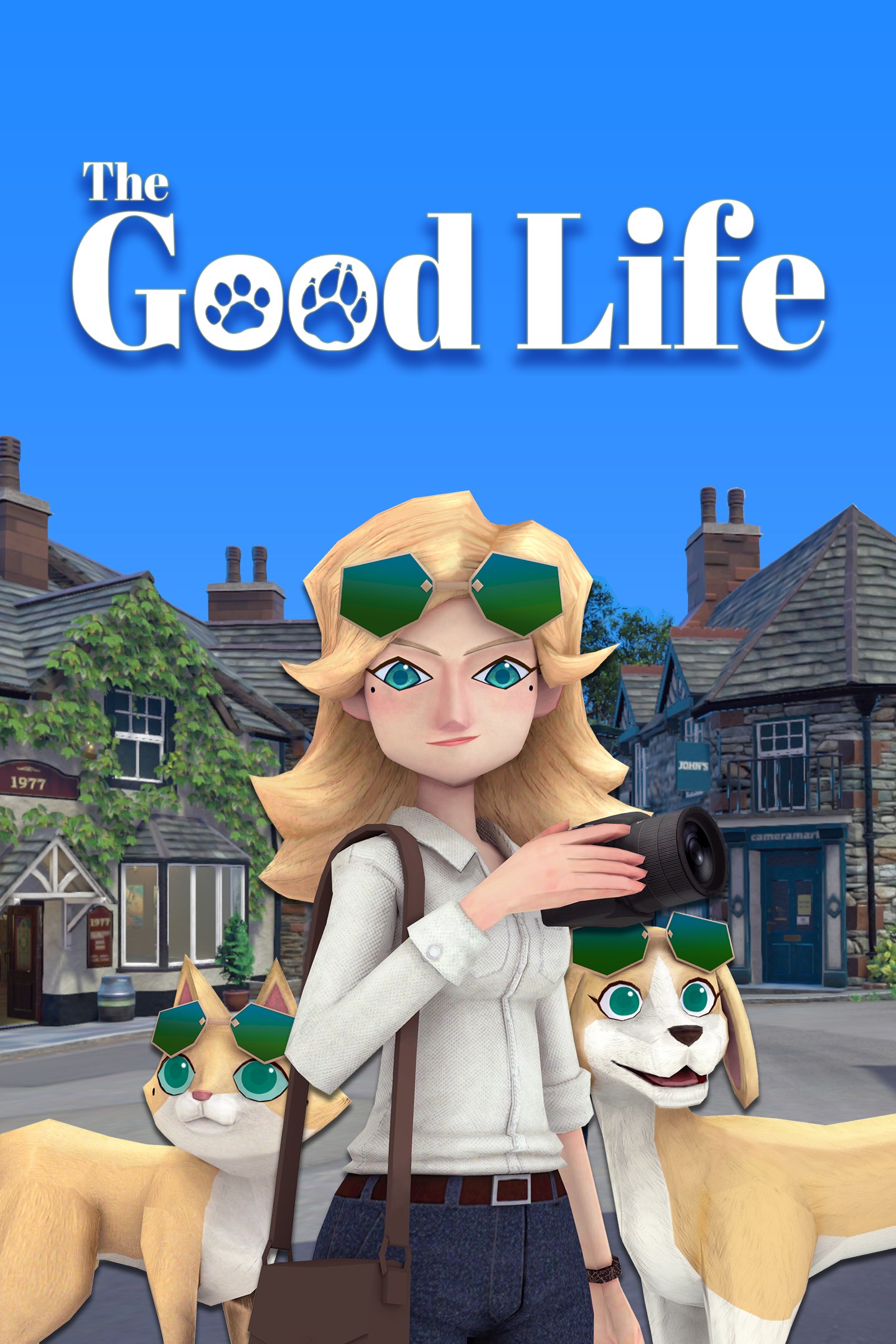
The Good Life
Details
- Publisher
- PLAYISM
- Developer
- White Owls Inc.
- Release date
- 15.10.2021
- Age rating
- ESRB:T
- Localization
- English
Purchase options
Platform
Primary: our account is set as the home Xbox of your console ("My home Xbox"), so the game is shared with your own profile and works offline — that is one slot on one console. Secondary: you sign in to our account and launch the game from it, and the console has to stay online. The activation code is an extra option: it is redeemed on your own account, and the game stays there forever.
You install the game from our account and set our account as the home one ("My home Xbox"): after that you play from your own profile, and the progress and achievements stay yours. It works offline.
You sign in to our account and play right from it. A permanent internet connection is required and only the issued profile can be used. It costs less than the primary access.
A bonus way to buy: you get a 25-character code and redeem it on your own account. The game stays with you forever, no other profiles and no sign-in to a shared account.
What happens after payment
About the game
■Welcome to Rainy Woods
Journalist Naomi Hayward is drowning in debt and is at the end of her rope. Having accepted a request from The Morning Bell newspaper to “uncover the mystery of a small English town”, Naomi finds herself far from her home in New York, in Rainy Woods. Upon beginning her investigation, Naomi – camera in hand – soon discovers an inexplicable phenomenon in which the townspeople transform into cats and dogs as night falls... Then, as just she’s looking into that particular mystery, a murder occurs... Join her as she attempts to reveal the truth about Rainy Woods.
■Solve mysteries as a human, a cat, or a dog!
Naomi herself eventually becomes able to transform into a cat or dog. Turn into a cat, and gain the ability to jump and climb all over town to explore; or transform into a dog, and use your acute sense of smell to track the town’s residents. Use your respective abilities as a human, cat, and dog wisely to more easily solve the various mysteries and incidents you’ll face.
■Take photos to earn money
As a journalist, Naomi is able to earn money by taking photos of Rainy Woods at the request of The Morning Bell and the town’s residents. Also, if she can manage to snap photos of whatever happens to be trending on social media site “Flamingo” and increase her number of followers, she just might be able to earn enough money to make life in this small town that much easier.
■Enjoy life in your new town
In Rainy Woods, as long as you’ve got the money, a free and easy life is yours to be enjoyed. Growing vegetables in your garden, brushing up on your culinary skills, exploring the plains, sharing a drink with your fellow townspeople at the local pub... Stay fed, get lots of sleep, keep yourself looking nice and clean, and enjoy daily life in Rainy Woods.
■Explore the vast and sprawling town of Rainy Woods
Rainy Woods is full of various spots, as well as an array of events just waiting to happen. Explore the areas around the town to unlock shrines and camping grounds, expand your field of mobility, and enjoy the comfortably open world. Hopping onto a sheep and riding around the hills is just so much fun!
Screenshots
Click a frame to open it larger, use the arrows to browse
How to activate
Guide for Xbox One
Primary — the game is shared with your own profile
- 1Press the Xbox button, open "Profile & system" → "Add or switch" → "Add new" and sign in with the login and password from your order.
- 2Now open "Settings" → "General" → "Personalization" → "My home Xbox" and choose "Make this my home Xbox". This is what shares our games with every profile on your console.
- 3Switch back to your own profile, open "My games & apps" → "Library" and install the game. The internet is only needed for the download.
- 4Launch the game from your own profile: achievements, saves and progress stay yours, and after the installation the game works offline.
Only one console at a time can be the home Xbox for our account — that is the slot you bought. Please do not change the password, the email or the two-factor settings of the account, or the access will be blocked.
Secondary — you play from our account
- 1Press the Xbox button, open "Profile & system" → "Add or switch" → "Add new" and sign in with the login and password from your order.
- 2Open "My games & apps" → "Library", switch to our profile in the top-left corner and install the game.
- 3Launch the game while our profile stays signed in, and keep the console online: the licence is checked over the internet.
- 4Use your own profile for everything else — the game stays available as long as our account is signed in on this console.
Secondary costs less, but it needs a permanent internet connection and our account stays signed in on your console.
Activation code
- 1On the console open "Store" and go to the "Redeem code" section.
- 2Enter the 25-character code from your order and confirm the activation on your own account.
- 3After the activation the code is shown as "Used" — but you can reinstall the game from your library at any time.
Notes for Xbox One
Important
How to play online
Warranty and support
The warranty covers the whole period of use of the account. If the access stops working, we replace the account or refund your money.
- If the game stops launching, we replace the account or refund your money.
- Average support response time — 15–30 minutes during working hours.
- The warranty covers the whole rental period of the access.
Support
Telegram: @weskars
E-mail: support@gears.games
Working hours: daily 11:00 – 23:00 (UTC+3)
Every order goes through clear stages: "New" → "Awaiting payment" → "Paid" → "Delivered". You can follow the status in your account page.
Similar games
More games in the "Action & adventure" genre



