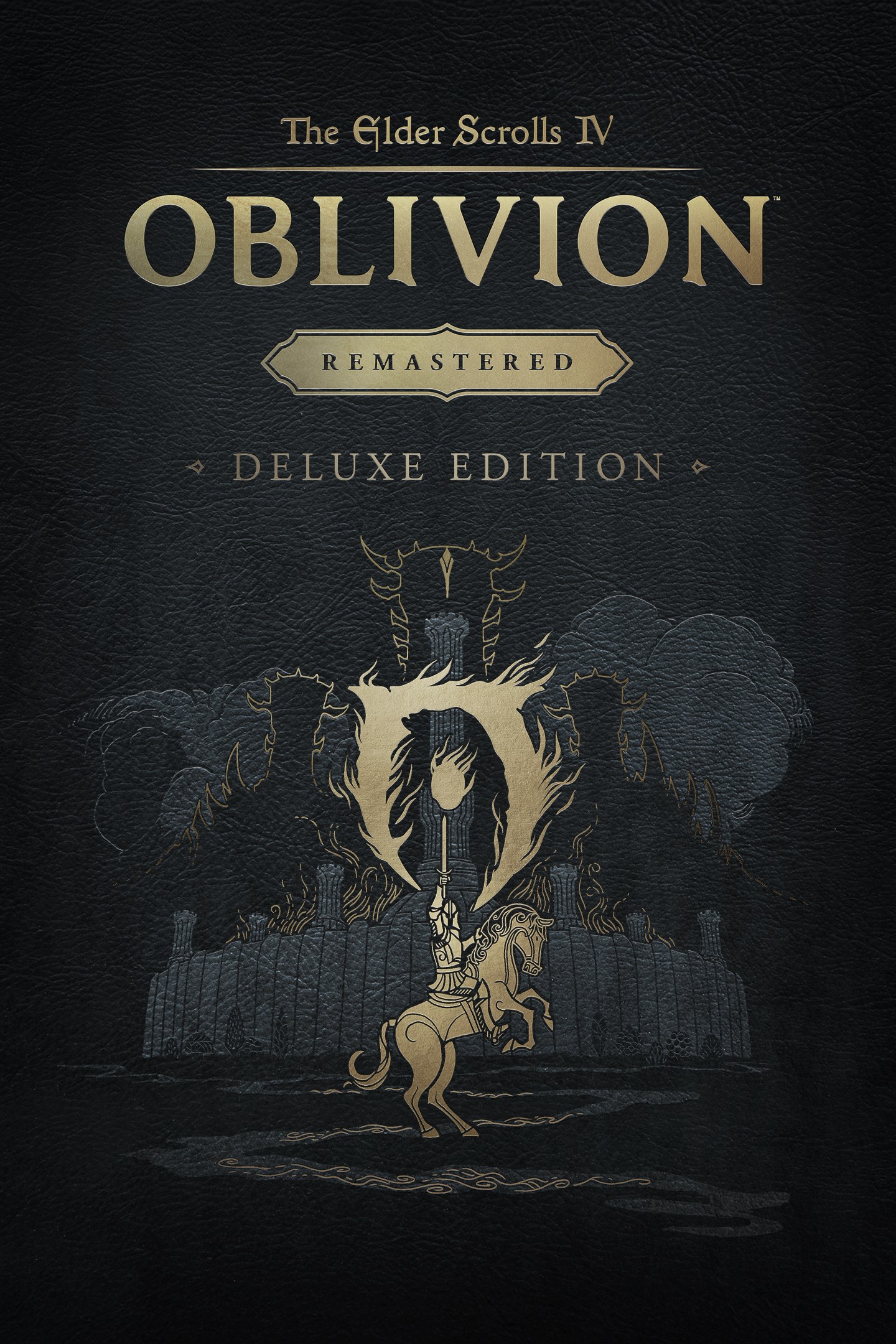
The Elder Scrolls IV: Oblivion Remastered - Deluxe Edition
Details
- Publisher
- Bethesda Softworks
- Developer
- Bethesda Game Studios, Virtuos
- Release date
- 22.04.2025
- Age rating
- ESRB:M
- Localization
- English
Purchase options
Primary: our account is set as the home Xbox of your console ("My home Xbox"), so the game is shared with your own profile and works offline — that is one slot on one console. Secondary: you sign in to our account and launch the game from it, and the console has to stay online. The activation code is an extra option: it is redeemed on your own account, and the game stays there forever.
You install the game from our account and set our account as the home one ("My home Xbox"): after that you play from your own profile, and the progress and achievements stay yours. It works offline.
You sign in to our account and play right from it. A permanent internet connection is required and only the issued profile can be used. It costs less than the primary access.
A bonus way to buy: you get a 25-character code and redeem it on your own account. The game stays with you forever, no other profiles and no sign-in to a shared account.
What happens after payment
About the game
The Elder Scrolls IV: Oblivion™ Remastered modernizes the 2006 Game of the Year with all new stunning visuals and refined gameplay. Explore the vast landscape of Cyrodiil like never before and stop the forces of Oblivion from overtaking the land in one of the greatest RPGs ever from the award-winning Bethesda Game Studios.
Rediscover Cyrodiil
Journey through the rich world of Tamriel and battle across the planes of Oblivion where handcrafted details have been meticulously recreated to ensure each moment of exploration is awe-inspiring.
Navigate Your Own Story
From the noble warrior to the sinister assassin, wizened sorcerer, or scrappy blacksmith, forge your path and play the way you want.
Experience an Epic Adventure
Step inside a universe bursting with captivating stories and encounter an unforgettable cast of characters. Master swordcraft and wield powerful magic as you fight to save Tamriel from the Daedric invasion.
The Complete Story
Experience everything Oblivion has to offer with previously released story expansions Shivering Isles, Knights of the Nine, and additional downloadable content included in The Elder Scrolls IV: Oblivion Remastered.
***
The Elder Scrolls IV: Oblivion Remastered Deluxe Edition includes:
• Digital base game
• New quests for unique digital Akatosh and Mehrunes Dagon Armors, Weapons, and Horse Armor Sets
• Digital Artbook and Soundtrack App
• Shivering Isles and Knights of the Nine story expansions
• Additional downloadable content: Fighter’s Stronghold, Spell Tomes, Vile Lair, Mehrune’s Razor, The Thieves Den, Wizard’s Tower, The Orrery, and Horse Armor Pack
Screenshots
Click a frame to open it larger, use the arrows to browse
How to activate
Guide for Xbox Series X|S
Primary — the game is shared with your own profile
- 1Press the Xbox button, open "Profile & system" → "Add or switch" → "Add new" and sign in with the login and password from your order.
- 2Now open "Settings" → "General" → "Personalization" → "My home Xbox" and choose "Make this my home Xbox". This is what shares our games with every profile on your console.
- 3Switch back to your own profile, open "My games & apps" → "Library" and install the game. The internet is only needed for the download.
- 4Launch the game from your own profile: achievements, saves and progress stay yours, and after the installation the game works offline.
Only one console at a time can be the home Xbox for our account — that is the slot you bought. Please do not change the password, the email or the two-factor settings of the account, or the access will be blocked.
Secondary — you play from our account
- 1Press the Xbox button, open "Profile & system" → "Add or switch" → "Add new" and sign in with the login and password from your order.
- 2Open "My games & apps" → "Library", switch to our profile in the top-left corner and install the game.
- 3Launch the game while our profile stays signed in, and keep the console online: the licence is checked over the internet.
- 4Use your own profile for everything else — the game stays available as long as our account is signed in on this console.
Secondary costs less, but it needs a permanent internet connection and our account stays signed in on your console.
Activation code
- 1On the console open "Store" and go to the "Redeem code" section.
- 2Enter the 25-character code from your order and confirm the activation on your own account.
- 3After the activation the code is shown as "Used" — but you can reinstall the game from your library at any time.
Notes for Xbox Series
Important
How to play online
Warranty and support
The warranty covers the whole period of use of the account. If the access stops working, we replace the account or refund your money.
- If the game stops launching, we replace the account or refund your money.
- Average support response time — 15–30 minutes during working hours.
- The warranty covers the whole rental period of the access.
Support
Telegram: @weskars
E-mail: support@gears.games
Working hours: daily 11:00 – 23:00 (UTC+3)
Every order goes through clear stages: "New" → "Awaiting payment" → "Paid" → "Delivered". You can follow the status in your account page.
Similar games
More games in the "Role playing" genre