
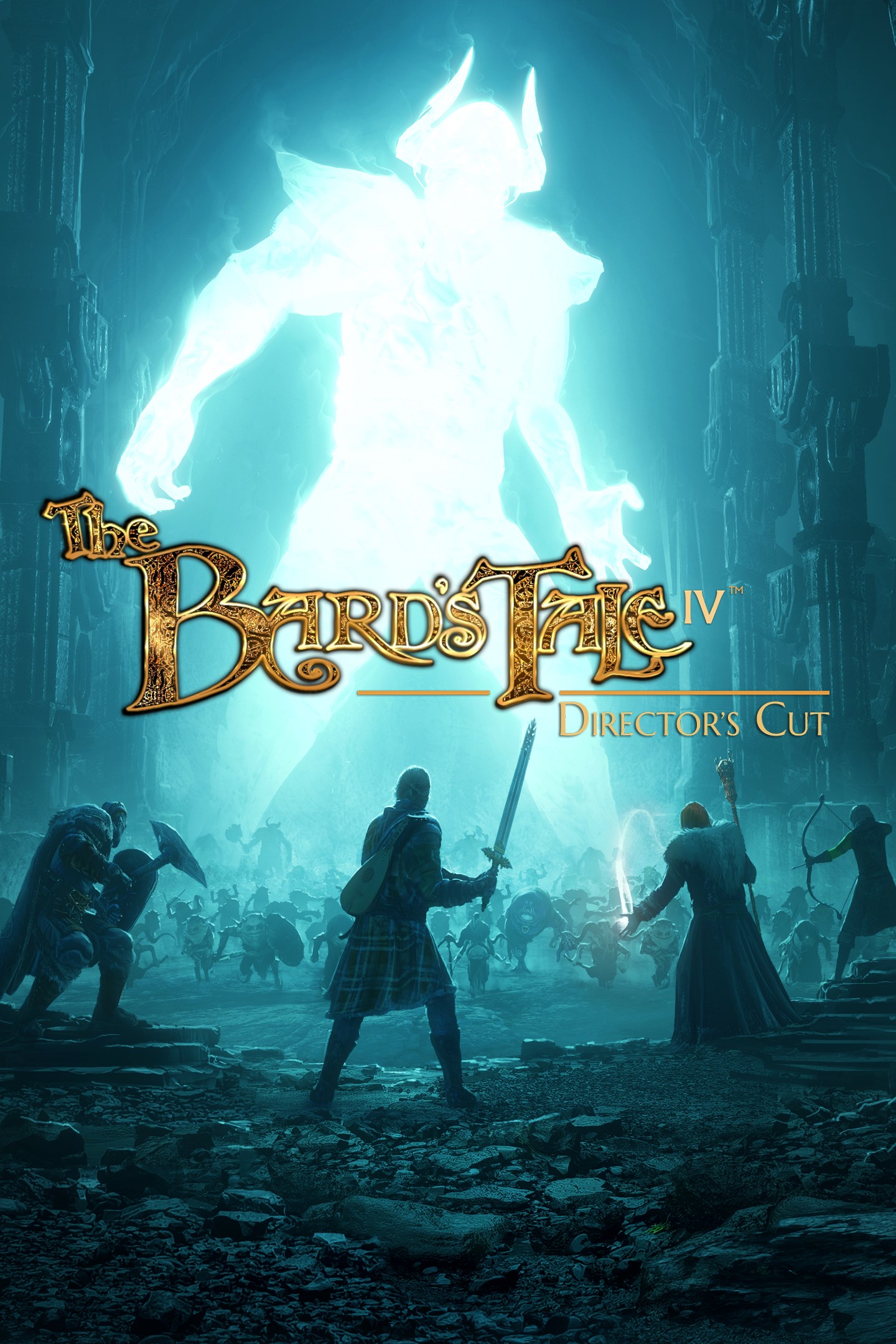
The Bard's Tale IV: Director's Cut
Details
- Publisher
- inXile entertainment, inc.
- Developer
- inXile entertainment, inc.
- Release date
- 27.08.2019
- Age rating
- ESRB:T
- Localization
- English
- Metascore
- 84 / 100
Source: Steam
Purchase options
Platform
Primary: our account is set as the home Xbox of your console ("My home Xbox"), so the game is shared with your own profile and works offline — that is one slot on one console. Secondary: you sign in to our account and launch the game from it, and the console has to stay online. The activation code is an extra option: it is redeemed on your own account, and the game stays there forever.
You install the game from our account and set our account as the home one ("My home Xbox"): after that you play from your own profile, and the progress and achievements stay yours. It works offline.
You sign in to our account and play right from it. A permanent internet connection is required and only the issued profile can be used. It costs less than the primary access.
A bonus way to buy: you get a 25-character code and redeem it on your own account. The game stays with you forever, no other profiles and no sign-in to a shared account.
What happens after payment
About the game
Hidden in the shadows, an evil has waited patiently. Until now. Who will face the darkness if not you? A heroic adventure featuring 50+ hours of gameplay, 350 speaking parts, a Legacy Mode for returning fans, and over 100 pieces of incredible music!
Customize How You Play
Define the way you play, using sliders on numerous options such as saving (including “save anywhere”), the mini-map, waypoint markers and many more. Whether you seek a hardcore challenge, a lighter experience, or something in-between, the choice is yours.
Create the Hero You Want To Be
Play as Bard, Fighter, Practitioner, and Rogue, each featuring 60-70 skills and collectively unlocking 21 unique classes. Build an array of characters to make every playthrough a unique experience.
Craft your Party, Your Way
Start your party with a single character, recruiting or creating new heroes to bolster your ranks. Build a party that suits your play style!
An Adventure Around Every Corner
Explore towns full of quest givers, fight your way through dark and deadly dungeons, and navigate beautiful rolling hills, dense forests, ancient tombs, and icy wastes.
Outsmart Evil
Battle your enemies in dynamic, intuitive turn-based tactical combat,that rewards clever thinking. Use superior strategies, thoughtful positioning, and deadly combos to bring down your foes!
Unlock the Secrets of the Past
Unravel challenging mysteries. If your enemies don’t get you, the devious riddles and dangerous traps just might.
Elven Puzzle Weapons
The sense of discovery and mystery doesn’t stop with the environment. Gain ancient Elven weapons containing hidden powerful skills which you’ll need to uncover by carefully examining them.
Screenshots
Click a frame to open it larger, use the arrows to browse
How to activate
Guide for Xbox One
Primary — the game is shared with your own profile
- 1Press the Xbox button, open "Profile & system" → "Add or switch" → "Add new" and sign in with the login and password from your order.
- 2Now open "Settings" → "General" → "Personalization" → "My home Xbox" and choose "Make this my home Xbox". This is what shares our games with every profile on your console.
- 3Switch back to your own profile, open "My games & apps" → "Library" and install the game. The internet is only needed for the download.
- 4Launch the game from your own profile: achievements, saves and progress stay yours, and after the installation the game works offline.
Only one console at a time can be the home Xbox for our account — that is the slot you bought. Please do not change the password, the email or the two-factor settings of the account, or the access will be blocked.
Secondary — you play from our account
- 1Press the Xbox button, open "Profile & system" → "Add or switch" → "Add new" and sign in with the login and password from your order.
- 2Open "My games & apps" → "Library", switch to our profile in the top-left corner and install the game.
- 3Launch the game while our profile stays signed in, and keep the console online: the licence is checked over the internet.
- 4Use your own profile for everything else — the game stays available as long as our account is signed in on this console.
Secondary costs less, but it needs a permanent internet connection and our account stays signed in on your console.
Activation code
- 1On the console open "Store" and go to the "Redeem code" section.
- 2Enter the 25-character code from your order and confirm the activation on your own account.
- 3After the activation the code is shown as "Used" — but you can reinstall the game from your library at any time.
Notes for Xbox One
Important
How to play online
Warranty and support
The warranty covers the whole period of use of the account. If the access stops working, we replace the account or refund your money.
- If the game stops launching, we replace the account or refund your money.
- Average support response time — 15–30 minutes during working hours.
- The warranty covers the whole rental period of the access.
Support
Telegram: @weskars
E-mail: support@gears.games
Working hours: daily 11:00 – 23:00 (UTC+3)
Every order goes through clear stages: "New" → "Awaiting payment" → "Paid" → "Delivered". You can follow the status in your account page.
Similar games
More games in the "Action & adventure" genre



