Tetris® Effect: Connected
Details
- Publisher
- Enhance
- Developer
- Monstars Inc., Resonair and Stage Games
- Release date
- 10.11.2020
- Age rating
- ESRB:E
- Localization
- English
- Metascore
- 93 / 100
Source: Steam
Purchase options
Platform
Primary: our account is set as the home Xbox of your console ("My home Xbox"), so the game is shared with your own profile and works offline — that is one slot on one console. Secondary: you sign in to our account and launch the game from it, and the console has to stay online. The activation code is an extra option: it is redeemed on your own account, and the game stays there forever.
You install the game from our account and set our account as the home one ("My home Xbox"): after that you play from your own profile, and the progress and achievements stay yours. It works offline.
You sign in to our account and play right from it. A permanent internet connection is required and only the issued profile can be used. It costs less than the primary access.
A bonus way to buy: you get a 25-character code and redeem it on your own account. The game stays with you forever, no other profiles and no sign-in to a shared account.
What happens after payment
About the game
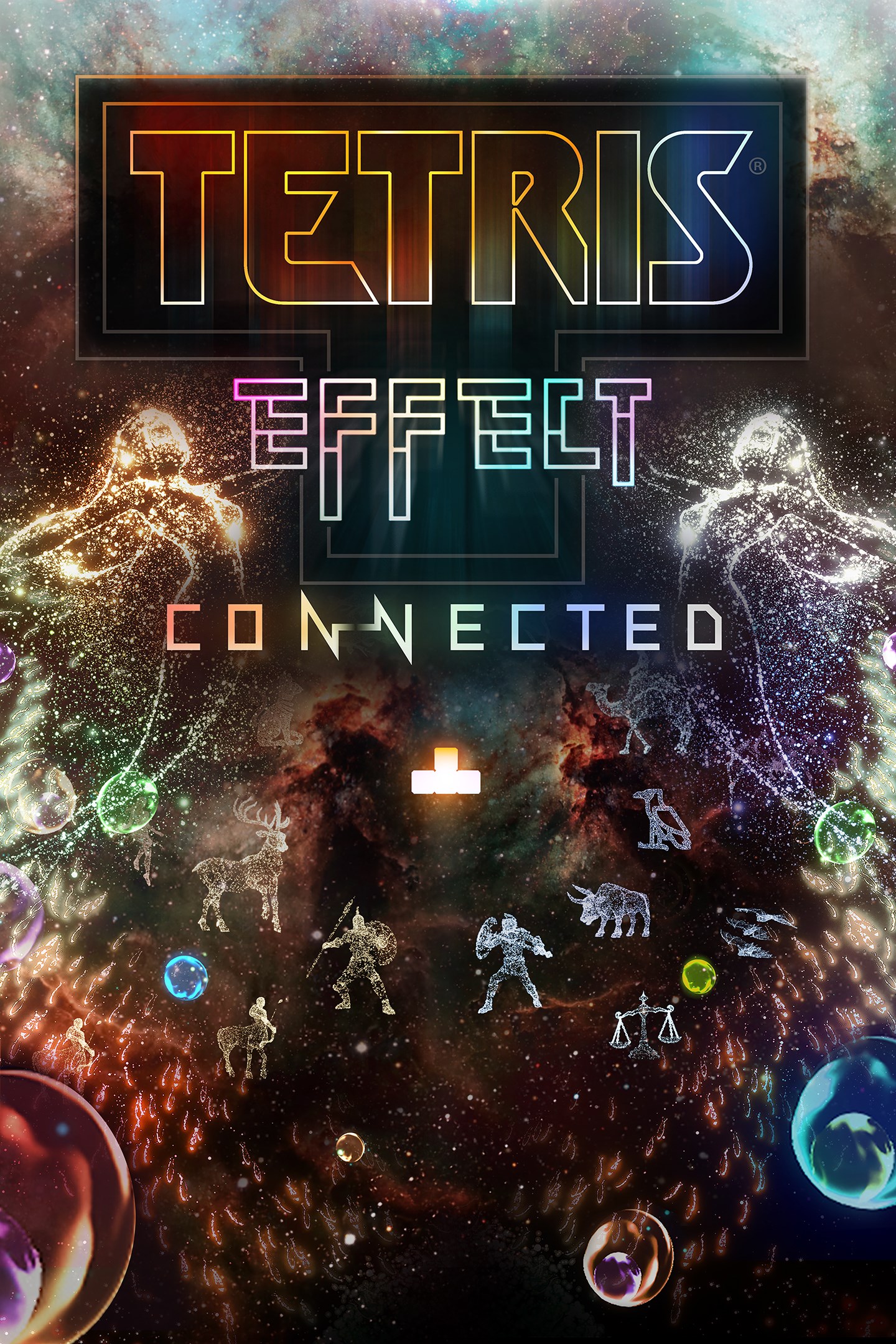
Tetris® Effect: Connected is Tetris like you've never seen it, or heard it, or felt it before—an incredibly addictive, unique, and breathtakingly gorgeous reinvention of one of the most popular puzzle games of all time, from the people who brought you the award-winning Rez Infinite and legendary puzzle game Lumines.
Music, backgrounds, sounds, special effects—everything, down to the Tetriminos themselves—pulse, dance, shimmer, and explode in perfect sync with how you're playing, making any of the game's 30+ stages and 10+ modes something you'll want to experience over and over again.
Plus cross-platform multiplayer modes for competitive and cooperative play!
• An exhilarating single-player experience full of surprises.
Over 30 different stages, each with its own music, sound effects, graphical style and background that all evolve and change as you play through them.
• The Zone is an all-new mechanic designed just for Tetris Effect: Connected!
Includes the all-new “Zone” mechanic, where players can stop time (and Tetriminos falling) by entering “the Zone” and either get out of a sticky situation that could otherwise lead to “Game Over,” or rack up extra Line Clears for bonus rewards.
• Cross-platform multiplayer lets you play with players from all over the world!
Players on different platforms can easily join Friend Match rooms with the new Room ID feature.
• A wide variety of competitive and co-op modes!
Among the new modes is "CONNECTED," where three players can team up and literally connect their Tetris Matrices to fight against A.I.-controlled Bosses; "Zone Battle," a one-on-one match of standard competitive Tetris, but with a twist: the time-stopping Zone mechanic; and "Score Attack" and "Classic Score Attack,” two single-player versus modes where two players compete separately to see who can get the best score.
• Join in on the fun in Spectator mode!
Spectator mode is available in Friend Matches. A room can contain up to 8 total people. Spectators can use emotes during the match to liven up the competition.
Game leverages Smart Delivery allowing access to both the Xbox One title and the Xbox Series X|S title.
Screenshots
Click a frame to open it larger, use the arrows to browse
How to activate
Guide for Xbox One
Primary — the game is shared with your own profile
- 1Press the Xbox button, open "Profile & system" → "Add or switch" → "Add new" and sign in with the login and password from your order.
- 2Now open "Settings" → "General" → "Personalization" → "My home Xbox" and choose "Make this my home Xbox". This is what shares our games with every profile on your console.
- 3Switch back to your own profile, open "My games & apps" → "Library" and install the game. The internet is only needed for the download.
- 4Launch the game from your own profile: achievements, saves and progress stay yours, and after the installation the game works offline.
Only one console at a time can be the home Xbox for our account — that is the slot you bought. Please do not change the password, the email or the two-factor settings of the account, or the access will be blocked.
Secondary — you play from our account
- 1Press the Xbox button, open "Profile & system" → "Add or switch" → "Add new" and sign in with the login and password from your order.
- 2Open "My games & apps" → "Library", switch to our profile in the top-left corner and install the game.
- 3Launch the game while our profile stays signed in, and keep the console online: the licence is checked over the internet.
- 4Use your own profile for everything else — the game stays available as long as our account is signed in on this console.
Secondary costs less, but it needs a permanent internet connection and our account stays signed in on your console.
Activation code
- 1On the console open "Store" and go to the "Redeem code" section.
- 2Enter the 25-character code from your order and confirm the activation on your own account.
- 3After the activation the code is shown as "Used" — but you can reinstall the game from your library at any time.
Notes for Xbox One
Important
How to play online
Warranty and support
The warranty covers the whole period of use of the account. If the access stops working, we replace the account or refund your money.
- If the game stops launching, we replace the account or refund your money.
- Average support response time — 15–30 minutes during working hours.
- The warranty covers the whole rental period of the access.
Support
Telegram: @weskars
E-mail: support@gears.games
Working hours: daily 11:00 – 23:00 (UTC+3)
Every order goes through clear stages: "New" → "Awaiting payment" → "Paid" → "Delivered". You can follow the status in your account page.
Similar games
More games in the "Puzzle & trivia" genre