
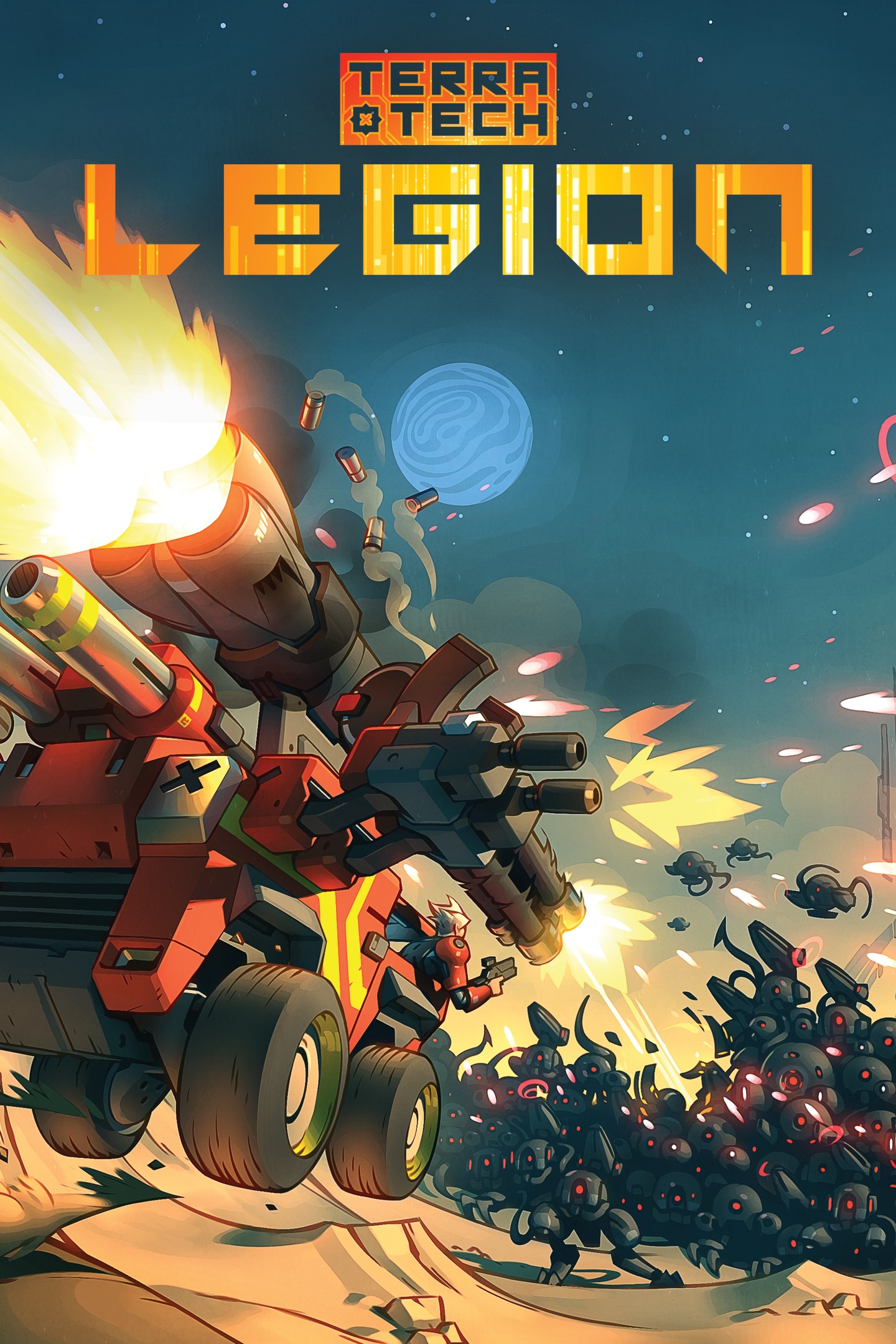
TerraTech Legion
Details
- Publisher
- Mythwright
- Developer
- Payload Studios
- Release date
- 30.04.2026
- Age rating
- ESRB:E10
- Localization
- English
Purchase options
Primary: our account is set as the home Xbox of your console ("My home Xbox"), so the game is shared with your own profile and works offline — that is one slot on one console. Secondary: you sign in to our account and launch the game from it, and the console has to stay online. The activation code is an extra option: it is redeemed on your own account, and the game stays there forever.
You install the game from our account and set our account as the home one ("My home Xbox"): after that you play from your own profile, and the progress and achievements stay yours. It works offline.
You sign in to our account and play right from it. A permanent internet connection is required and only the issued profile can be used. It costs less than the primary access.
A bonus way to buy: you get a 25-character code and redeem it on your own account. The game stays with you forever, no other profiles and no sign-in to a shared account.
What happens after payment
About the game
Planets are falling. Build something that can take them back.
A swarm of AI bots is tearing across the galaxy, assimilating everything in its path. As a maverick Tech jockey with nerves of steel, it's on you to clean up the carnage. Build something fast enough, mean enough or heavy enough to push back, then smash it all into scrap.
TerraTech Legion is a bullet heaven from Payload Studios, the team behind the original TerraTech. It takes the block-based vehicle building the series is known for and drops it into a roguelite full of swarms, bosses, and bad ideas worth trying.
Build a Tech that fights the way you do...
With 200+ blocks across weapons, propulsion and utility, there’s no shortage of wild ideas that just might work. Wheels, boosters, buzzsaws, orbital lasers - snap them together however you like. Each of the four TerraTech Corporations brings its own set of blocks and abilities to the table, so your starting point shapes what you build and how you fight.
How it all comes together is up to you. Stack on the weapons and you're a rolling gun platform. Go heavy at the front and you're built to ram. Pile on the boosters and you're fast, fragile, and hard to catch. Where you put things matters - weight, balance, and whether you can actually steer it all come into play.
Pick your jockey...
Jean Pierre hits hard and keeps on hitting - built for impact and impossible to slow down. Mikela plays the odds by stunning enemies and rerolling her luck until the rarest blocks fall her way. Sam phases through enemies and doubles down with critical hits. Cepheid drifts through the battlefield leaving a trail of plasma in her wake. Each character comes with their own starter build and playstyle - find the one that fits how you fight.
Survive the swarm...
Four distinct planets, each crawling with bots, outposts and factories, all building to a brutal planetary boss. Upgrade your skills between missions to up your game and bring the fury on each new run.
Embrace the endless...
How long can you last? Drop into an endless onslaught of Legion bots and bosses with no checkpoints, no campaign and no way out. Just you, your build, and your high score.
Screenshots
Click a frame to open it larger, use the arrows to browse
How to activate
Guide for Xbox Series X|S
Primary — the game is shared with your own profile
- 1Press the Xbox button, open "Profile & system" → "Add or switch" → "Add new" and sign in with the login and password from your order.
- 2Now open "Settings" → "General" → "Personalization" → "My home Xbox" and choose "Make this my home Xbox". This is what shares our games with every profile on your console.
- 3Switch back to your own profile, open "My games & apps" → "Library" and install the game. The internet is only needed for the download.
- 4Launch the game from your own profile: achievements, saves and progress stay yours, and after the installation the game works offline.
Only one console at a time can be the home Xbox for our account — that is the slot you bought. Please do not change the password, the email or the two-factor settings of the account, or the access will be blocked.
Secondary — you play from our account
- 1Press the Xbox button, open "Profile & system" → "Add or switch" → "Add new" and sign in with the login and password from your order.
- 2Open "My games & apps" → "Library", switch to our profile in the top-left corner and install the game.
- 3Launch the game while our profile stays signed in, and keep the console online: the licence is checked over the internet.
- 4Use your own profile for everything else — the game stays available as long as our account is signed in on this console.
Secondary costs less, but it needs a permanent internet connection and our account stays signed in on your console.
Activation code
- 1On the console open "Store" and go to the "Redeem code" section.
- 2Enter the 25-character code from your order and confirm the activation on your own account.
- 3After the activation the code is shown as "Used" — but you can reinstall the game from your library at any time.
Notes for Xbox Series
Important
How to play online
Warranty and support
The warranty covers the whole period of use of the account. If the access stops working, we replace the account or refund your money.
- If the game stops launching, we replace the account or refund your money.
- Average support response time — 15–30 minutes during working hours.
- The warranty covers the whole rental period of the access.
Support
Telegram: @weskars
E-mail: support@gears.games
Working hours: daily 11:00 – 23:00 (UTC+3)
Every order goes through clear stages: "New" → "Awaiting payment" → "Paid" → "Delivered". You can follow the status in your account page.
Similar games
More games in the "Action & adventure" genre



