
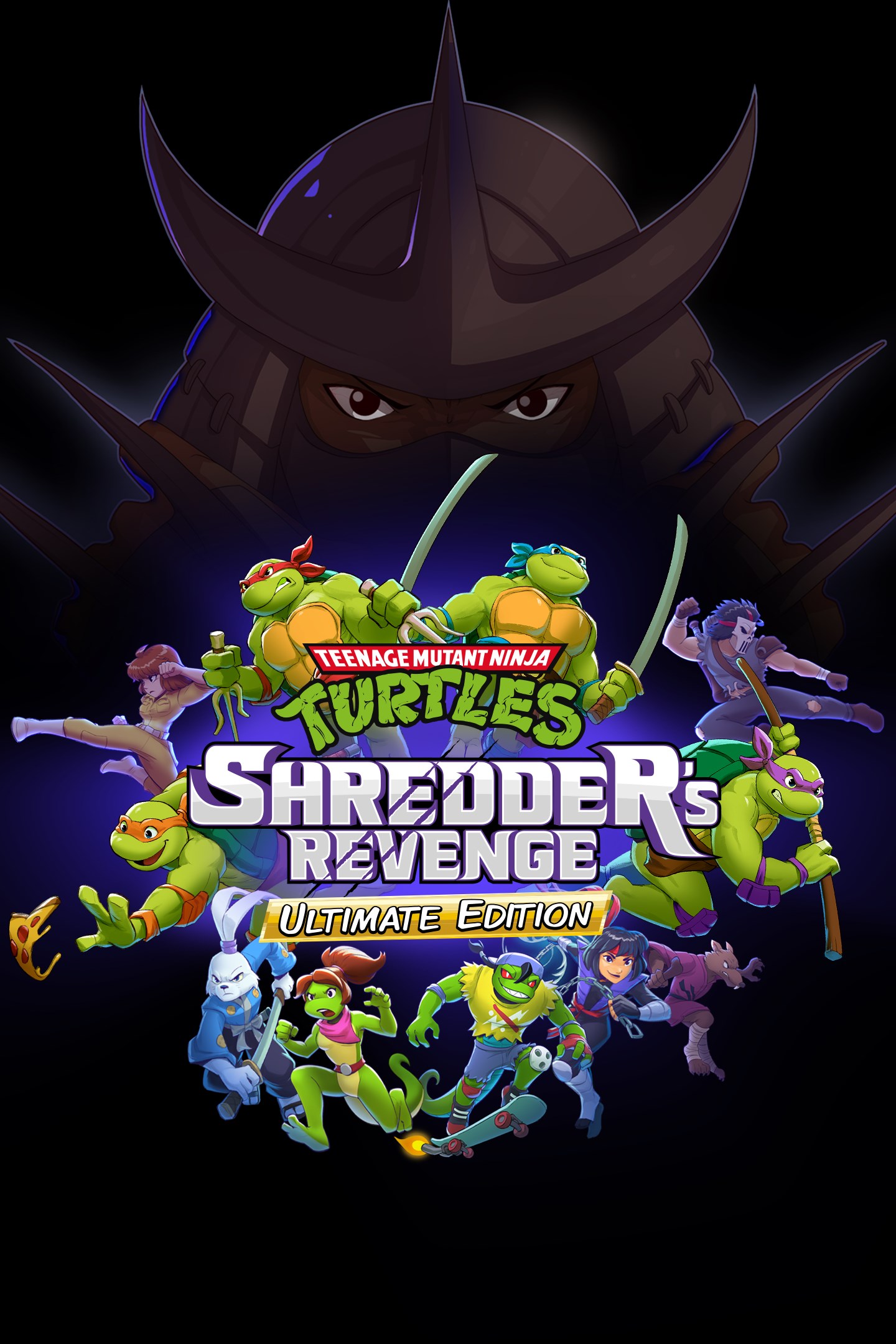
Teenage Mutant Ninja Turtles: Shredder's Revenge - Ultimate Edition
Details
- Publisher
- Dotemu
- Developer
- Tribute Games
- Release date
- 24.09.2024
- Age rating
- ESRB:E10
- Localization
- English
Purchase options
Platform
Primary: our account is set as the home Xbox of your console ("My home Xbox"), so the game is shared with your own profile and works offline — that is one slot on one console. Secondary: you sign in to our account and launch the game from it, and the console has to stay online. The activation code is an extra option: it is redeemed on your own account, and the game stays there forever.
You install the game from our account and set our account as the home one ("My home Xbox"): after that you play from your own profile, and the progress and achievements stay yours. It works offline.
You sign in to our account and play right from it. A permanent internet connection is required and only the issued profile can be used. It costs less than the primary access.
A bonus way to buy: you get a 25-character code and redeem it on your own account. The game stays with you forever, no other profiles and no sign-in to a shared account.
What happens after payment
About the game
Get the full TMNT: Shredder’s Revenge experience in this bundle!
Enjoy stunning full-color pixel art graphics and a vintage TMNT vibe that will rock you straight back to the awesome 80s. Every character, vehicle, weapon, item, and background is directly inspired by the 1987 TV show, making you feel like you hopped into the television -- with a dope mix of killer humor and action-packed adventures!
TMNT: SHREDDER’S REVENGE
With Bebop and Rocksteady attacking Channel 6 and stealing super gnarly devices to support Krang and Shredder’s latest twisted plan, Teenage Mutant Ninja Turtles: Shredder’s Revenge sees the Turtles battling across a righteous range of timeless TMNT locations.
From Manhattan and Coney Island, to city rooftops and dank sewers, help the fearsome foursome trounce Foot Soldiers, Triceraton Warriors, and Rock Troops all the way to Dimension X!
DIMENSION SHELLSHOCK
Dimension Shellshock introduces Usagi and Karai as new playable characters as well as the brand new Survival mode: collect crystals and travel across dimensions that pay tribute to multiple TMNT eras. Our heroes need to jump between dimensions and put a stop to Shredder's evil plans!
RADICAL REPTILES
A powerhouse duo teams up with the Turtles for another bodacious ride!
In this final content update for Shredder’s Revenge, your favorite ninja team are joined by two legendary characters from the classic 1987 TV show, Mondo Gecko and Mona Lisa, for their playable debut in a beat-em-up video game and a long-awaited reunion with the gang.
Screenshots
Click a frame to open it larger, use the arrows to browse
How to activate
Guide for Xbox One
Primary — the game is shared with your own profile
- 1Press the Xbox button, open "Profile & system" → "Add or switch" → "Add new" and sign in with the login and password from your order.
- 2Now open "Settings" → "General" → "Personalization" → "My home Xbox" and choose "Make this my home Xbox". This is what shares our games with every profile on your console.
- 3Switch back to your own profile, open "My games & apps" → "Library" and install the game. The internet is only needed for the download.
- 4Launch the game from your own profile: achievements, saves and progress stay yours, and after the installation the game works offline.
Only one console at a time can be the home Xbox for our account — that is the slot you bought. Please do not change the password, the email or the two-factor settings of the account, or the access will be blocked.
Secondary — you play from our account
- 1Press the Xbox button, open "Profile & system" → "Add or switch" → "Add new" and sign in with the login and password from your order.
- 2Open "My games & apps" → "Library", switch to our profile in the top-left corner and install the game.
- 3Launch the game while our profile stays signed in, and keep the console online: the licence is checked over the internet.
- 4Use your own profile for everything else — the game stays available as long as our account is signed in on this console.
Secondary costs less, but it needs a permanent internet connection and our account stays signed in on your console.
Activation code
- 1On the console open "Store" and go to the "Redeem code" section.
- 2Enter the 25-character code from your order and confirm the activation on your own account.
- 3After the activation the code is shown as "Used" — but you can reinstall the game from your library at any time.
Notes for Xbox One
Important
How to play online
Warranty and support
The warranty covers the whole period of use of the account. If the access stops working, we replace the account or refund your money.
- If the game stops launching, we replace the account or refund your money.
- Average support response time — 15–30 minutes during working hours.
- The warranty covers the whole rental period of the access.
Support
Telegram: @weskars
E-mail: support@gears.games
Working hours: daily 11:00 – 23:00 (UTC+3)
Every order goes through clear stages: "New" → "Awaiting payment" → "Paid" → "Delivered". You can follow the status in your account page.
Similar games
More games in the "Action & adventure" genre



