
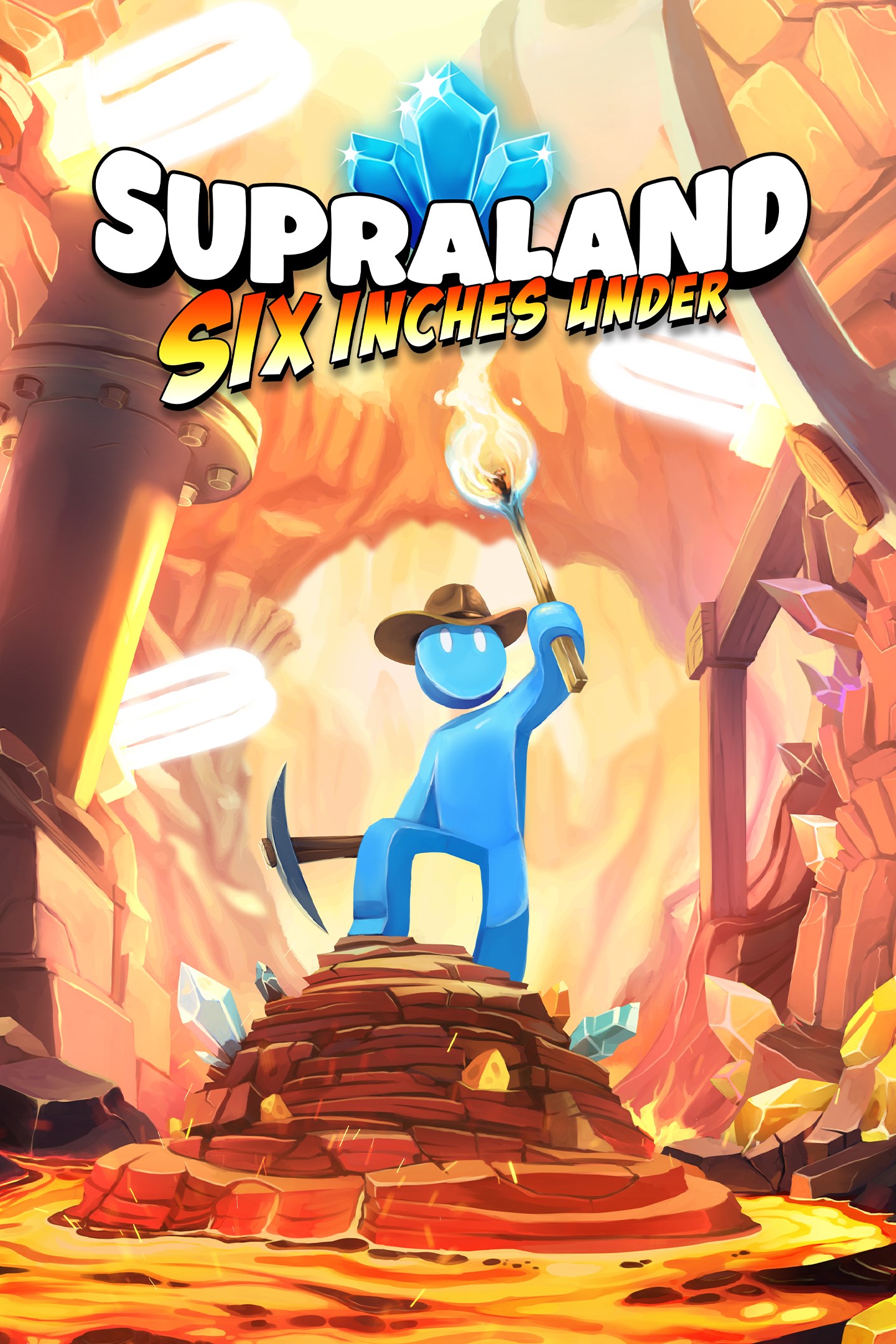
Supraland: Six Inches Under
Details
- Publisher
- Humble Games
- Developer
- Supra Games UG
- Release date
- 18.05.2023
- Age rating
- ESRB:E10
- Localization
- English
Purchase options
Platform
Primary: our account is set as the home Xbox of your console ("My home Xbox"), so the game is shared with your own profile and works offline — that is one slot on one console. Secondary: you sign in to our account and launch the game from it, and the console has to stay online. The activation code is an extra option: it is redeemed on your own account, and the game stays there forever.
You install the game from our account and set our account as the home one ("My home Xbox"): after that you play from your own profile, and the progress and achievements stay yours. It works offline.
You sign in to our account and play right from it. A permanent internet connection is required and only the issued profile can be used. It costs less than the primary access.
A bonus way to buy: you get a 25-character code and redeem it on your own account. The game stays with you forever, no other profiles and no sign-in to a shared account.
What happens after payment
About the game
Dig into the biggest smallest adventure
Unearth what’s beneath the surface in Six Inches Under, a new first-person Supraland adventure full of puzzles, exploration, fun secrets to discover, hundreds of gags, and two funny ones!
In the miniature world, the dreaded Rakening has scattered the townspeople of Superland six whole inches below the surface of the sandbox! Fulfill your toybox fantasies as a brave Blue Plumber and use your skill and ingenuity to survive and rescue your fellows. You may be small—but this is bound to be one big adventure.
Underworld exploration
Unearth a connected underworld of toys who’ve survived past calamities. The caverns are filled with secrets to discover and new areas to uncover—once you’ve acquired the right tools and abilities to access them.
First-person puzzling
Solve problems in the environment with brains (and occasional brawn). Use skillful platforming to find secrets and hard to reach areas, and harness the power of physics to find creative ways to overcome obstacles.
It’s a small world
For the people of Supraland, little things make a big difference. Turn a matchstick into the lever that opens a door or a torch that ignites an obstacle. Power mighty machines with the latest AAA battery technology, cross cracks the size of chasms, and walk (literally!) on the razor’s edge.
A great place to dig in
Six Inches Under is a content-packed standalone follow-up (and not quite a sequel) to the original Supraland, designed for everyone! You can delve straight in and have a blast without having played the original.
More Supraland to love
If you dug the original Supraland, you’ll discover tons more of the puzzle-solving, metroidvania-style exploration you loved—plus more skills, a novel new approach to combat, more optional activities, and an original new soundtrack.
Screenshots
Click a frame to open it larger, use the arrows to browse
How to activate
Guide for Xbox One
Primary — the game is shared with your own profile
- 1Press the Xbox button, open "Profile & system" → "Add or switch" → "Add new" and sign in with the login and password from your order.
- 2Now open "Settings" → "General" → "Personalization" → "My home Xbox" and choose "Make this my home Xbox". This is what shares our games with every profile on your console.
- 3Switch back to your own profile, open "My games & apps" → "Library" and install the game. The internet is only needed for the download.
- 4Launch the game from your own profile: achievements, saves and progress stay yours, and after the installation the game works offline.
Only one console at a time can be the home Xbox for our account — that is the slot you bought. Please do not change the password, the email or the two-factor settings of the account, or the access will be blocked.
Secondary — you play from our account
- 1Press the Xbox button, open "Profile & system" → "Add or switch" → "Add new" and sign in with the login and password from your order.
- 2Open "My games & apps" → "Library", switch to our profile in the top-left corner and install the game.
- 3Launch the game while our profile stays signed in, and keep the console online: the licence is checked over the internet.
- 4Use your own profile for everything else — the game stays available as long as our account is signed in on this console.
Secondary costs less, but it needs a permanent internet connection and our account stays signed in on your console.
Activation code
- 1On the console open "Store" and go to the "Redeem code" section.
- 2Enter the 25-character code from your order and confirm the activation on your own account.
- 3After the activation the code is shown as "Used" — but you can reinstall the game from your library at any time.
Notes for Xbox One
Important
How to play online
Warranty and support
The warranty covers the whole period of use of the account. If the access stops working, we replace the account or refund your money.
- If the game stops launching, we replace the account or refund your money.
- Average support response time — 15–30 minutes during working hours.
- The warranty covers the whole rental period of the access.
Support
Telegram: @weskars
E-mail: support@gears.games
Working hours: daily 11:00 – 23:00 (UTC+3)
Every order goes through clear stages: "New" → "Awaiting payment" → "Paid" → "Delivered". You can follow the status in your account page.
Similar games
More games in the "Action & adventure" genre



