
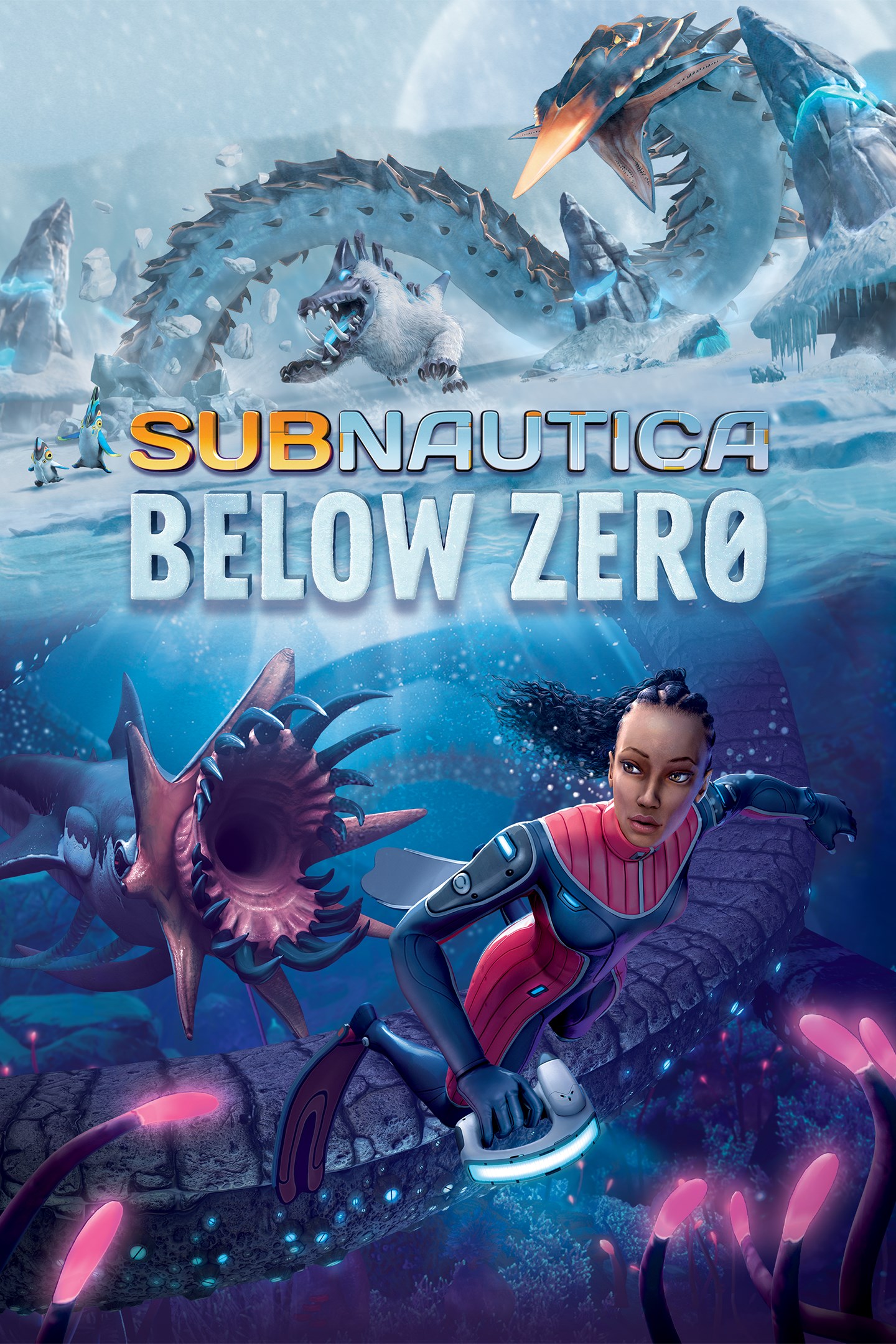
Subnautica: Below Zero
Details
- Publisher
- Unknown Worlds Entertainment, Inc.
- Developer
- Unknown Worlds Entertainment, Inc.
- Release date
- 14.05.2021
- Age rating
- ESRB:E10
- Localization
- English
Purchase options
Platform
Primary: our account is set as the home Xbox of your console ("My home Xbox"), so the game is shared with your own profile and works offline — that is one slot on one console. Secondary: you sign in to our account and launch the game from it, and the console has to stay online. The activation code is an extra option: it is redeemed on your own account, and the game stays there forever.
You install the game from our account and set our account as the home one ("My home Xbox"): after that you play from your own profile, and the progress and achievements stay yours. It works offline.
You sign in to our account and play right from it. A permanent internet connection is required and only the issued profile can be used. It costs less than the primary access.
A bonus way to buy: you get a 25-character code and redeem it on your own account. The game stays with you forever, no other profiles and no sign-in to a shared account.
What happens after payment
About the game
Below Zero is an underwater adventure game set on an alien ocean world. It is a new chapter in the Subnautica universe, and is developed by Unknown Worlds.
Return to Planet 4546B
Submerge yourself in an all-new, sub-zero expedition in an arctic region of Planet 4546B. Arriving with little more than your wits and some survival equipment, you set out to investigate what happened to your sister...
Uncover the Truth
Alterra left in a hurry after a mysterious incident. Abandoned research stations dot the region. What happened to the scientists who lived and worked here? Logs, items, and databanks scattered among the debris paint a new picture of the incident. With limited resources, you must improvise to survive on your own.
Discover Uncharted Biomes
Swim beneath the blue-lit, arching expanses of Twisty Bridges. Become mesmerized by the glittering, mammoth crystals of the Crystal Caverns. Clamber up snow covered peaks and venture into the icy caves of Glacial Basin. Maneuver between erupting Thermal Vents to discover ancient alien artifacts. Below Zero presents entirely new environments for you to survive, study, and explore.
Construct Habitats and Vehicles
Survive the harsh climate by constructing extensive habitats, scavenging for resources, and crafting equipment. Blast across the snowy tundra on a Snowfox hoverbike. Cruise through enchanting and perilous biomes in your modular Seatruck.
Research Alien Lifeforms
Something undiscovered lurks around every corner. Swim through the giant Titan Holefish, encounter the haunting Shadow Leviathan, and visit the adorable Pengwings. Keep your wits about you. Not all creatures in this strange world are friendly!
Survive the Chilly Temperatures
Jump in, the water’s warm. The below zero temperatures of this arctic region pose a new threat. New weather conditions blanket above-ground habitats. Craft a toasty cold suit, sip on piping hot coffee, and warm up next to Thermal Lilies to stave off the chill.
An Ocean of Intrigue
What really happened to your sister? Who were the aliens who came here before? Why were they on this planet? Can we find solace from grief in truth? Below Zero extends the story of the Subnautica universe, diving deep into the mystery introduced in the original game.
Screenshots
Click a frame to open it larger, use the arrows to browse
How to activate
Guide for Xbox One
Primary — the game is shared with your own profile
- 1Press the Xbox button, open "Profile & system" → "Add or switch" → "Add new" and sign in with the login and password from your order.
- 2Now open "Settings" → "General" → "Personalization" → "My home Xbox" and choose "Make this my home Xbox". This is what shares our games with every profile on your console.
- 3Switch back to your own profile, open "My games & apps" → "Library" and install the game. The internet is only needed for the download.
- 4Launch the game from your own profile: achievements, saves and progress stay yours, and after the installation the game works offline.
Only one console at a time can be the home Xbox for our account — that is the slot you bought. Please do not change the password, the email or the two-factor settings of the account, or the access will be blocked.
Secondary — you play from our account
- 1Press the Xbox button, open "Profile & system" → "Add or switch" → "Add new" and sign in with the login and password from your order.
- 2Open "My games & apps" → "Library", switch to our profile in the top-left corner and install the game.
- 3Launch the game while our profile stays signed in, and keep the console online: the licence is checked over the internet.
- 4Use your own profile for everything else — the game stays available as long as our account is signed in on this console.
Secondary costs less, but it needs a permanent internet connection and our account stays signed in on your console.
Activation code
- 1On the console open "Store" and go to the "Redeem code" section.
- 2Enter the 25-character code from your order and confirm the activation on your own account.
- 3After the activation the code is shown as "Used" — but you can reinstall the game from your library at any time.
Notes for Xbox One
Important
How to play online
Warranty and support
The warranty covers the whole period of use of the account. If the access stops working, we replace the account or refund your money.
- If the game stops launching, we replace the account or refund your money.
- Average support response time — 15–30 minutes during working hours.
- The warranty covers the whole rental period of the access.
Support
Telegram: @weskars
E-mail: support@gears.games
Working hours: daily 11:00 – 23:00 (UTC+3)
Every order goes through clear stages: "New" → "Awaiting payment" → "Paid" → "Delivered". You can follow the status in your account page.
Similar games
More games in the "Action & adventure" genre



