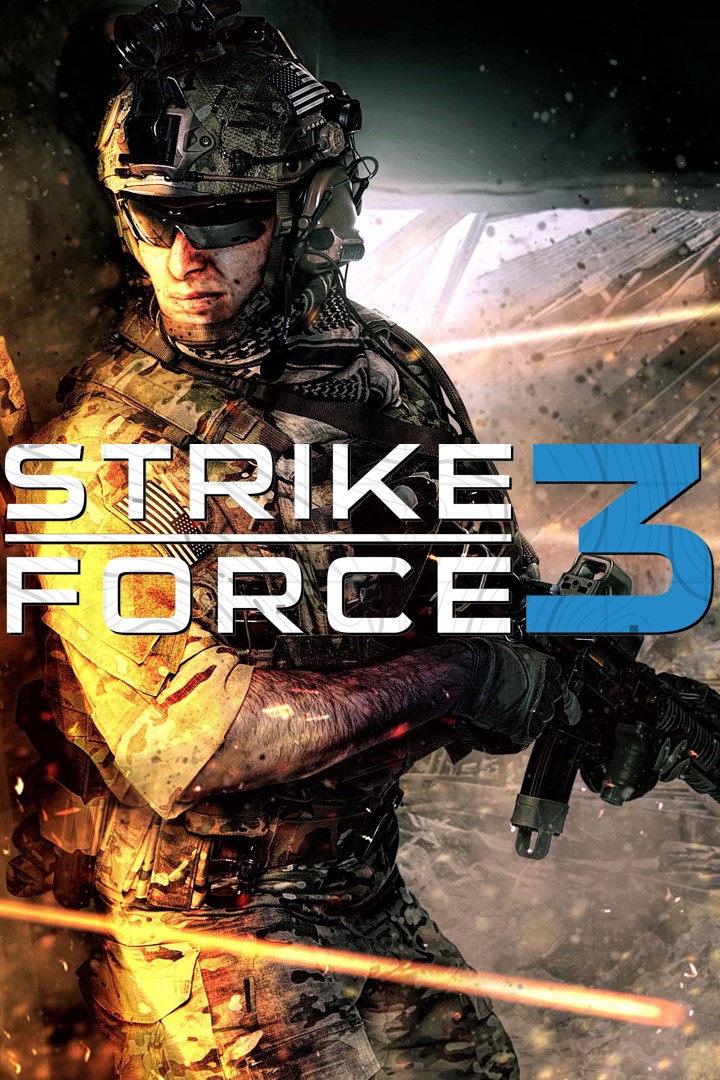
Strike Force 3
Details
- Publisher
- Polygon Art
- Developer
- Polygon Art
- Release date
- 30.10.2025
- Age rating
- ESRB:T
- Localization
- English
Purchase options
Platform
Primary: our account is set as the home Xbox of your console ("My home Xbox"), so the game is shared with your own profile and works offline — that is one slot on one console. Secondary: you sign in to our account and launch the game from it, and the console has to stay online. The activation code is an extra option: it is redeemed on your own account, and the game stays there forever.
You install the game from our account and set our account as the home one ("My home Xbox"): after that you play from your own profile, and the progress and achievements stay yours. It works offline.
You sign in to our account and play right from it. A permanent internet connection is required and only the issued profile can be used. It costs less than the primary access.
A bonus way to buy: you get a 25-character code and redeem it on your own account. The game stays with you forever, no other profiles and no sign-in to a shared account.
What happens after payment
About the game
Welcome to the frontline of action-packed warfare in Strike Force 3!
As a highly-trained elite operative, you'll be thrust into the heart of modern-day combat against the ruthless Tariqian Liberation Front (TLF). Prepare for intense firefights, adrenaline-pumping stealth missions, and high-stakes challenges that will put your skills to the test.
Explore stunning desert canyons and war-torn cities as you fight to liberate Al-Tariq from the grips of terror. Use an arsenal of powerful weapons and cutting-edge gear to outmaneuver your enemies and complete daring objectives.
The fate of an entire region lies in your hands as you embark on a gripping singleplayer campaign, filled with twists and turns that will keep you on the edge of your seat.
Get ready for the most intense and action-packed military shooter experience with Strike Force 3! Join an elite special operations unit tasked with taking down a ruthless terrorist organization and restoring peace to a war-torn country. With cutting-edge graphics, immersive gameplay, and adrenaline-pumping missions, Strike Force 3 delivers an unparalleled combat experience that will keep you on the edge of your seat.
Key Features:
- Immersive single-player campaign: Engage in a gripping storyline as a member of the elite Strike Force, battling against a ruthless terrorist organization.
- Authentic combat experience: Utilize a wide arsenal of weapons and equipment, employ strategic thinking, and engage in intense firefights in realistic environments.
- Stunning graphics and sound effects: Immerse yourself in realistic visuals and sound effects that enhance the overall gameplay experience.
- Challenging enemy AI: Battle against intelligent enemy AI that react to your tactics and challenge you at every turn, keeping the gameplay fresh and challenging.
Get ready to join the Strike Force and embark on an epic mission to restore peace to Tariq. Are you up for the challenge? Get Strike Force 3 now and experience the ultimate combat experience!
Screenshots
Click a frame to open it larger, use the arrows to browse
How to activate
Guide for Xbox One
Primary — the game is shared with your own profile
- 1Press the Xbox button, open "Profile & system" → "Add or switch" → "Add new" and sign in with the login and password from your order.
- 2Now open "Settings" → "General" → "Personalization" → "My home Xbox" and choose "Make this my home Xbox". This is what shares our games with every profile on your console.
- 3Switch back to your own profile, open "My games & apps" → "Library" and install the game. The internet is only needed for the download.
- 4Launch the game from your own profile: achievements, saves and progress stay yours, and after the installation the game works offline.
Only one console at a time can be the home Xbox for our account — that is the slot you bought. Please do not change the password, the email or the two-factor settings of the account, or the access will be blocked.
Secondary — you play from our account
- 1Press the Xbox button, open "Profile & system" → "Add or switch" → "Add new" and sign in with the login and password from your order.
- 2Open "My games & apps" → "Library", switch to our profile in the top-left corner and install the game.
- 3Launch the game while our profile stays signed in, and keep the console online: the licence is checked over the internet.
- 4Use your own profile for everything else — the game stays available as long as our account is signed in on this console.
Secondary costs less, but it needs a permanent internet connection and our account stays signed in on your console.
Activation code
- 1On the console open "Store" and go to the "Redeem code" section.
- 2Enter the 25-character code from your order and confirm the activation on your own account.
- 3After the activation the code is shown as "Used" — but you can reinstall the game from your library at any time.
Notes for Xbox One
Important
How to play online
Warranty and support
The warranty covers the whole period of use of the account. If the access stops working, we replace the account or refund your money.
- If the game stops launching, we replace the account or refund your money.
- Average support response time — 15–30 minutes during working hours.
- The warranty covers the whole rental period of the access.
Support
Telegram: @weskars
E-mail: support@gears.games
Working hours: daily 11:00 – 23:00 (UTC+3)
Every order goes through clear stages: "New" → "Awaiting payment" → "Paid" → "Delivered". You can follow the status in your account page.
Similar games
More games in the "Shooter" genre