
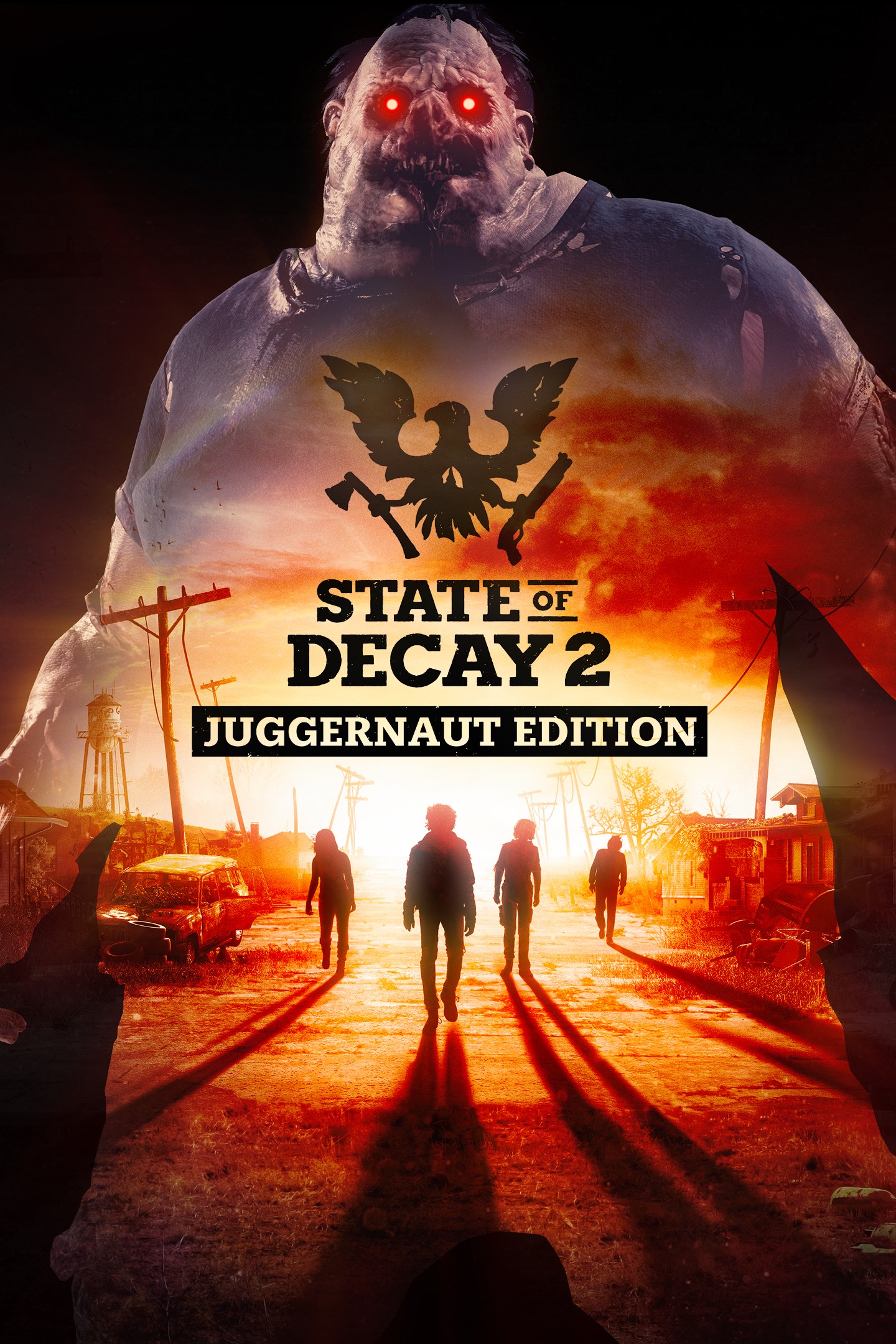
State of Decay 2: Juggernaut Edition
Details
- Publisher
- Xbox Game Studios
- Developer
- Undead Labs
- Release date
- 22.05.2018
- Age rating
- ESRB:M
- Localization
- English
- Metascore
- 69 / 100
Source: Steam
Purchase options
Platform
Primary: our account is set as the home Xbox of your console ("My home Xbox"), so the game is shared with your own profile and works offline — that is one slot on one console. Secondary: you sign in to our account and launch the game from it, and the console has to stay online. The activation code is an extra option: it is redeemed on your own account, and the game stays there forever.
You install the game from our account and set our account as the home one ("My home Xbox"): after that you play from your own profile, and the progress and achievements stay yours. It works offline.
You sign in to our account and play right from it. A permanent internet connection is required and only the issued profile can be used. It costs less than the primary access.
A bonus way to buy: you get a 25-character code and redeem it on your own account. The game stays with you forever, no other profiles and no sign-in to a shared account.
What happens after payment
About the game
The dead have risen and civilization has fallen. Not even the military could stop the zombies, and now it's up to you to gather survivors, scavenge for resources and build a community with up to three of your friends in a post-apocalyptic world – a world where every decision matters, and where you define what it means to survive in this ultimate zombie survival simulation.
State of Decay 2: Juggernaut Edition re-imagines the popular survival game as a brand-new experience to welcome first-time players... and those who've come back from the dead. This edition is packed with new and remastered content for the ultimate zombie survival experience.
Join over 10 million existing players and discover what Juggernaut Edition has to offer:
• The base game plus all three add-on packs released to date, including the all-new Homecoming update:
o Homecoming: a full-size, fully remastered, open world version of Trumbull Valley for the core game, reintegrating the Mount Tanner and Fairfield regions to the map, and adding new sites to scavenge, along with new sights to behold.
o Heartland: an massive story campaign set in a familiar town with new challenges
o Daybreak Pack: a test of teamwork with siege-style, "survive the horde" gameplay
o Independence Pack: a celebration of history that blows up zombies... with fireworks!
• Remastered graphics and an upgraded engine featuring realistic fog effects
• An expanded soundtrack with hours of new thematic musical arrangements
• Providence Ridge: a brand-new open-world map full of forests, zombies, and mystery
• Two-handed heavy weapons with new melee combat moves to bust zombie heads
• A new introductory experience and improved controls to help you master the apocalypse
... and countless other improvements to the classic open-ended sandbox gameplay.
Screenshots
Click a frame to open it larger, use the arrows to browse
How to activate
Guide for Xbox One
Primary — the game is shared with your own profile
- 1Press the Xbox button, open "Profile & system" → "Add or switch" → "Add new" and sign in with the login and password from your order.
- 2Now open "Settings" → "General" → "Personalization" → "My home Xbox" and choose "Make this my home Xbox". This is what shares our games with every profile on your console.
- 3Switch back to your own profile, open "My games & apps" → "Library" and install the game. The internet is only needed for the download.
- 4Launch the game from your own profile: achievements, saves and progress stay yours, and after the installation the game works offline.
Only one console at a time can be the home Xbox for our account — that is the slot you bought. Please do not change the password, the email or the two-factor settings of the account, or the access will be blocked.
Secondary — you play from our account
- 1Press the Xbox button, open "Profile & system" → "Add or switch" → "Add new" and sign in with the login and password from your order.
- 2Open "My games & apps" → "Library", switch to our profile in the top-left corner and install the game.
- 3Launch the game while our profile stays signed in, and keep the console online: the licence is checked over the internet.
- 4Use your own profile for everything else — the game stays available as long as our account is signed in on this console.
Secondary costs less, but it needs a permanent internet connection and our account stays signed in on your console.
Activation code
- 1On the console open "Store" and go to the "Redeem code" section.
- 2Enter the 25-character code from your order and confirm the activation on your own account.
- 3After the activation the code is shown as "Used" — but you can reinstall the game from your library at any time.
Notes for Xbox One
Important
How to play online
Warranty and support
The warranty covers the whole period of use of the account. If the access stops working, we replace the account or refund your money.
- If the game stops launching, we replace the account or refund your money.
- Average support response time — 15–30 minutes during working hours.
- The warranty covers the whole rental period of the access.
Support
Telegram: @weskars
E-mail: support@gears.games
Working hours: daily 11:00 – 23:00 (UTC+3)
Every order goes through clear stages: "New" → "Awaiting payment" → "Paid" → "Delivered". You can follow the status in your account page.
Similar games
More games in the "Action & adventure" genre



