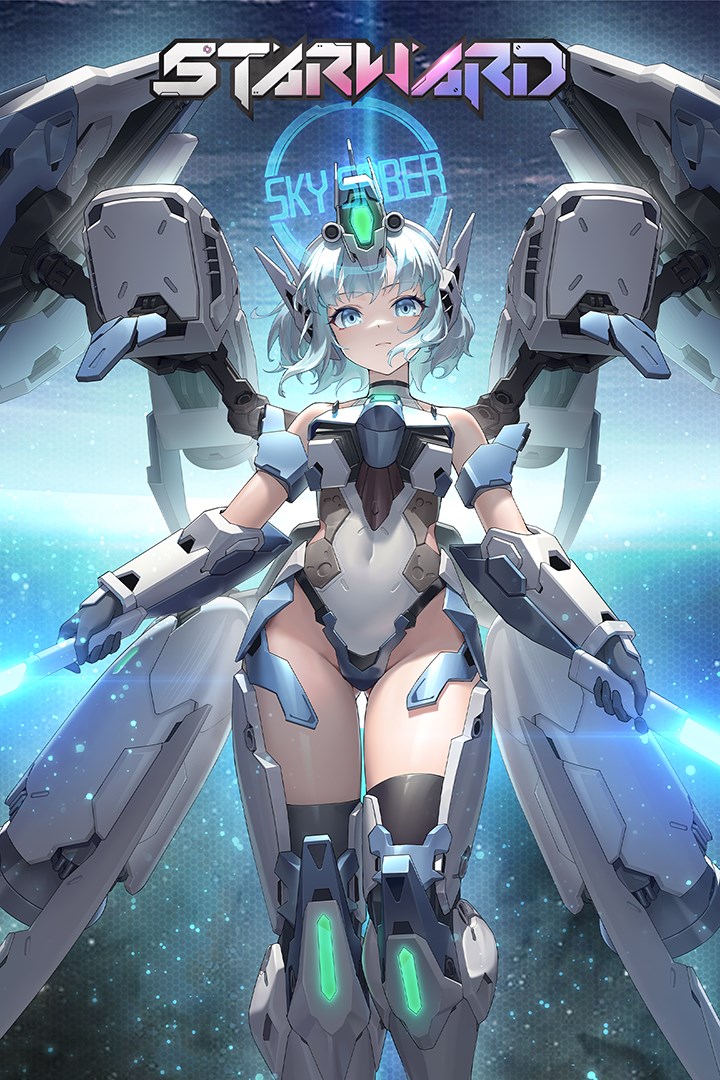
星之翼(Starward)
Details
- Publisher
- Shengtianyouxi
- Developer
- Shengtianyouxi
- Release date
- 16.04.2026
- Age rating
- ESRB:T
- Localization
- English
Purchase options
Not available
What happens after payment
About the game
Starward Version 3.2 has arrived! A brand-new collaboration begins, alongside the Ruin Treasure Hunt event, and Ether's new swimsuit skin! Unlock the new character "Binary Star" Reah and Phoebe's new Season Pass swimsuit skin "Adventure to Seaside" !
Starward is a 3D fighting game that integrates mecha girls and classic GVG combat gameplay, with 1V1 and 2V2 mode as the core gameplay. In Starward, players can control mecha girls with distinct personalities and different combat styles, and experience three-dimensional combat experiences beyond the ground.
Classic GVG-like Gameplay
Starward faithfully recreates the GVG gameplay that has been popular in Japanese arcade halls for over a decade. It includes actions such as Beam Rifle, Machine Gun, Charge Shoot, fighting, blocking, stepping, dashing, allowing you to quickly showcase your skill level.
The Starward experience spans across three distinct game modes featuring 2V2, 1V1 and Arcade gameplay. PvP is the main, featuring fast-paced battles lasting about 3 minutes per match.
Mecha Girls VERSUS
All characters are mecha girls, skilled in close-range fighting or long-range shooting. You can choose characters like Aliz, SkySaber, XiaoLing to play as vanguards; or characters like Elfin, Cavalry, Hikari to play as rearguards.
Each character has its unique design, such as Chinese style, elves, witches, fully armed mecha girls, and more.
The COST System
The character's combat power "COST" is divided into four categories: 3.0/2.5/2.0/1.5. You need to allocate the "COST" of the team to achieve the most reasonable configuration.
Screenshots
Click a frame to open it larger, use the arrows to browse
How to activate
Guide for Xbox One
Primary — the game is shared with your own profile
- 1Press the Xbox button, open "Profile & system" → "Add or switch" → "Add new" and sign in with the login and password from your order.
- 2Now open "Settings" → "General" → "Personalization" → "My home Xbox" and choose "Make this my home Xbox". This is what shares our games with every profile on your console.
- 3Switch back to your own profile, open "My games & apps" → "Library" and install the game. The internet is only needed for the download.
- 4Launch the game from your own profile: achievements, saves and progress stay yours, and after the installation the game works offline.
Only one console at a time can be the home Xbox for our account — that is the slot you bought. Please do not change the password, the email or the two-factor settings of the account, or the access will be blocked.
Notes for Xbox One
Important
How to play online
Warranty and support
The warranty covers the whole period of use of the account. If the access stops working, we replace the account or refund your money.
- If the game stops launching, we replace the account or refund your money.
- Average support response time — 15–30 minutes during working hours.
- The warranty covers the whole rental period of the access.
Support
Telegram: @weskars
E-mail: support@gears.games
Working hours: daily 11:00 – 23:00 (UTC+3)
Every order goes through clear stages: "New" → "Awaiting payment" → "Paid" → "Delivered". You can follow the status in your account page.
Similar games
More games in the "Fighting" genre