
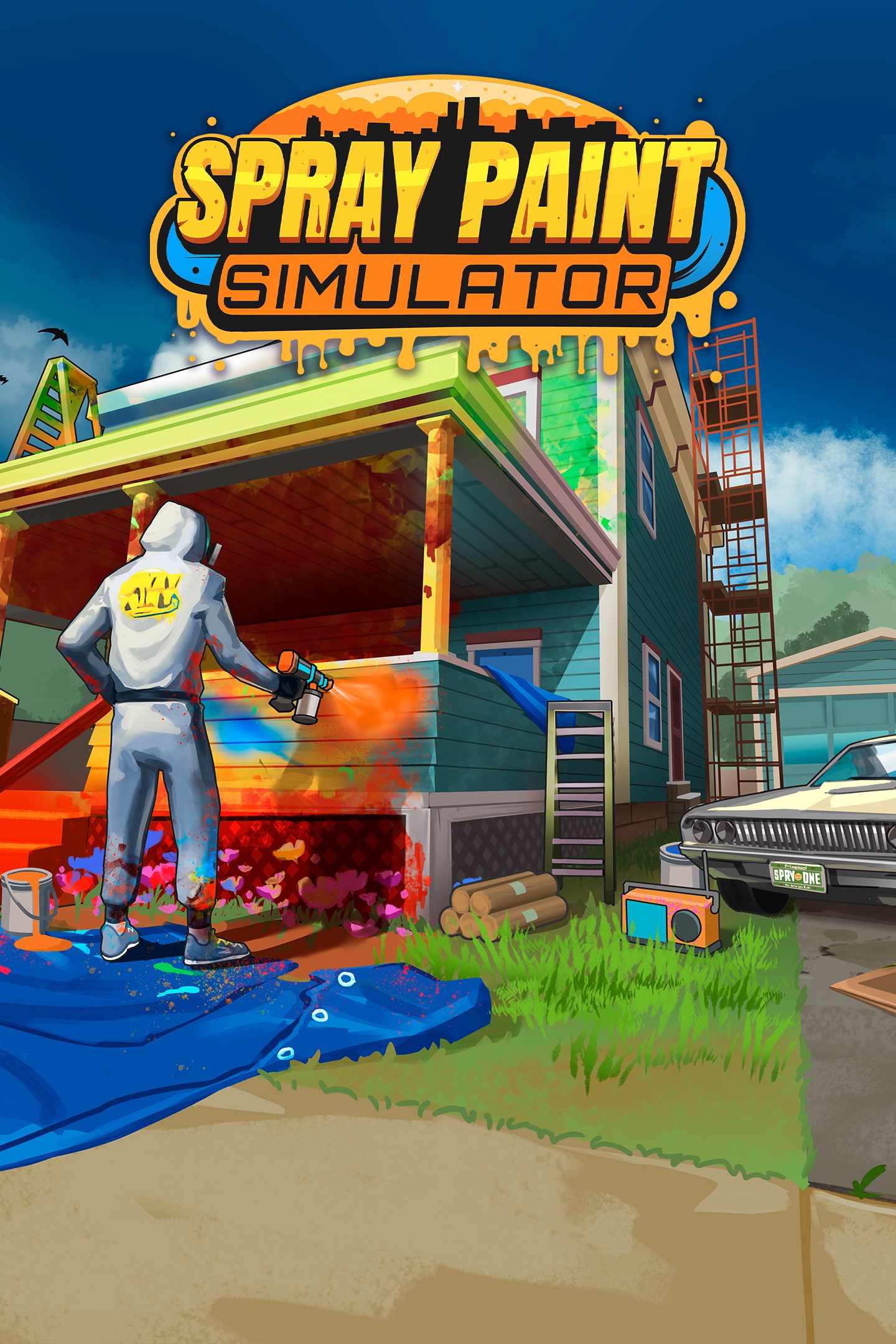
Spray Paint Simulator
Details
- Publisher
- Whitethorn Games
- Developer
- North Star Video Games
- Release date
- 29.05.2025
- Age rating
- ESRB:E
- Localization
- English
Purchase options
Platform
Primary: our account is set as the home Xbox of your console ("My home Xbox"), so the game is shared with your own profile and works offline — that is one slot on one console. Secondary: you sign in to our account and launch the game from it, and the console has to stay online. The activation code is an extra option: it is redeemed on your own account, and the game stays there forever.
You install the game from our account and set our account as the home one ("My home Xbox"): after that you play from your own profile, and the progress and achievements stay yours. It works offline.
You sign in to our account and play right from it. A permanent internet connection is required and only the issued profile can be used. It costs less than the primary access.
A bonus way to buy: you get a 25-character code and redeem it on your own account. The game stays with you forever, no other profiles and no sign-in to a shared account.
What happens after payment
About the game
COLOR YOUR WORLD
Bring color to the world in Spray Paint Simulator! Restore worn-out surfaces with a fresh coat of paint and watch them come back to life. Use your spray tool with precision, cover every inch, and enjoy the satisfaction of a flawless finish. Step into Spatterville, where you'll build your own spray-painting business. Meet the locals as you restore, repair, mask, and spray paint everything—from kitchens and local landmarks to a giant robot. Buy new tools and equipment, unlock Free Spray mode, and transform the town.
PREP AND MASK-TERPIECE
You've got to earn your stripes before becoming the town's top spray painter. No worries, though! There's plenty to keep you busy! Mask surfaces to protect them from overspray, remove and repair objects, and fill damaged areas to create the perfect canvas.
SATISFATION IN EVERY SPRAY
Grab your spray tools and watch worn-out objects spring back to life with fresh, snazzy colors! Feel the thrill of transformation, groove to the soothing rhythm of spraying, and enjoy the sheer joy of rejuvenating each item. It's all about making things look brand new and having a blast while doing it! Let's spray, play, and make the old new again!
BUSINESS MADE EASY
Running a spray-painting business has never been more fun! Keep an eye on your consumables like paint, masking paper, and tape, because nobody likes a half-finished job. Upgrade to cooler spray tools with more paint capacity, greater coverage, and bigger batteries. Need a boost? Choose from a variety of step ladders and scaffolding to reach those pesky high spots. Managing your supplies and equipment adds just the right amount of strategy, keeping things fun and light-hearted without getting too complicated.
UNLEASH YOUR CREATIVITY
After completing jobs for customers, dive into Free Spray mode! Return to your finished projects and let your imagination run wild. Spray the job and the surrounding environment any way you please. With a rainbow of colors at your disposal, the entire town becomes your canvas. Express yourself freely and enjoy hours of creative fun. Make Spatterville your masterpiece, one spray at a time!
Screenshots
Click a frame to open it larger, use the arrows to browse
How to activate
Guide for Xbox One
Primary — the game is shared with your own profile
- 1Press the Xbox button, open "Profile & system" → "Add or switch" → "Add new" and sign in with the login and password from your order.
- 2Now open "Settings" → "General" → "Personalization" → "My home Xbox" and choose "Make this my home Xbox". This is what shares our games with every profile on your console.
- 3Switch back to your own profile, open "My games & apps" → "Library" and install the game. The internet is only needed for the download.
- 4Launch the game from your own profile: achievements, saves and progress stay yours, and after the installation the game works offline.
Only one console at a time can be the home Xbox for our account — that is the slot you bought. Please do not change the password, the email or the two-factor settings of the account, or the access will be blocked.
Secondary — you play from our account
- 1Press the Xbox button, open "Profile & system" → "Add or switch" → "Add new" and sign in with the login and password from your order.
- 2Open "My games & apps" → "Library", switch to our profile in the top-left corner and install the game.
- 3Launch the game while our profile stays signed in, and keep the console online: the licence is checked over the internet.
- 4Use your own profile for everything else — the game stays available as long as our account is signed in on this console.
Secondary costs less, but it needs a permanent internet connection and our account stays signed in on your console.
Activation code
- 1On the console open "Store" and go to the "Redeem code" section.
- 2Enter the 25-character code from your order and confirm the activation on your own account.
- 3After the activation the code is shown as "Used" — but you can reinstall the game from your library at any time.
Notes for Xbox One
Important
How to play online
Warranty and support
The warranty covers the whole period of use of the account. If the access stops working, we replace the account or refund your money.
- If the game stops launching, we replace the account or refund your money.
- Average support response time — 15–30 minutes during working hours.
- The warranty covers the whole rental period of the access.
Support
Telegram: @weskars
E-mail: support@gears.games
Working hours: daily 11:00 – 23:00 (UTC+3)
Every order goes through clear stages: "New" → "Awaiting payment" → "Paid" → "Delivered". You can follow the status in your account page.
Similar games
More games in the "Simulation" genre



