
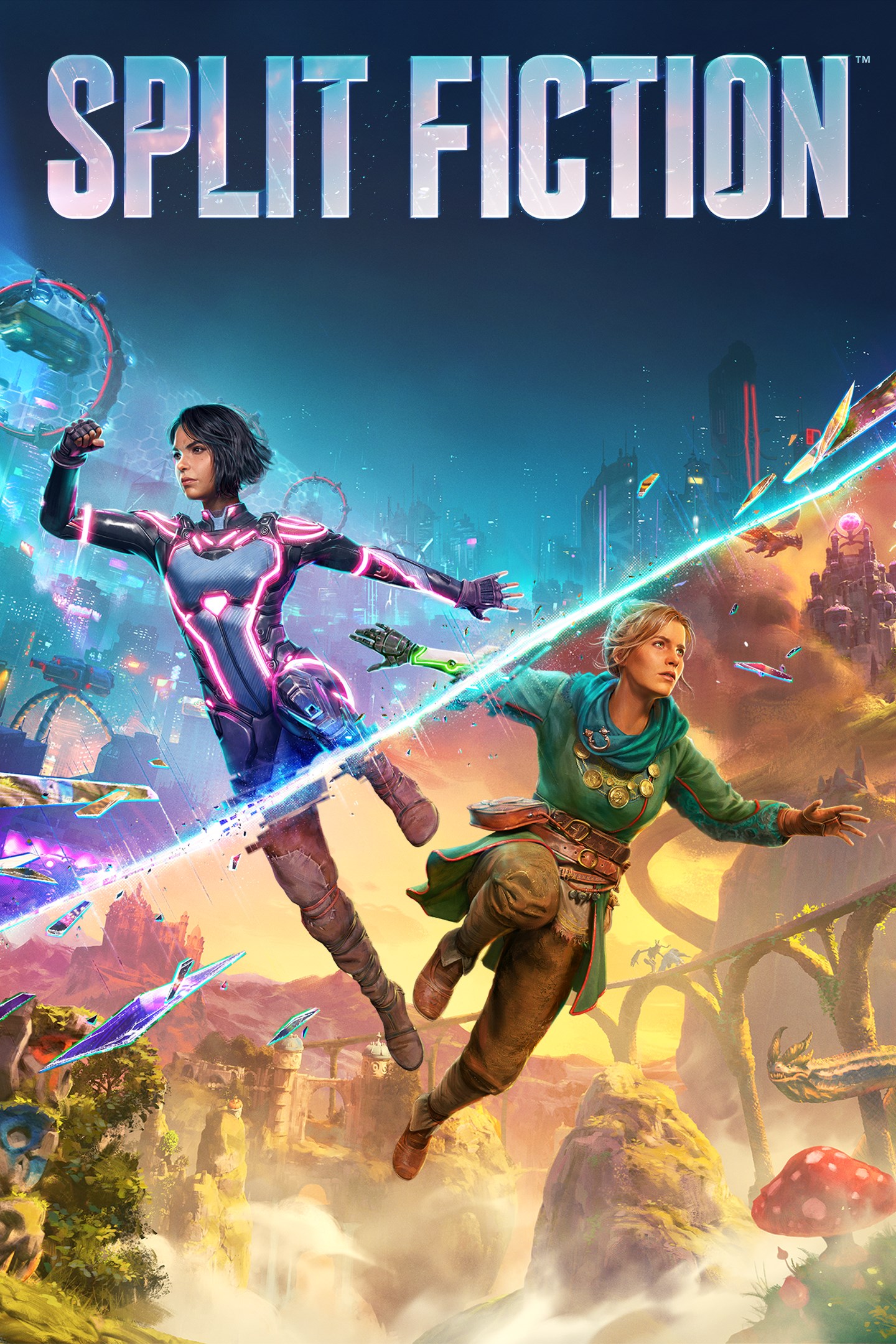
Split Fiction
Details
- Publisher
- Electronic Arts
- Developer
- Hazelight Studios AB
- Release date
- 06.03.2025
- Age rating
- ESRB:T
- Localization
- English
Purchase options
Primary: our account is set as the home Xbox of your console ("My home Xbox"), so the game is shared with your own profile and works offline — that is one slot on one console. Secondary: you sign in to our account and launch the game from it, and the console has to stay online. The activation code is an extra option: it is redeemed on your own account, and the game stays there forever.
You install the game from our account and set our account as the home one ("My home Xbox"): after that you play from your own profile, and the progress and achievements stay yours. It works offline.
You sign in to our account and play right from it. A permanent internet connection is required and only the issued profile can be used. It costs less than the primary access.
A bonus way to buy: you get a 25-character code and redeem it on your own account. The game stays with you forever, no other profiles and no sign-in to a shared account.
What happens after payment
About the game
Embrace mind-blowing moments as you’re pulled deep into the many worlds of Split Fiction, a boundary-pushing co-op action adventure from the studio behind 2021 Game of the Year Winner, It Takes Two. Mio and Zoe are contrasting writers – one writes sci-fi and the other writes fantasy – who become trapped in their own stories after being hooked up to a machine designed to steal their creative ideas. They’ll have to rely on each other to break free with their memories in-tact, working together to master a variety of abilities and overcome diverse challenges while jumping between sci-fi and fantasy worlds in this unexpected tale of friendship.
Split Fiction is a unique action-adventure experience that keeps you on the edge of your couch with unexpected moments. One minute you’re taming adorable dragons and the next you’re fighting as cyber ninjas, escaping terrifying trolls, or dodging hover cars thrown by a robotic parking attendant. It’s weird, it’s wild, and it’s designed to be shared.
Grab your co-op partner and get ready to overcome any obstacle thrown your way.
• TRUE CO-OP ADVENTURE – This split-screen adventure is tailored for two. Experience co-op gameplay where you’ll have to coordinate your actions and timing as well as work together to overcome challenges. Invite a partner to join you for free, for cross-platform play, with the Friend's Pass*. This wild ride comes to you from Hazelight, the co-op thrill-makers that brought you It Takes Two and A Way Out.
• UNPARALLELED VARIETY – Discover new mechanics and abilities in every level of your adventure, which will alternate between sci-fi and fantasy settings. Escape a sun that’s going supernova, challenge a monkey to a dance battle, try out some cool hoverboard tricks, fight an evil kitty, and ride everything from gravity bikes to a sandshark. Experience worlds that are entirely different from each other, unexpected new abilities, and a range of gameplay that includes platforming, stealth, puzzles, and more. There are surprises waiting for you and your partner in every new level.
• THE POWER OF FRIENDSHIP – Mio and Zoe don’t get along at first, but soon enough they become each other’s only hopes. This journey will throw unexpected twists at them and if they want to make it through, they’ll need to have each other’s backs. They’ll encounter both bizarre situations as they traverse stories born from their own wild imaginations. Most importantly – they’ll face it all together.
*Friend’s Pass requires installation of the Friend’s Pass, persistent internet connection and applicable platform account. One user must own the full game in order for the co-op player to play the full game.
CONDITIONS AND RESTRICTIONS APPLY. SEE www.ea.com/legal FOR DETAILS
© 2025 Hazelight Studios AB. Split Fiction and Hazelight are trademarks of Hazelight Studios AB. EA Originals is a trademark of Electronic Arts Inc.
Screenshots
Click a frame to open it larger, use the arrows to browse
How to activate
Guide for Xbox Series X|S
Primary — the game is shared with your own profile
- 1Press the Xbox button, open "Profile & system" → "Add or switch" → "Add new" and sign in with the login and password from your order.
- 2Now open "Settings" → "General" → "Personalization" → "My home Xbox" and choose "Make this my home Xbox". This is what shares our games with every profile on your console.
- 3Switch back to your own profile, open "My games & apps" → "Library" and install the game. The internet is only needed for the download.
- 4Launch the game from your own profile: achievements, saves and progress stay yours, and after the installation the game works offline.
Only one console at a time can be the home Xbox for our account — that is the slot you bought. Please do not change the password, the email or the two-factor settings of the account, or the access will be blocked.
Secondary — you play from our account
- 1Press the Xbox button, open "Profile & system" → "Add or switch" → "Add new" and sign in with the login and password from your order.
- 2Open "My games & apps" → "Library", switch to our profile in the top-left corner and install the game.
- 3Launch the game while our profile stays signed in, and keep the console online: the licence is checked over the internet.
- 4Use your own profile for everything else — the game stays available as long as our account is signed in on this console.
Secondary costs less, but it needs a permanent internet connection and our account stays signed in on your console.
Activation code
- 1On the console open "Store" and go to the "Redeem code" section.
- 2Enter the 25-character code from your order and confirm the activation on your own account.
- 3After the activation the code is shown as "Used" — but you can reinstall the game from your library at any time.
Notes for Xbox Series
Important
How to play online
Warranty and support
The warranty covers the whole period of use of the account. If the access stops working, we replace the account or refund your money.
- If the game stops launching, we replace the account or refund your money.
- Average support response time — 15–30 minutes during working hours.
- The warranty covers the whole rental period of the access.
Support
Telegram: @weskars
E-mail: support@gears.games
Working hours: daily 11:00 – 23:00 (UTC+3)
Every order goes through clear stages: "New" → "Awaiting payment" → "Paid" → "Delivered". You can follow the status in your account page.
Similar games
More games in the "Action & adventure" genre



