
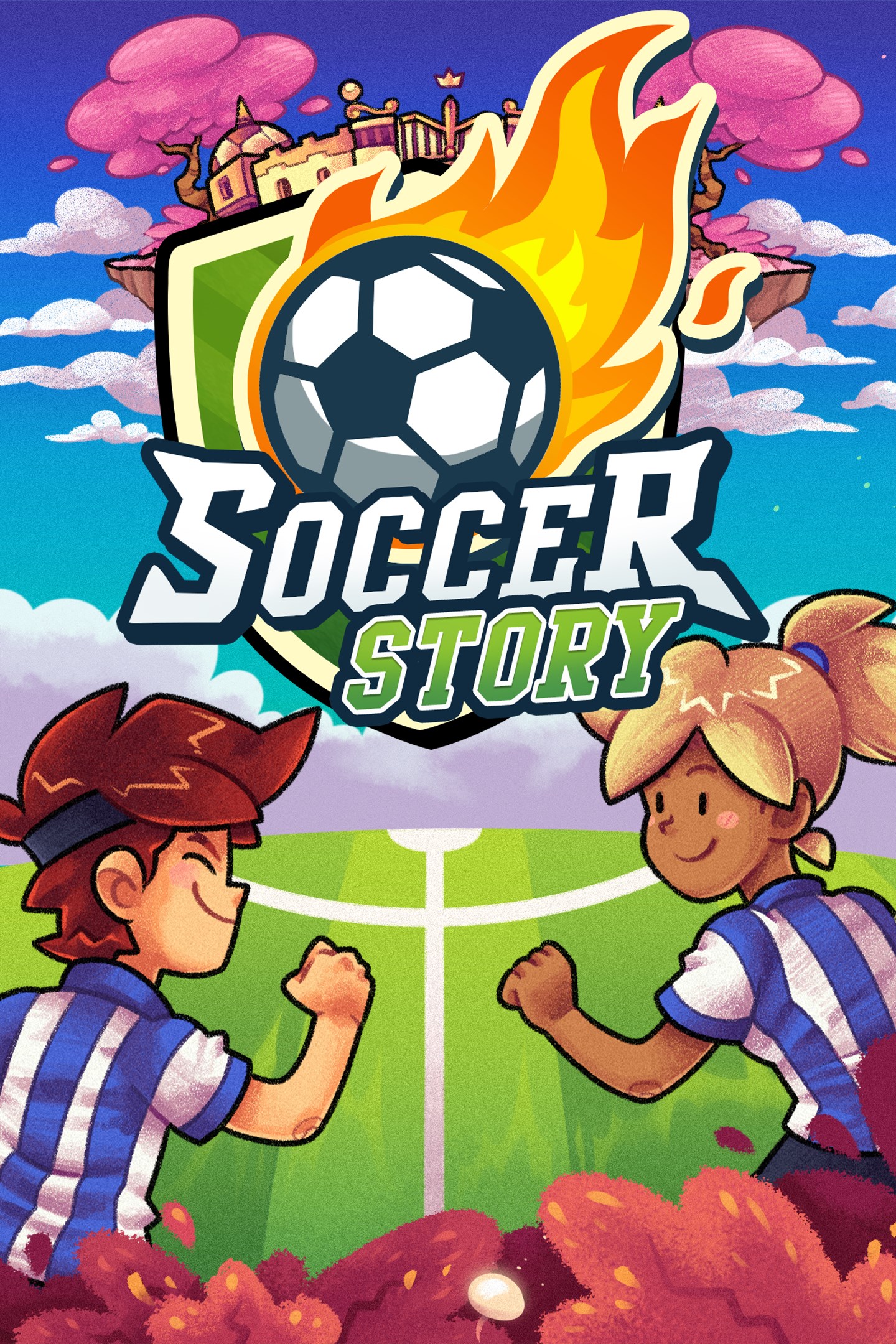
Soccer Story
Details
- Publisher
- No More Robots
- Developer
- PanicBarn
- Release date
- 29.11.2022
- Age rating
- ESRB:E
- Localization
- English
Purchase options
Platform
Primary: our account is set as the home Xbox of your console ("My home Xbox"), so the game is shared with your own profile and works offline — that is one slot on one console. Secondary: you sign in to our account and launch the game from it, and the console has to stay online. The activation code is an extra option: it is redeemed on your own account, and the game stays there forever.
You install the game from our account and set our account as the home one ("My home Xbox"): after that you play from your own profile, and the progress and achievements stay yours. It works offline.
You sign in to our account and play right from it. A permanent internet connection is required and only the issued profile can be used. It costs less than the primary access.
A bonus way to buy: you get a 25-character code and redeem it on your own account. The game stays with you forever, no other profiles and no sign-in to a shared account.
What happens after payment
About the game
It's been a year since The Calamity™ tore apart the very foundations of soccer as we know it, and since then, Soccer Inc. has made dang well sure that not a soul has been allowed to even look at a soccer ball, let alone kick it.
Soccer may have been banned across the world... but now there is hope! A magical soccer ball has chosen you, our Savior of Soccer!
Soccer Story is a physics-driven adventure RPG, where every problem can be solved with your trusty magic ball. Along the way, you'll need to best bad guys in 1v1s, compete in a range of different sports (with your soccer ball, of course), and sometimes use your brain just as much as your balls
In a world that has long forgotten The Beautiful Game, can you remind them why soccer is top of the table, and best the most formidable teams, including the local toddlers and a group of sharks?
-Drop your soccer ball and play anywhere! The world is full of goals, puzzles and secrets - it's up to you to find them!
-Play a single-player story full of quirky characters, quests, rogue refs and wacky soccer-adjacent sports
-Build your soccer career and do battle against the fiercest soccer teams like literal sharks, toddlers, old-age pensioners and ninjas
-Save soccer and restore peace and harmony to the world
-Grab a friend for a four-player local multiplayer match mode with a full roster of teams and animal captains
Yes, Soccer Story has multiplayer matches too!
Grab up to 3 friends, and convince them that soccer is the ultimate sport by challenging them to local multiplayer matches!
With a whole host of teams and captains to choose from, find your personal playstyle and hold your own tournaments at home across the many pitches, from home matches at Soccertown to the vast Soccer Inc Stadium!
Screenshots
Click a frame to open it larger, use the arrows to browse
How to activate
Guide for Xbox One
Primary — the game is shared with your own profile
- 1Press the Xbox button, open "Profile & system" → "Add or switch" → "Add new" and sign in with the login and password from your order.
- 2Now open "Settings" → "General" → "Personalization" → "My home Xbox" and choose "Make this my home Xbox". This is what shares our games with every profile on your console.
- 3Switch back to your own profile, open "My games & apps" → "Library" and install the game. The internet is only needed for the download.
- 4Launch the game from your own profile: achievements, saves and progress stay yours, and after the installation the game works offline.
Only one console at a time can be the home Xbox for our account — that is the slot you bought. Please do not change the password, the email or the two-factor settings of the account, or the access will be blocked.
Secondary — you play from our account
- 1Press the Xbox button, open "Profile & system" → "Add or switch" → "Add new" and sign in with the login and password from your order.
- 2Open "My games & apps" → "Library", switch to our profile in the top-left corner and install the game.
- 3Launch the game while our profile stays signed in, and keep the console online: the licence is checked over the internet.
- 4Use your own profile for everything else — the game stays available as long as our account is signed in on this console.
Secondary costs less, but it needs a permanent internet connection and our account stays signed in on your console.
Activation code
- 1On the console open "Store" and go to the "Redeem code" section.
- 2Enter the 25-character code from your order and confirm the activation on your own account.
- 3After the activation the code is shown as "Used" — but you can reinstall the game from your library at any time.
Notes for Xbox One
Important
How to play online
Warranty and support
The warranty covers the whole period of use of the account. If the access stops working, we replace the account or refund your money.
- If the game stops launching, we replace the account or refund your money.
- Average support response time — 15–30 minutes during working hours.
- The warranty covers the whole rental period of the access.
Support
Telegram: @weskars
E-mail: support@gears.games
Working hours: daily 11:00 – 23:00 (UTC+3)
Every order goes through clear stages: "New" → "Awaiting payment" → "Paid" → "Delivered". You can follow the status in your account page.
Similar games
More games in the "Action & adventure" genre



