
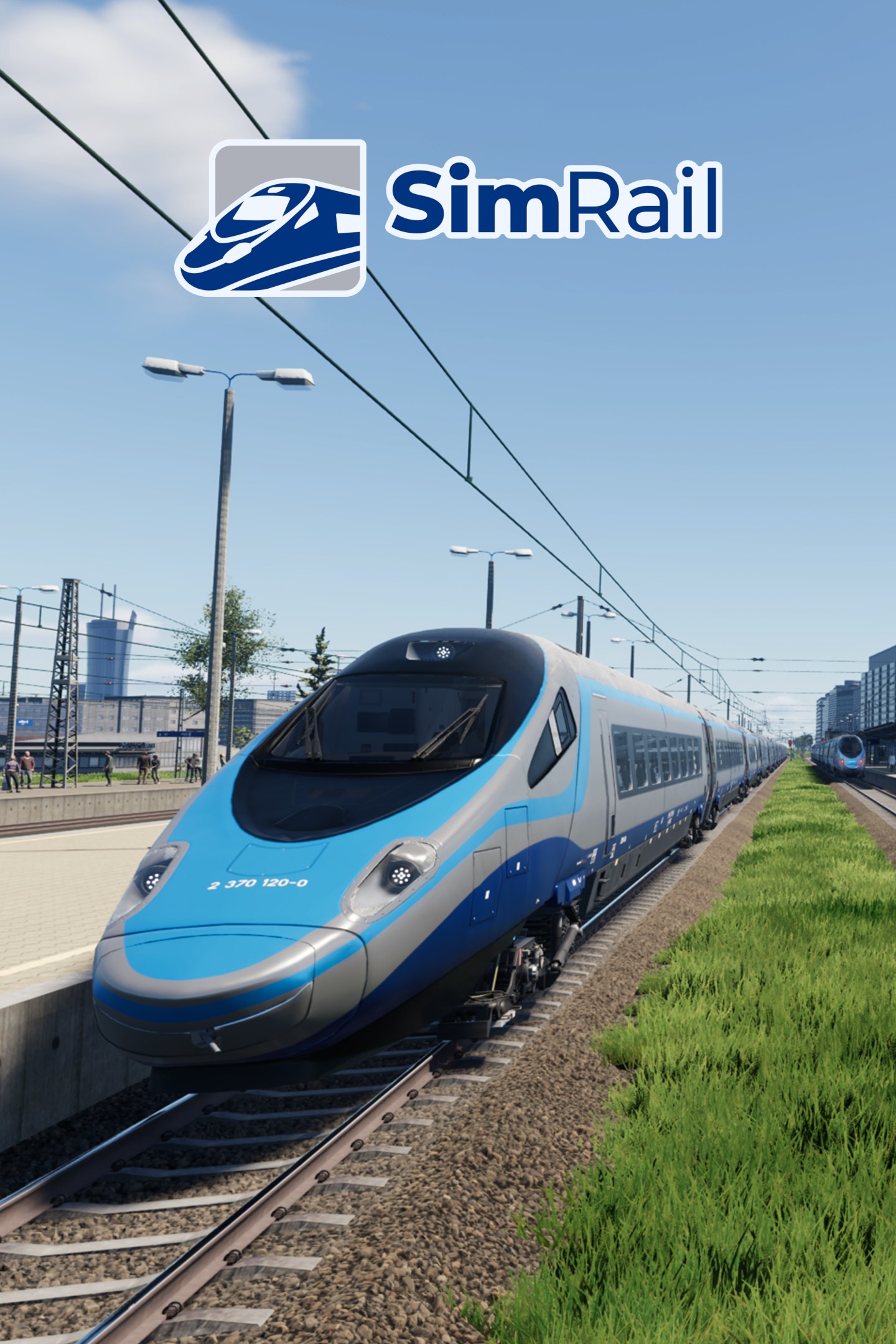
SimRail - The Railway Simulator
Details
- Publisher
- PlayWay S.A.
- Developer
- Release date
- 13.01.2026
- Age rating
- ESRB:E
- Localization
- English
Purchase options
Primary: our account is set as the home Xbox of your console ("My home Xbox"), so the game is shared with your own profile and works offline — that is one slot on one console. Secondary: you sign in to our account and launch the game from it, and the console has to stay online. The activation code is an extra option: it is redeemed on your own account, and the game stays there forever.
You install the game from our account and set our account as the home one ("My home Xbox"): after that you play from your own profile, and the progress and achievements stay yours. It works offline.
You sign in to our account and play right from it. A permanent internet connection is required and only the issued profile can be used. It costs less than the primary access.
A bonus way to buy: you get a 25-character code and redeem it on your own account. The game stays with you forever, no other profiles and no sign-in to a shared account.
What happens after payment
About the game
SimRail is a new era of railway simulators. Realistic driving physics, the environment generated on the basis of geodetic data and an extensive multi-player mode are just some of the elements that game includes.
Join the travel and visit about 500 km of real routes created with all details. Choose present europan high speed, long distance and suburban tracks or travel back in time to '80 and drive steam train at sand railway of Upper Silesia, Poland - the socialist land of coal and steel.
Take control of a trains from different eras and drive safety to the final station on time. Most popular steam, diesel and electric vehicles uses realistic physics based on technology known before only in professional simulators for training drivers.
Enter signal box and become train dispatcher. Take a care of your station, prepare the path for the train keeping in mind the rules and schedule. Use devices from different eras, but remember that something can break!
Enjoy multiplayer and cooperate with players from around the world as a train driver oraz dispatcher with real-time weather and communication. Take over the selected train or signal box and start an adventure unprecedented in other rail simulators. It is our response to the expectations of players.
The quality of the graphics thanks to use of Unity game engine allows you to lose yourself in the virtual world. The grass and trees moving depends on the wind, dynamic weather system with puddles and snow drifts, living world with animated passengers connected with scenarios randomization.
Screenshots
Click a frame to open it larger, use the arrows to browse
How to activate
Guide for Xbox Series X|S
Primary — the game is shared with your own profile
- 1Press the Xbox button, open "Profile & system" → "Add or switch" → "Add new" and sign in with the login and password from your order.
- 2Now open "Settings" → "General" → "Personalization" → "My home Xbox" and choose "Make this my home Xbox". This is what shares our games with every profile on your console.
- 3Switch back to your own profile, open "My games & apps" → "Library" and install the game. The internet is only needed for the download.
- 4Launch the game from your own profile: achievements, saves and progress stay yours, and after the installation the game works offline.
Only one console at a time can be the home Xbox for our account — that is the slot you bought. Please do not change the password, the email or the two-factor settings of the account, or the access will be blocked.
Secondary — you play from our account
- 1Press the Xbox button, open "Profile & system" → "Add or switch" → "Add new" and sign in with the login and password from your order.
- 2Open "My games & apps" → "Library", switch to our profile in the top-left corner and install the game.
- 3Launch the game while our profile stays signed in, and keep the console online: the licence is checked over the internet.
- 4Use your own profile for everything else — the game stays available as long as our account is signed in on this console.
Secondary costs less, but it needs a permanent internet connection and our account stays signed in on your console.
Activation code
- 1On the console open "Store" and go to the "Redeem code" section.
- 2Enter the 25-character code from your order and confirm the activation on your own account.
- 3After the activation the code is shown as "Used" — but you can reinstall the game from your library at any time.
Notes for Xbox Series
Important
How to play online
Warranty and support
The warranty covers the whole period of use of the account. If the access stops working, we replace the account or refund your money.
- If the game stops launching, we replace the account or refund your money.
- Average support response time — 15–30 minutes during working hours.
- The warranty covers the whole rental period of the access.
Support
Telegram: @weskars
E-mail: support@gears.games
Working hours: daily 11:00 – 23:00 (UTC+3)
Every order goes through clear stages: "New" → "Awaiting payment" → "Paid" → "Delivered". You can follow the status in your account page.
Similar games
More games in the "Simulation" genre



