
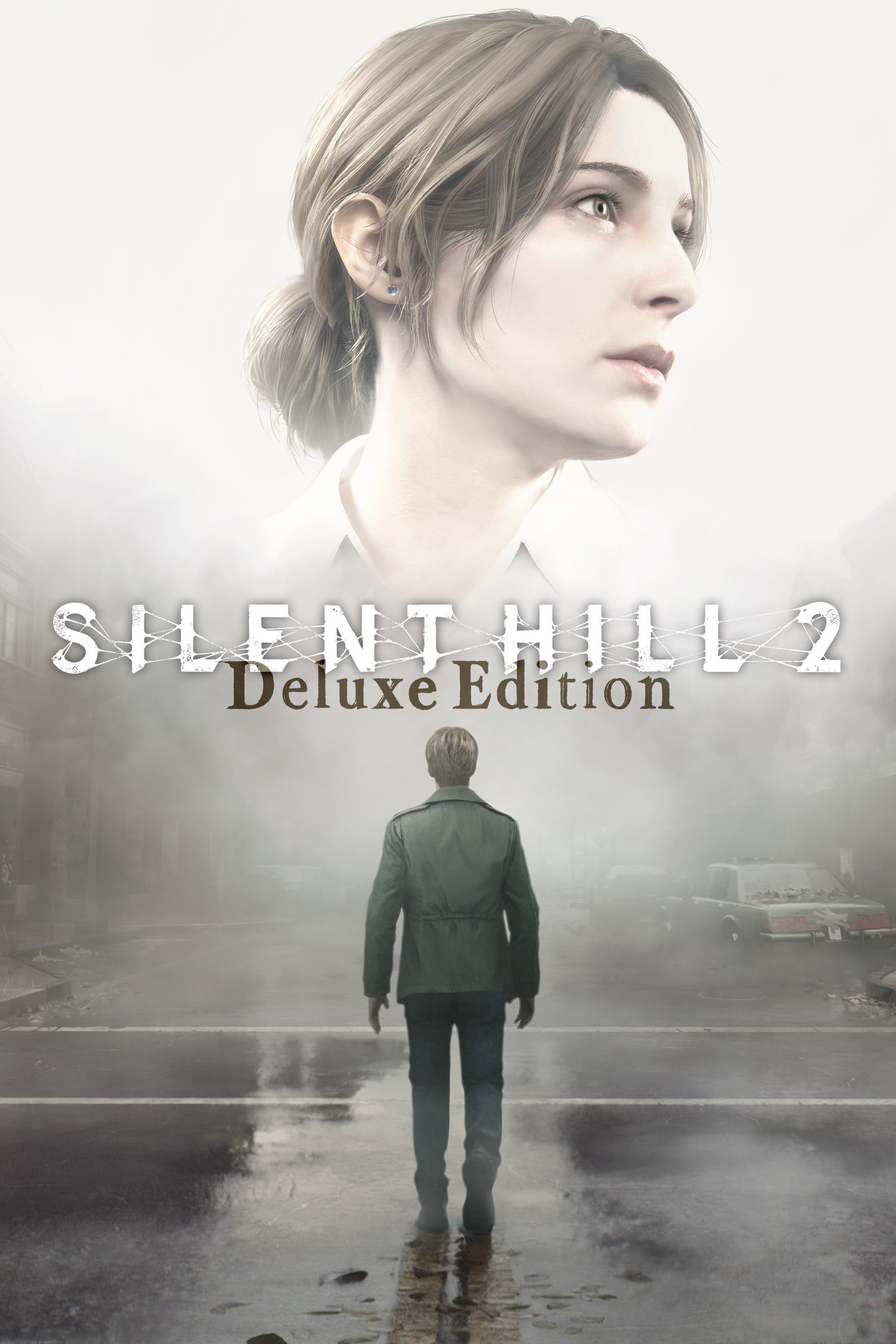
SILENT HILL 2 Deluxe Edition
Details
- Publisher
- KONAMI
- Developer
- Bloober Team SA
- Release date
- 21.11.2025
- Age rating
- ESRB:M
- Localization
- English
Purchase options
Primary: our account is set as the home Xbox of your console ("My home Xbox"), so the game is shared with your own profile and works offline — that is one slot on one console. Secondary: you sign in to our account and launch the game from it, and the console has to stay online. The activation code is an extra option: it is redeemed on your own account, and the game stays there forever.
You install the game from our account and set our account as the home one ("My home Xbox"): after that you play from your own profile, and the progress and achievements stay yours. It works offline.
You sign in to our account and play right from it. A permanent internet connection is required and only the issued profile can be used. It costs less than the primary access.
A bonus way to buy: you get a 25-character code and redeem it on your own account. The game stays with you forever, no other profiles and no sign-in to a shared account.
What happens after payment
About the game
[Deluxe Edition - Contents]
・SILENT HILL 2
・Digital Artbook
・Digital Soundtrack
・Pyramid Head Mask(pizza box)
The digital artbook and soundtrack are contents included in the bonus application.
Digital soundtrack can only be played via the soundtrack application. Individual track files are not available for download as MP3s or similar formats.
The mask is a skin that applies to James (the main character) in the game.
Having received a letter from his deceased wife,
James heads to where they shared so many memories,
in the hope of seeing her one more time: Silent Hill.
There, by the lake, he finds a woman eerily similar to her...
"My name...is Maria," the woman smiles. Her face, her voice... She's just like her.
Experience a master-class in psychological survival horror―lauded as the best in the series―on the latest hardware with chilling visuals and visceral sounds.
High-end Graphics and Sound
With ray tracing and other cutting-edge technical enhancements, the world of SILENT HILL and its unsettling ambiance is even realer than before.
And with the inclusion of new, immersive soundscapes, you'll feel like you're standing in the thick of it.
Larger Environments
Explore locations and buildings that were once inaccessible, or are newly added in the remake.
Enjoy the same acclaimed story, even while you experience the town of Silent Hill with fresh eyes across an expanded map.
Over-the-shoulder Camera
The remake moves from the original's fixed-camera viewpoints to an over-the-shoulder perspective, putting you closer to what James sees, for a more thrilling, more immersive experience as you explore the town and come face-to-face with monsters.
Evolved Combat Gameplay
Familiar weapons like the steel pipe and handgun make their return, but now with an updated combat system.
Avoid attacks with carefully timed dodges, aim down sights, and more, making monster encounters more engaging and nerve-wracking then ever.
Screenshots
Click a frame to open it larger, use the arrows to browse
How to activate
Guide for Xbox Series X|S
Primary — the game is shared with your own profile
- 1Press the Xbox button, open "Profile & system" → "Add or switch" → "Add new" and sign in with the login and password from your order.
- 2Now open "Settings" → "General" → "Personalization" → "My home Xbox" and choose "Make this my home Xbox". This is what shares our games with every profile on your console.
- 3Switch back to your own profile, open "My games & apps" → "Library" and install the game. The internet is only needed for the download.
- 4Launch the game from your own profile: achievements, saves and progress stay yours, and after the installation the game works offline.
Only one console at a time can be the home Xbox for our account — that is the slot you bought. Please do not change the password, the email or the two-factor settings of the account, or the access will be blocked.
Secondary — you play from our account
- 1Press the Xbox button, open "Profile & system" → "Add or switch" → "Add new" and sign in with the login and password from your order.
- 2Open "My games & apps" → "Library", switch to our profile in the top-left corner and install the game.
- 3Launch the game while our profile stays signed in, and keep the console online: the licence is checked over the internet.
- 4Use your own profile for everything else — the game stays available as long as our account is signed in on this console.
Secondary costs less, but it needs a permanent internet connection and our account stays signed in on your console.
Activation code
- 1On the console open "Store" and go to the "Redeem code" section.
- 2Enter the 25-character code from your order and confirm the activation on your own account.
- 3After the activation the code is shown as "Used" — but you can reinstall the game from your library at any time.
Notes for Xbox Series
Important
How to play online
Warranty and support
The warranty covers the whole period of use of the account. If the access stops working, we replace the account or refund your money.
- If the game stops launching, we replace the account or refund your money.
- Average support response time — 15–30 minutes during working hours.
- The warranty covers the whole rental period of the access.
Support
Telegram: @weskars
E-mail: support@gears.games
Working hours: daily 11:00 – 23:00 (UTC+3)
Every order goes through clear stages: "New" → "Awaiting payment" → "Paid" → "Delivered". You can follow the status in your account page.
Similar games
More games in the "Action & adventure" genre



