
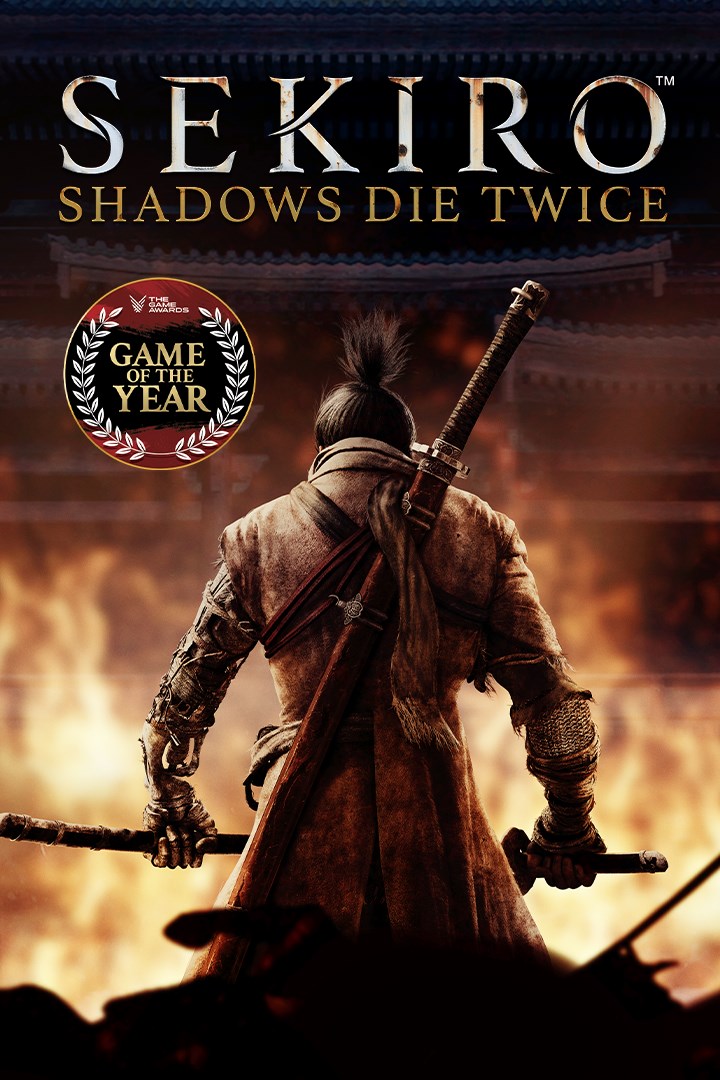
Sekiro™: Shadows Die Twice - GOTY Edition
Sekiro™: Shadows Die Twice - издание 'Игра года'
Details
- Publisher
- Activision
- Developer
- FromSoftware, Inc.
- Release date
- 22.03.2019
- Age rating
- ESRB:M
- Localization
- English
Purchase options
Platform
Primary: our account is set as the home Xbox of your console ("My home Xbox"), so the game is shared with your own profile and works offline — that is one slot on one console. Secondary: you sign in to our account and launch the game from it, and the console has to stay online. The activation code is an extra option: it is redeemed on your own account, and the game stays there forever.
You install the game from our account and set our account as the home one ("My home Xbox"): after that you play from your own profile, and the progress and achievements stay yours. It works offline.
You sign in to our account and play right from it. A permanent internet connection is required and only the issued profile can be used. It costs less than the primary access.
A bonus way to buy: you get a 25-character code and redeem it on your own account. The game stays with you forever, no other profiles and no sign-in to a shared account.
What happens after payment
About the game
This Game of the Year Edition now includes bonus content*:
- Reflection and Gauntlet of Strength - new boss challenge modes
- Remnants - leave messages and recordings of your actions that other players can view and rate
- 3 unlockable cosmetic skins
Game of the Year - The Game Awards 2019
Best Action Game of 2019 - IGN
Metacritic Must Play
Over 50 awards and nominations
Carve your own clever path to vengeance in the critically acclaimed adventure from developer FromSoftware, creators of the Dark Souls series.
In Sekiro™: Shadows Die Twice you are the 'one-armed wolf', a disgraced and disfigured warrior rescued from the brink of death. Bound to protect a young lord who is the descendant of an ancient bloodline, you become the target of many vicious enemies, including the dangerous Ashina clan. When the young lord is captured, nothing will stop you on a perilous quest to regain your honor, not even death itself.
Explore late 1500s Sengoku Japan, a brutal period of constant life and death conflict, as you come face to face with larger than life foes in a dark and twisted world. Unleash an arsenal of deadly prosthetic tools and powerful ninja abilities while you blend stealth, vertical traversal, and visceral head to head combat in a bloody confrontation.
Take Revenge. Restore Your Honor. Kill Ingeniously.
*Download required.
Internet connection required for asynchronous Multiplayer.
©2019-2020 FromSoftware, Inc. All rights reserved. Published and distributed by Activision. ACTIVISION is a trademark of Activision Publishing Inc. All other trademarks and trade names are the properties of their respective owners.
Dark Souls is a trademark of BANDAI NAMCO Entertainment Inc. Bandai Namco is not the publisher of SEKIRO: SHADOWS DIE TWICE. Activision has no affiliation with Dark Souls.
Screenshots
Click a frame to open it larger, use the arrows to browse
How to activate
Guide for Xbox One
Primary — the game is shared with your own profile
- 1Press the Xbox button, open "Profile & system" → "Add or switch" → "Add new" and sign in with the login and password from your order.
- 2Now open "Settings" → "General" → "Personalization" → "My home Xbox" and choose "Make this my home Xbox". This is what shares our games with every profile on your console.
- 3Switch back to your own profile, open "My games & apps" → "Library" and install the game. The internet is only needed for the download.
- 4Launch the game from your own profile: achievements, saves and progress stay yours, and after the installation the game works offline.
Only one console at a time can be the home Xbox for our account — that is the slot you bought. Please do not change the password, the email or the two-factor settings of the account, or the access will be blocked.
Secondary — you play from our account
- 1Press the Xbox button, open "Profile & system" → "Add or switch" → "Add new" and sign in with the login and password from your order.
- 2Open "My games & apps" → "Library", switch to our profile in the top-left corner and install the game.
- 3Launch the game while our profile stays signed in, and keep the console online: the licence is checked over the internet.
- 4Use your own profile for everything else — the game stays available as long as our account is signed in on this console.
Secondary costs less, but it needs a permanent internet connection and our account stays signed in on your console.
Activation code
- 1On the console open "Store" and go to the "Redeem code" section.
- 2Enter the 25-character code from your order and confirm the activation on your own account.
- 3After the activation the code is shown as "Used" — but you can reinstall the game from your library at any time.
Notes for Xbox One
Important
How to play online
Warranty and support
The warranty covers the whole period of use of the account. If the access stops working, we replace the account or refund your money.
- If the game stops launching, we replace the account or refund your money.
- Average support response time — 15–30 minutes during working hours.
- The warranty covers the whole rental period of the access.
Support
Telegram: @weskars
E-mail: support@gears.games
Working hours: daily 11:00 – 23:00 (UTC+3)
Every order goes through clear stages: "New" → "Awaiting payment" → "Paid" → "Delivered". You can follow the status in your account page.
Similar games
More games in the "Action & adventure" genre



