
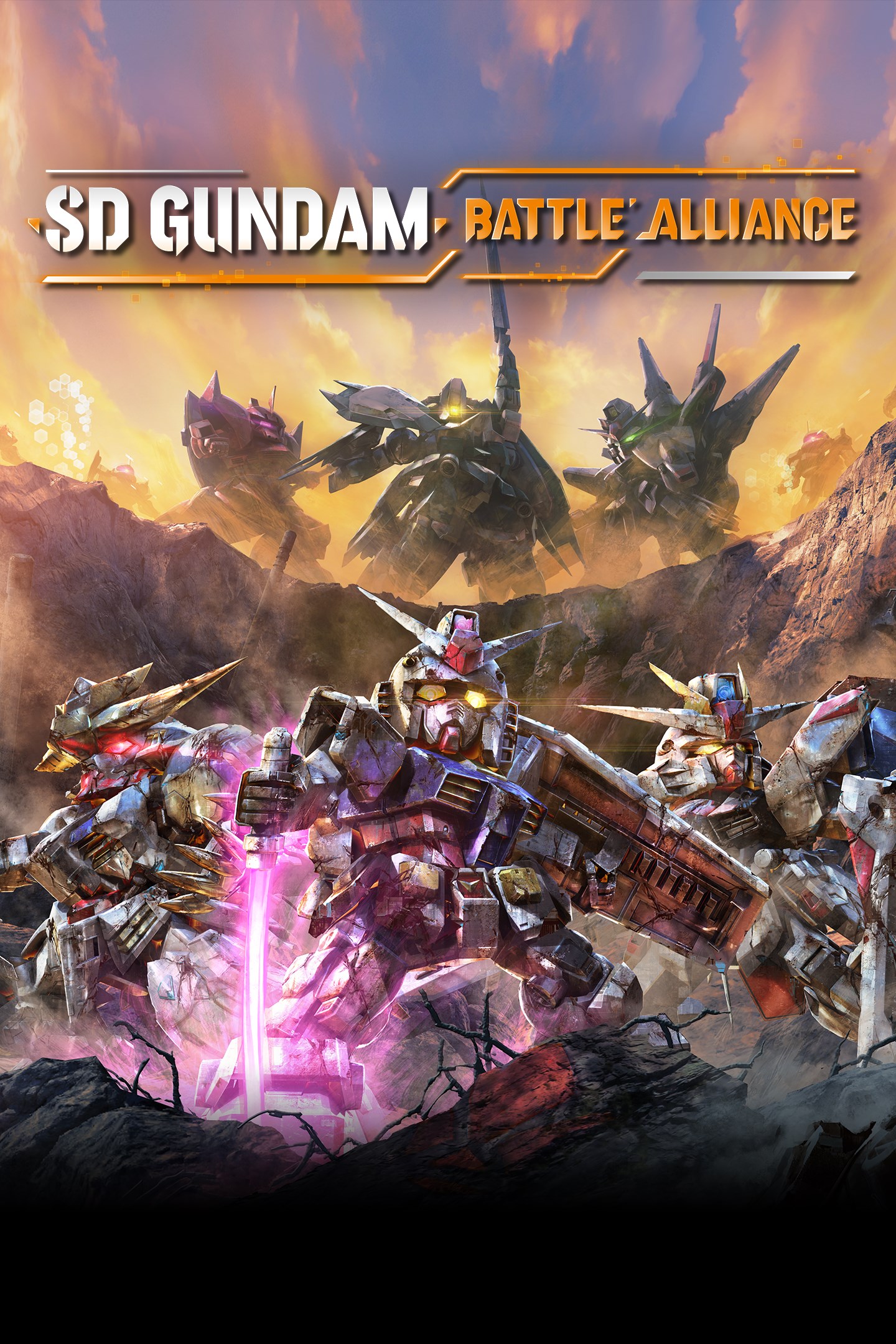
SD GUNDAM BATTLE ALLIANCE
Details
- Publisher
- Bandai Namco Entertainment America Inc.
- Developer
- ARTDINK CORPORATION
- Release date
- 25.08.2022
- Age rating
- ESRB:T
- Localization
- English
- Metascore
- 71 / 100
Source: Steam
Purchase options
Platform
Primary: our account is set as the home Xbox of your console ("My home Xbox"), so the game is shared with your own profile and works offline — that is one slot on one console. Secondary: you sign in to our account and launch the game from it, and the console has to stay online. The activation code is an extra option: it is redeemed on your own account, and the game stays there forever.
You install the game from our account and set our account as the home one ("My home Xbox"): after that you play from your own profile, and the progress and achievements stay yours. It works offline.
You sign in to our account and play right from it. A permanent internet connection is required and only the issued profile can be used. It costs less than the primary access.
A bonus way to buy: you get a 25-character code and redeem it on your own account. The game stays with you forever, no other profiles and no sign-in to a shared account.
What happens after payment
About the game
In SD Gundam Battle Alliance, Mobile Suits and characters from across Mobile Suit Gundam history take center stage in this all-new action RPG.
• A Battle Alliance to Correct a False World
The story takes place in G: Universe, a world where Gundam canon twists and turns in ways no one can predict.
To correct this world's distorted history, the player leads a 3-unit squadron consisting of Mobile Suits and pilots from across Gundam history - a true Battle Alliance.
What Awaits Beyond False History...
• Combo action with stunning visuals and dynamic animation
Indulge in a wide array of Mobile Suit weaponry to crush many foes with! Control Mobile Suits portrayed with realistic weathering that showcases them as weapons of war as they tear across the battlefield with dynamic animations.
• Strange phenomena known as Breaks are twisting legendary moments from Gundam history, and you're in charge to fix them.
Experience Gundam history's most famous scenes as you develop new Mobile Suits to add to your arsenal. Gather Capital and expansion parts to transform your favorite machine into the ultimate MS.
• Tackle missions with friends in multiplayer!
Launch into battle with 2 partners to back you up. In multiplayer, you can play through the game with up to 2 other players in a 3-person team. Enjoy this new SD Gundam action RPG solo, or with friends.
• Featured Series
Mobile Suit Gundam
Mobile Suit Gundam 0080: War in the Pocket
Mobile Suit Gundam: The 08th MS Team
Mobile Suit Gundam Thunderbolt
Mobile Suit Gundam 0083: Stardust Memory
Mobile Suit Zeta Gundam
Mobile Suit Gundam ZZ
Mobile Suit Gundam: Char's Counterattack
Mobile Suit Gundam: Char's Counterattack Beltorchika's Children
Mobile Suit Gundam Unicorn
Mobile Suit Gundam F91
Mobile Suit Crossbone Gundam
Mobile Suit V Gundam
Mobile Fighter G Gundam
Mobile Suit Gundam Wing
After War Gundam X
Turn A Gundam
Mobile Suit Gundam SEED
Mobile Suit Gundam SEED Astray
Mobile Suit Gundam SEED VS Astray
Mobile Suit Gundam SEED Destiny
Mobile Suit Gundam 00
Mobile Suit Gundam 00 The Movie -Awakening of the Trailblazer-
Reconguista in G
Mobile Suit Gundam: Iron-Blooded Orphans
Musha Knight Command: SD Gundam Scramble
Screenshots
Click a frame to open it larger, use the arrows to browse
How to activate
Guide for Xbox One
Primary — the game is shared with your own profile
- 1Press the Xbox button, open "Profile & system" → "Add or switch" → "Add new" and sign in with the login and password from your order.
- 2Now open "Settings" → "General" → "Personalization" → "My home Xbox" and choose "Make this my home Xbox". This is what shares our games with every profile on your console.
- 3Switch back to your own profile, open "My games & apps" → "Library" and install the game. The internet is only needed for the download.
- 4Launch the game from your own profile: achievements, saves and progress stay yours, and after the installation the game works offline.
Only one console at a time can be the home Xbox for our account — that is the slot you bought. Please do not change the password, the email or the two-factor settings of the account, or the access will be blocked.
Secondary — you play from our account
- 1Press the Xbox button, open "Profile & system" → "Add or switch" → "Add new" and sign in with the login and password from your order.
- 2Open "My games & apps" → "Library", switch to our profile in the top-left corner and install the game.
- 3Launch the game while our profile stays signed in, and keep the console online: the licence is checked over the internet.
- 4Use your own profile for everything else — the game stays available as long as our account is signed in on this console.
Secondary costs less, but it needs a permanent internet connection and our account stays signed in on your console.
Activation code
- 1On the console open "Store" and go to the "Redeem code" section.
- 2Enter the 25-character code from your order and confirm the activation on your own account.
- 3After the activation the code is shown as "Used" — but you can reinstall the game from your library at any time.
Notes for Xbox One
Important
How to play online
Warranty and support
The warranty covers the whole period of use of the account. If the access stops working, we replace the account or refund your money.
- If the game stops launching, we replace the account or refund your money.
- Average support response time — 15–30 minutes during working hours.
- The warranty covers the whole rental period of the access.
Support
Telegram: @weskars
E-mail: support@gears.games
Working hours: daily 11:00 – 23:00 (UTC+3)
Every order goes through clear stages: "New" → "Awaiting payment" → "Paid" → "Delivered". You can follow the status in your account page.
Similar games
More games in the "Action & adventure" genre



