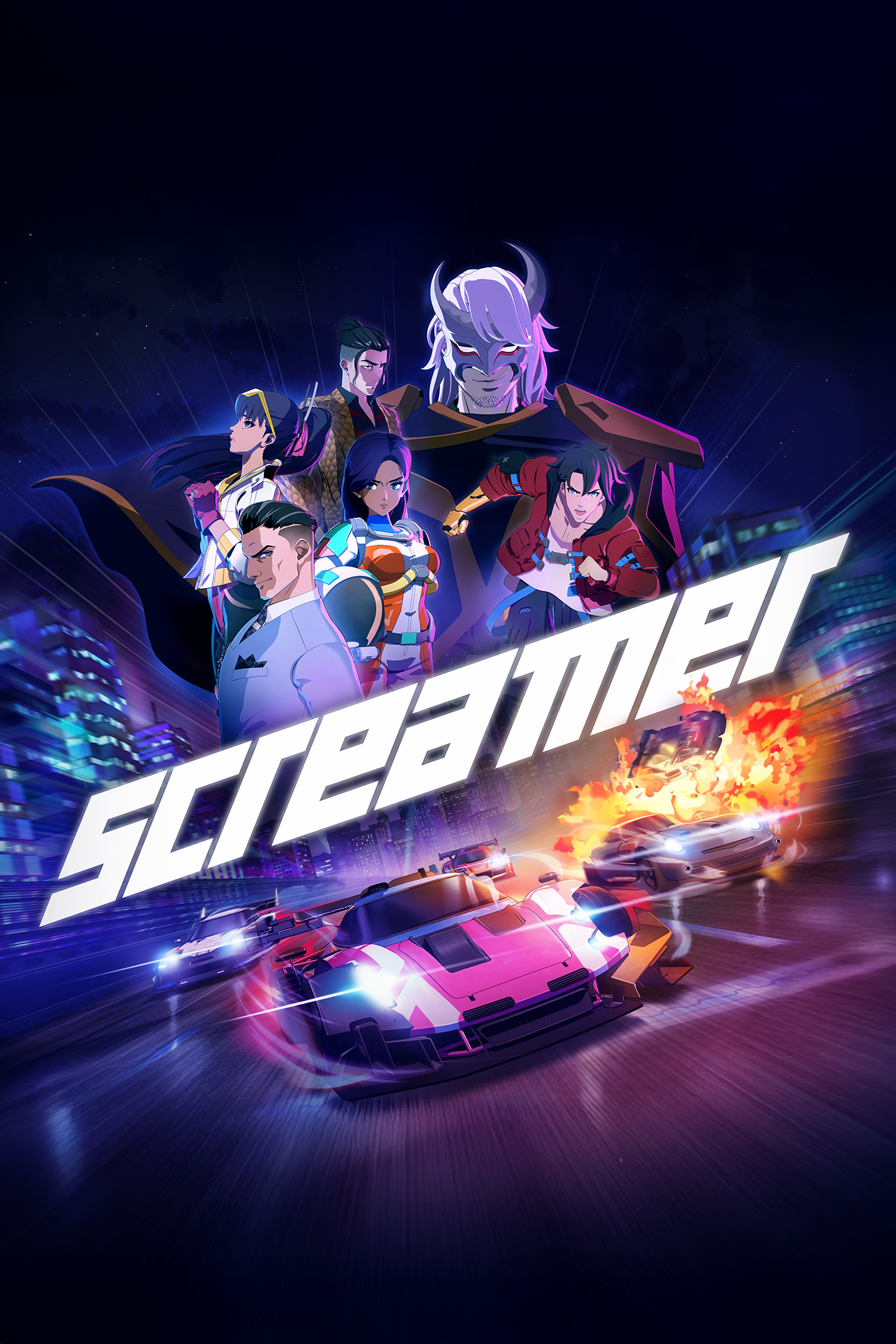
Screamer
Details
- Publisher
- Milestone S.r.l.
- Developer
- Milestone S.r.l.
- Release date
- 26.03.2026
- Age rating
- ESRB:M
- Localization
- English
Purchase options
Primary: our account is set as the home Xbox of your console ("My home Xbox"), so the game is shared with your own profile and works offline — that is one slot on one console. Secondary: you sign in to our account and launch the game from it, and the console has to stay online. The activation code is an extra option: it is redeemed on your own account, and the game stays there forever.
You install the game from our account and set our account as the home one ("My home Xbox"): after that you play from your own profile, and the progress and achievements stay yours. It works offline.
You sign in to our account and play right from it. A permanent internet connection is required and only the issued profile can be used. It costs less than the primary access.
A bonus way to buy: you get a 25-character code and redeem it on your own account. The game stays with you forever, no other profiles and no sign-in to a shared account.
What happens after payment
About the game
A reason to race
Longing, ambition, vengeance. Everyone has a reason to enter the Screamer tournament, and no one’s backing down. Join the competition and race side by side with fearless drivers, ready to push past every limit to chase what they believe in.
The Screamers
Five teams. Five reasons to risk it all – on and off the track.
Soldiers, scientists, criminals, superstars, and ruthless magnates. Different paths now converging on a single focal point: the Screamer tournament. Led by a mysterious master, this merciless competition will be the key to each participant’s personal goals.
Choose your driver wisely: each one steers a vehicle that mirrors their style, with a bespoke design and a unique ability that gives them an edge in this brutal showdown.
A unique style
The stage of the most lethal races, this arcade racing game plunges you into a futuristic universe brimming with 90s anime vibes. Step into a neon-lit world and speed across tracks where the adrenaline is always high!
The ECHO
Mysterious tech that changed racing forever: the ECHO.
Thanks to it, cars don’t just race – they fight! Push them past the edge again and again. Juggle between Boost, Strike, and Shield to stay in the lead, unleashing blistering bursts of speed and well-placed hits to knock your rivals off the track. And once Overdrive kicks in, it’s full-throttle chaos: no mercy, no brakes, and no room for anyone in your path. Master the ECHO power and you’ll become a real Screamer!
Different ways to race
A Screamer needs to be ready for any kind of challenge, and being the fastest isn’t always enough. Among the various game modes, you’ll find Team Races where crossing the finish line is just as important as taking down your opponents, while in others, the key is staying in Overdrive for as long as possible. Prove you’re the best no matter what challenge stands in your way, as well as online and in split-screen mode!
Screenshots
Click a frame to open it larger, use the arrows to browse
How to activate
Guide for Xbox Series X|S
Primary — the game is shared with your own profile
- 1Press the Xbox button, open "Profile & system" → "Add or switch" → "Add new" and sign in with the login and password from your order.
- 2Now open "Settings" → "General" → "Personalization" → "My home Xbox" and choose "Make this my home Xbox". This is what shares our games with every profile on your console.
- 3Switch back to your own profile, open "My games & apps" → "Library" and install the game. The internet is only needed for the download.
- 4Launch the game from your own profile: achievements, saves and progress stay yours, and after the installation the game works offline.
Only one console at a time can be the home Xbox for our account — that is the slot you bought. Please do not change the password, the email or the two-factor settings of the account, or the access will be blocked.
Secondary — you play from our account
- 1Press the Xbox button, open "Profile & system" → "Add or switch" → "Add new" and sign in with the login and password from your order.
- 2Open "My games & apps" → "Library", switch to our profile in the top-left corner and install the game.
- 3Launch the game while our profile stays signed in, and keep the console online: the licence is checked over the internet.
- 4Use your own profile for everything else — the game stays available as long as our account is signed in on this console.
Secondary costs less, but it needs a permanent internet connection and our account stays signed in on your console.
Activation code
- 1On the console open "Store" and go to the "Redeem code" section.
- 2Enter the 25-character code from your order and confirm the activation on your own account.
- 3After the activation the code is shown as "Used" — but you can reinstall the game from your library at any time.
Notes for Xbox Series
Important
How to play online
Warranty and support
The warranty covers the whole period of use of the account. If the access stops working, we replace the account or refund your money.
- If the game stops launching, we replace the account or refund your money.
- Average support response time — 15–30 minutes during working hours.
- The warranty covers the whole rental period of the access.
Support
Telegram: @weskars
E-mail: support@gears.games
Working hours: daily 11:00 – 23:00 (UTC+3)
Every order goes through clear stages: "New" → "Awaiting payment" → "Paid" → "Delivered". You can follow the status in your account page.
Similar games
More games in the "Racing & flying" genre