
Scorn
Details
- Publisher
- Kepler Interactive
- Developer
- Ebb Software
- Release date
- 14.10.2022
- Age rating
- ESRB:M
- Localization
- English
Purchase options
Primary: our account is set as the home Xbox of your console ("My home Xbox"), so the game is shared with your own profile and works offline — that is one slot on one console. Secondary: you sign in to our account and launch the game from it, and the console has to stay online. The activation code is an extra option: it is redeemed on your own account, and the game stays there forever.
You install the game from our account and set our account as the home one ("My home Xbox"): after that you play from your own profile, and the progress and achievements stay yours. It works offline.
You sign in to our account and play right from it. A permanent internet connection is required and only the issued profile can be used. It costs less than the primary access.
A bonus way to buy: you get a 25-character code and redeem it on your own account. The game stays with you forever, no other profiles and no sign-in to a shared account.
What happens after payment
About the game
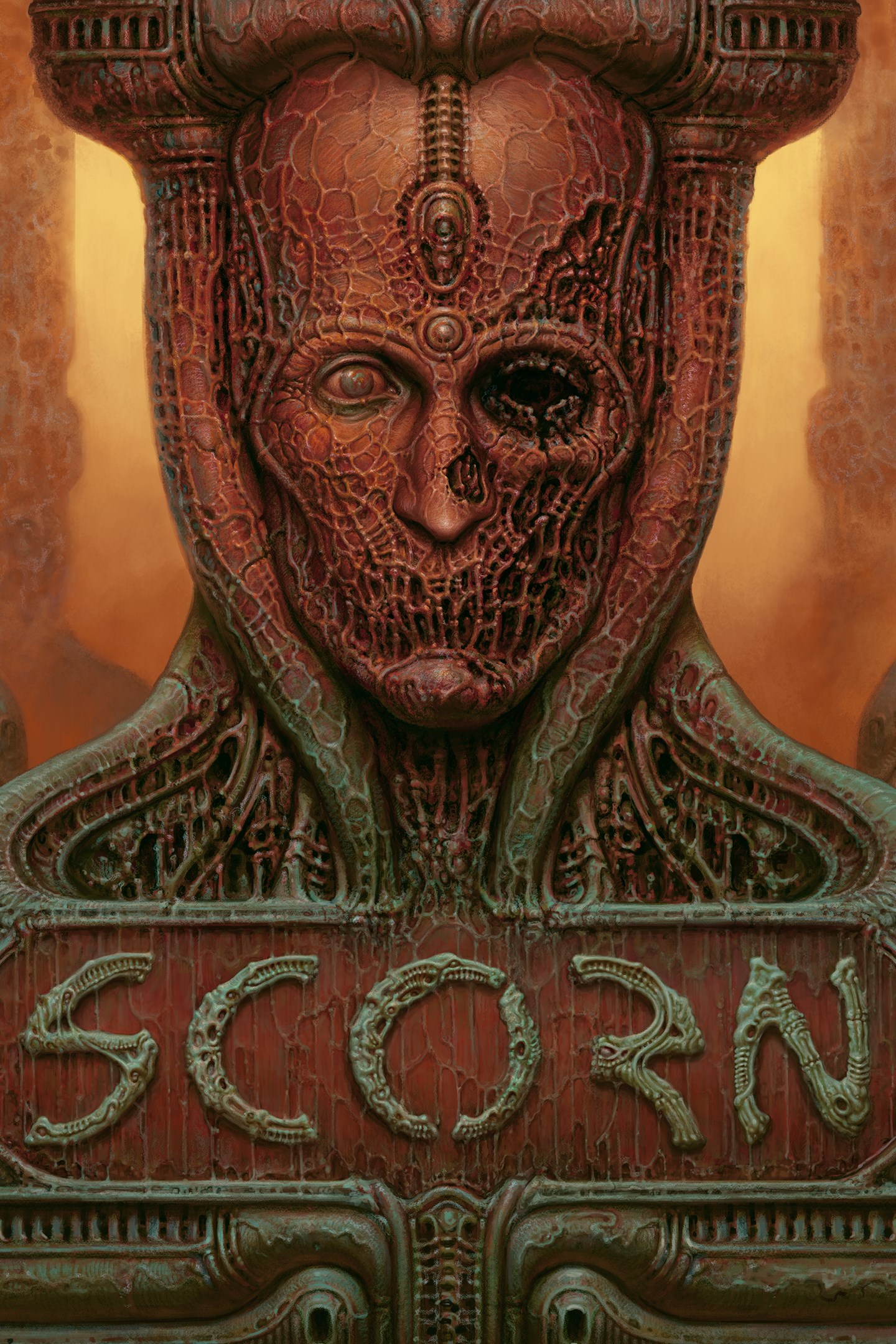
Scorn is an atmospheric first-person horror adventure game set in a nightmarish universe of odd forms and somber tapestry.
It is designed around the idea of "being thrown into the world". Isolated and lost inside this dream-like world, you will explore different interconnected regions in a non-linear fashion. The unsettling environment is a character itself.
Every location contains its own theme (story), puzzles and characters that are integral in creating a cohesive world. Throughout the game you will open up new areas, acquire different skill sets, weapons, various items and try to comprehend the sights presented to you.
GAMEPLAY FEATURES
Cohesive “lived-in” world
Scorn takes place in an open-ended world with different interconnected regions. Each region is a maze-like structure with various rooms and paths to discover. All the storytelling happens in-game, with no cut-scenes to distract you from the grisly reality of the living, breathing world you’re in. But keep your eyes open - the game won’t show you any sympathy if you miss something important on your uneasy travels.
Full body awareness
Players will experience better immersion being aware of the character’s body and movement. Interaction with the world is realistic - objects are picked up with your hands (instead of just floating in midair), machines and instruments are operated by grabbing the controls, etc.
Inventory and ammo management
Your loadout is defined and limited. This plays a big role in keeping the player in an even greater state of awareness throughout the whole game. Players will have to think about when to fight and when to take cover and how their actions affect the world around them. Different play styles will be needed to advance.
Screenshots
Click a frame to open it larger, use the arrows to browse
How to activate
Guide for Xbox Series X|S
Primary — the game is shared with your own profile
- 1Press the Xbox button, open "Profile & system" → "Add or switch" → "Add new" and sign in with the login and password from your order.
- 2Now open "Settings" → "General" → "Personalization" → "My home Xbox" and choose "Make this my home Xbox". This is what shares our games with every profile on your console.
- 3Switch back to your own profile, open "My games & apps" → "Library" and install the game. The internet is only needed for the download.
- 4Launch the game from your own profile: achievements, saves and progress stay yours, and after the installation the game works offline.
Only one console at a time can be the home Xbox for our account — that is the slot you bought. Please do not change the password, the email or the two-factor settings of the account, or the access will be blocked.
Secondary — you play from our account
- 1Press the Xbox button, open "Profile & system" → "Add or switch" → "Add new" and sign in with the login and password from your order.
- 2Open "My games & apps" → "Library", switch to our profile in the top-left corner and install the game.
- 3Launch the game while our profile stays signed in, and keep the console online: the licence is checked over the internet.
- 4Use your own profile for everything else — the game stays available as long as our account is signed in on this console.
Secondary costs less, but it needs a permanent internet connection and our account stays signed in on your console.
Activation code
- 1On the console open "Store" and go to the "Redeem code" section.
- 2Enter the 25-character code from your order and confirm the activation on your own account.
- 3After the activation the code is shown as "Used" — but you can reinstall the game from your library at any time.
Notes for Xbox Series
Important
How to play online
Warranty and support
The warranty covers the whole period of use of the account. If the access stops working, we replace the account or refund your money.
- If the game stops launching, we replace the account or refund your money.
- Average support response time — 15–30 minutes during working hours.
- The warranty covers the whole rental period of the access.
Support
Telegram: @weskars
E-mail: support@gears.games
Working hours: daily 11:00 – 23:00 (UTC+3)
Every order goes through clear stages: "New" → "Awaiting payment" → "Paid" → "Delivered". You can follow the status in your account page.
Similar games
More games in the "Action & adventure" genre



