
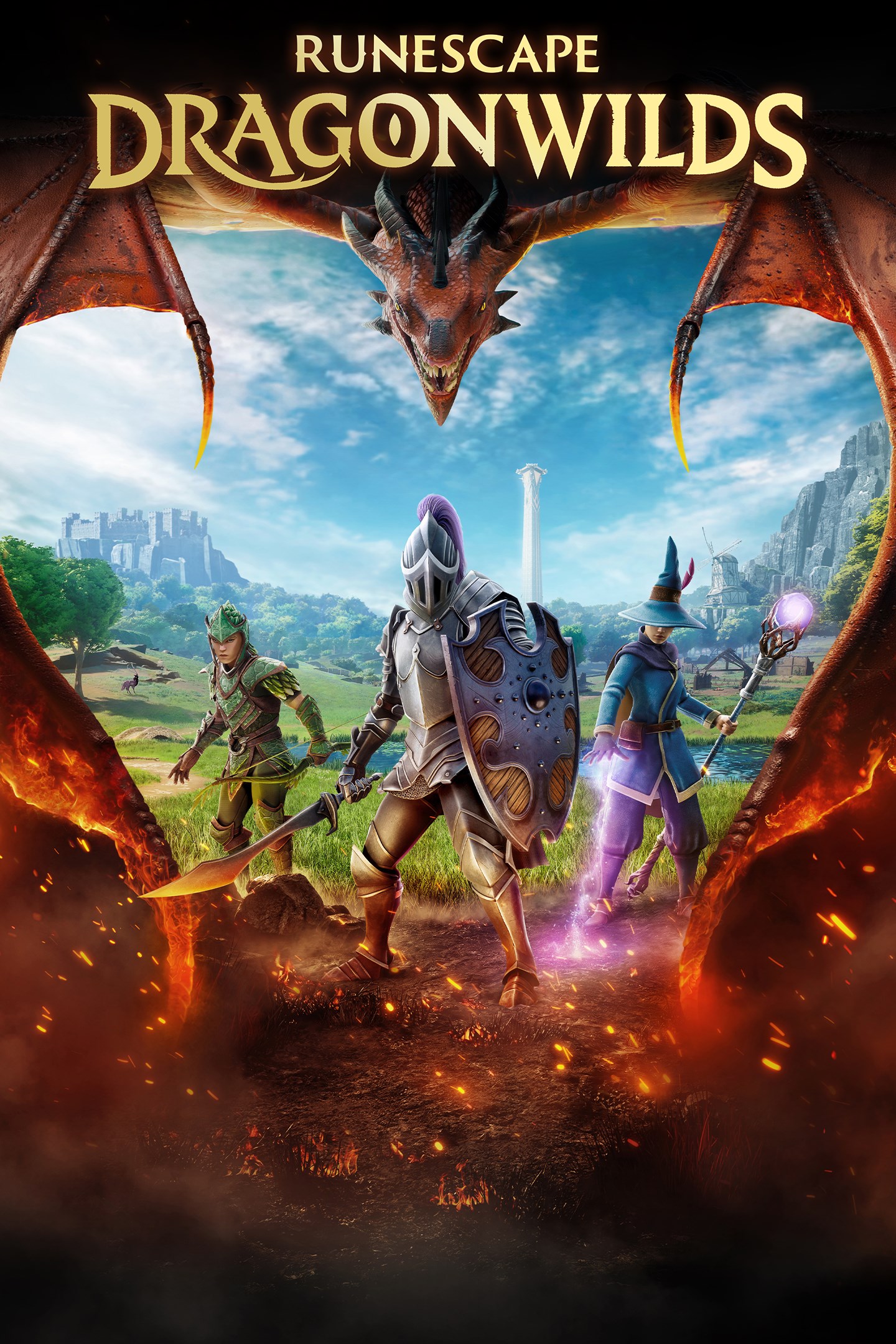
RuneScape: Dragonwilds
Details
- Publisher
- Jagex: The RuneScape Company
- Developer
- Jagex: The RuneScape Company
- Release date
- 15.09.2026
- Age rating
- ESRB:T
- Localization
- English
Purchase options
Primary: our account is set as the home Xbox of your console ("My home Xbox"), so the game is shared with your own profile and works offline — that is one slot on one console. Secondary: you sign in to our account and launch the game from it, and the console has to stay online. The activation code is an extra option: it is redeemed on your own account, and the game stays there forever.
You install the game from our account and set our account as the home one ("My home Xbox"): after that you play from your own profile, and the progress and achievements stay yours. It works offline.
You sign in to our account and play right from it. A permanent internet connection is required and only the issued profile can be used. It costs less than the primary access.
A bonus way to buy: you get a 25-character code and redeem it on your own account. The game stays with you forever, no other profiles and no sign-in to a shared account.
What happens after payment
About the game
On RuneScape's forgotten continent of Ashenfall, dragons have awoken. Gather, build, skill and craft in this co-operative survival adventure. Only by mastering survival and uncovering ancient secrets can you hope to face the ferocious Dragon Queen.
RUNESCAPE AT ITS CORE!
Embark on quests, level your skills and explore a beautiful hand-crafted world.
This all-new adventure blends high-fantasy and iconic RuneScape lore on a brand new continent. RPG systems reward you with unique abilities and spells as you progress through each skill. Battle legendary RuneScape creatures like Zogres, challenge Black Knights and the entirely new and fearsome Garou, all set to a sweeping soundtrack of reorchestrated RuneScape classics and hours of brand new music.
GRIND SKILLS, SLAY DRAGONS
Locate them, throw down the gauntlet and carve your path to the Dragon Queen herself.
Your progress will be under constant threat from the looming shadow of the Dragons, as you arm yourself and prepare to rise to face them. Follow the trail of destruction and uncover the mysteries of the continent to learn not just how to confront the dragons, but how to overcome them. Prepare potions, craft gear and push yourself to do battle with the most powerful force on the continent.
The smart money's on the dragon. But we do love an underdog!
SURVIVAL THROUGH SORCERY
Summon a spectral axe to fell trees in an instant! Blink away from danger in a cloud of magic. Turn bones into... peaches?
The Anima-rich landscape of Ashenfall offers you a power unlike any other. Conjure a tornado of fish from a lake! Explode ore veins with a snap of your fingers! Journey through the vibrant regions of Ashenfall, discover why wild magic spills from the fractured lands and harness that power to survive!
COMMUNITY DRIVEN, PLAYER CENTRIC
Like all RuneScape games, community is at the heart of everything we do. We've shaped our entire roadmap based on player feedback, leading us to launch dedicated servers earlier than planned, introduce new combat and new quest content. Working together we're continuing to develop RuneScape: Dragonwilds. Whether you're adventuring with friends or going it alone, every opinion matters, and it's up to you to help us shape the future of our game.
Screenshots
Click a frame to open it larger, use the arrows to browse
How to activate
Guide for Xbox Series X|S
Primary — the game is shared with your own profile
- 1Press the Xbox button, open "Profile & system" → "Add or switch" → "Add new" and sign in with the login and password from your order.
- 2Now open "Settings" → "General" → "Personalization" → "My home Xbox" and choose "Make this my home Xbox". This is what shares our games with every profile on your console.
- 3Switch back to your own profile, open "My games & apps" → "Library" and install the game. The internet is only needed for the download.
- 4Launch the game from your own profile: achievements, saves and progress stay yours, and after the installation the game works offline.
Only one console at a time can be the home Xbox for our account — that is the slot you bought. Please do not change the password, the email or the two-factor settings of the account, or the access will be blocked.
Secondary — you play from our account
- 1Press the Xbox button, open "Profile & system" → "Add or switch" → "Add new" and sign in with the login and password from your order.
- 2Open "My games & apps" → "Library", switch to our profile in the top-left corner and install the game.
- 3Launch the game while our profile stays signed in, and keep the console online: the licence is checked over the internet.
- 4Use your own profile for everything else — the game stays available as long as our account is signed in on this console.
Secondary costs less, but it needs a permanent internet connection and our account stays signed in on your console.
Activation code
- 1On the console open "Store" and go to the "Redeem code" section.
- 2Enter the 25-character code from your order and confirm the activation on your own account.
- 3After the activation the code is shown as "Used" — but you can reinstall the game from your library at any time.
Notes for Xbox Series
Important
How to play online
Warranty and support
The warranty covers the whole period of use of the account. If the access stops working, we replace the account or refund your money.
- If the game stops launching, we replace the account or refund your money.
- Average support response time — 15–30 minutes during working hours.
- The warranty covers the whole rental period of the access.
Support
Telegram: @weskars
E-mail: support@gears.games
Working hours: daily 11:00 – 23:00 (UTC+3)
Every order goes through clear stages: "New" → "Awaiting payment" → "Paid" → "Delivered". You can follow the status in your account page.
Similar games
More games in the "Action & adventure" genre



