
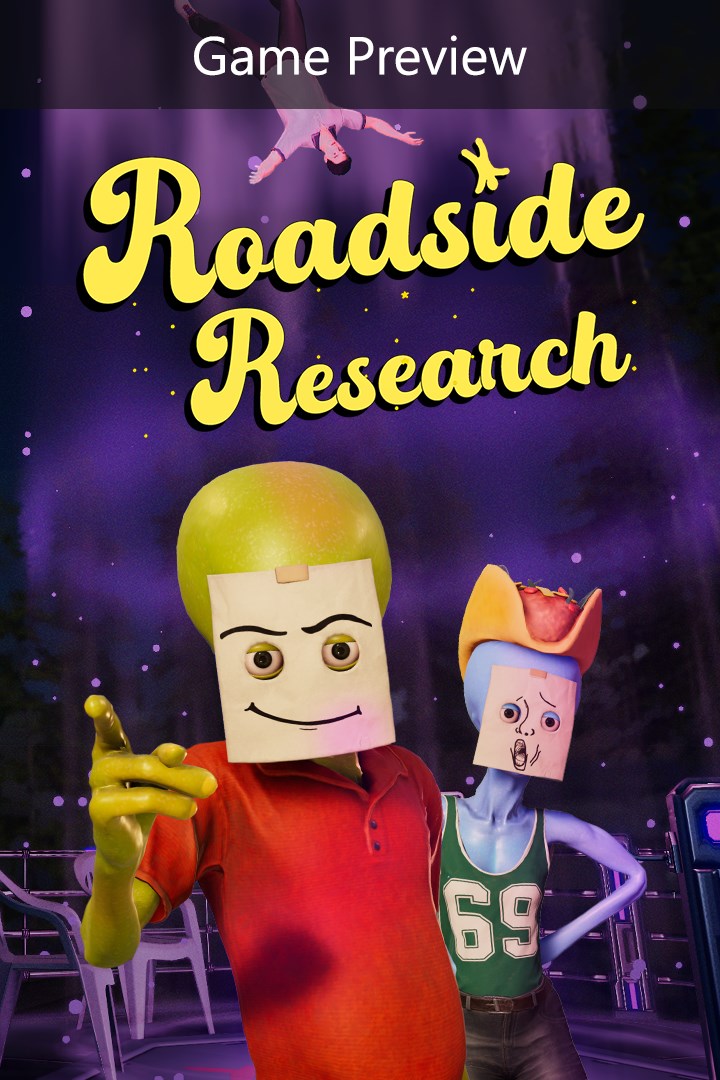
Roadside Research (Game Preview)
Roadside Research (Предварительная версия игры)
Details
- Publisher
- Oro Interactive
- Developer
- Cybernetic Walrus
- Release date
- —
- Age rating
- ESRB:T
- Localization
- English
Purchase options
Primary: our account is set as the home Xbox of your console ("My home Xbox"), so the game is shared with your own profile and works offline — that is one slot on one console. Secondary: you sign in to our account and launch the game from it, and the console has to stay online. The activation code is an extra option: it is redeemed on your own account, and the game stays there forever.
You install the game from our account and set our account as the home one ("My home Xbox"): after that you play from your own profile, and the progress and achievements stay yours. It works offline.
You sign in to our account and play right from it. A permanent internet connection is required and only the issued profile can be used. It costs less than the primary access.
A bonus way to buy: you get a 25-character code and redeem it on your own account. The game stays with you forever, no other profiles and no sign-in to a shared account.
What happens after payment
About the game
This game is a work in progress. It may or may not change over time or release as a final product. Purchase only if you are comfortable with the current state of the unfinished game. Full details on the latest status of the game, how you can give feedback and report issues can be found at https://discord.gg/XVNhp72cqw
Aliens have landed on Earth… to run a gas station. Play solo or up to 4 players and do human tasks to blend in. People depend on you, it’s your job to make sure that the shelves have the correct items, refuel customers passing by, and provide food for travelers. But most importantly, you must conduct your research.
STAY UNDETECTED
Your mission is simple. Gather all data you can from humans without their knowledge. Scan, steal, and test various methods on customers while they stop by the gas station. Be careful not to raise the “suspicion meter” too high, as that will trigger the visit of government officials.
BE NORMAL, BE HUMAN
During the day, take care of the gas station as an ordinary employee. Restock the shelves, order wares for the shop, refuel passersby, and exchange goods for cash. At night you will be able to gather your thoughts, and plan for the next day.
UPGRADE AND CUSTOMIZE
Balance between two missions, upgrading the gas station to attract more customers and upgrading your alien tech to process data and gather information more efficiently. To blend in, draw a very normal human expression on your state-of-the-art disguise.
During closing hours, you can also upgrade the station, inside and outside to make sure everything is going according to plan.
Screenshots
Click a frame to open it larger, use the arrows to browse
How to activate
Guide for Xbox Series X|S
Primary — the game is shared with your own profile
- 1Press the Xbox button, open "Profile & system" → "Add or switch" → "Add new" and sign in with the login and password from your order.
- 2Now open "Settings" → "General" → "Personalization" → "My home Xbox" and choose "Make this my home Xbox". This is what shares our games with every profile on your console.
- 3Switch back to your own profile, open "My games & apps" → "Library" and install the game. The internet is only needed for the download.
- 4Launch the game from your own profile: achievements, saves and progress stay yours, and after the installation the game works offline.
Only one console at a time can be the home Xbox for our account — that is the slot you bought. Please do not change the password, the email or the two-factor settings of the account, or the access will be blocked.
Secondary — you play from our account
- 1Press the Xbox button, open "Profile & system" → "Add or switch" → "Add new" and sign in with the login and password from your order.
- 2Open "My games & apps" → "Library", switch to our profile in the top-left corner and install the game.
- 3Launch the game while our profile stays signed in, and keep the console online: the licence is checked over the internet.
- 4Use your own profile for everything else — the game stays available as long as our account is signed in on this console.
Secondary costs less, but it needs a permanent internet connection and our account stays signed in on your console.
Activation code
- 1On the console open "Store" and go to the "Redeem code" section.
- 2Enter the 25-character code from your order and confirm the activation on your own account.
- 3After the activation the code is shown as "Used" — but you can reinstall the game from your library at any time.
Notes for Xbox Series
Important
How to play online
Warranty and support
The warranty covers the whole period of use of the account. If the access stops working, we replace the account or refund your money.
- If the game stops launching, we replace the account or refund your money.
- Average support response time — 15–30 minutes during working hours.
- The warranty covers the whole rental period of the access.
Support
Telegram: @weskars
E-mail: support@gears.games
Working hours: daily 11:00 – 23:00 (UTC+3)
Every order goes through clear stages: "New" → "Awaiting payment" → "Paid" → "Delivered". You can follow the status in your account page.
Similar games
More games in the "Simulation" genre



