
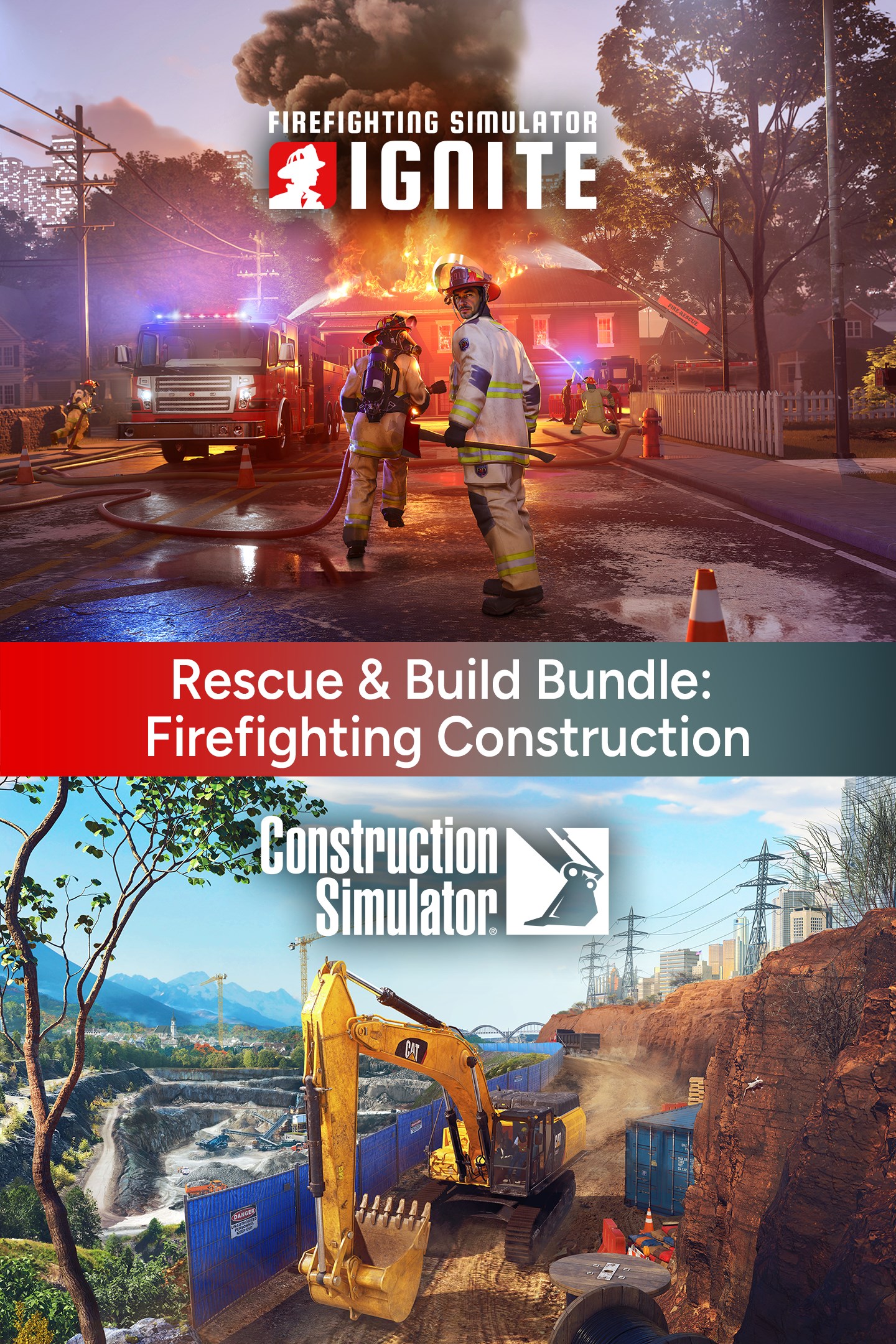
Rescue & Build Bundle: Firefighting Construction
Details
- Publisher
- astragon Entertainment
- Developer
- Release date
- 01.12.2025
- Age rating
- ESRB:E10
- Localization
- English
Purchase options
Platform
Primary: our account is set as the home Xbox of your console ("My home Xbox"), so the game is shared with your own profile and works offline — that is one slot on one console. Secondary: you sign in to our account and launch the game from it, and the console has to stay online. The activation code is an extra option: it is redeemed on your own account, and the game stays there forever.
You install the game from our account and set our account as the home one ("My home Xbox"): after that you play from your own profile, and the progress and achievements stay yours. It works offline.
You sign in to our account and play right from it. A permanent internet connection is required and only the issued profile can be used. It costs less than the primary access.
A bonus way to buy: you get a 25-character code and redeem it on your own account. The game stays with you forever, no other profiles and no sign-in to a shared account.
What happens after payment
About the game
The Rescue & Build Bundle includes the simulation hits Firefighting Simulator: Ignite and Construction Simulator.
Firefighting Simulator: Ignite
UNITED AGAINST FIRE. Face unpredictable dangers head-on, fight perilous fires with your crew, and save lives in Firefighting Simulator: Ignite. Step into the boots of a U.S. firefighter in a sprawling city in the American Midwest, where every mission pushes your skills to the limit. Experience the rush of firefighting in stunning visual quality in an intuitive and cooperative multiplayer mode with 3 friends or with the help of your NPC controlled crew. Battle raging and dynamic flames, heat, and smoke – all simulated in real time. Cutting-edge physics & graphics systems powered by Unreal Engine 5 let you experience firefighting immersion like never before.
Over your career, you deal with a range of challenging situations, like trapped civilians, electric fires, flammable liquids, grease fires, backdrafts, flashovers, and explosions. Equip yourself with authentic firefighting tools, including fire hoses, saws, Halligan tools, axes, and extinguishers, and use faithfully recreated fire engines and ladder trucks. Use the right tactics and methods with precision to put out blazing flames. Each mission requires real-life firefighting strategies, such as ventilating to curb fire spread, cooling down overheated objects, sawing through obstacles, reducing air drafts, and selecting the proper extinguishing agent. But stay alert for signs of imminent danger, like thick smoke finding its way through closed doors and presenting the potential for a major disaster.
Construction Simulator
Construction Simulator has returned – larger and more impressive than ever! Fulfil your ambition to become a successful construction entrepreneur by establishing your business from scratch, assisted by your mentor Hape. Tackle intriguing projects of different sizes and requirements that help you increase your income, so that you're able to add even more powerful machinery to your vehicle fleet. Along the way, diverse clients will test your abilities as you navigate challenges, making every task a test of your skill set. Get ready to showcase your process as you tackle a variety of construction challenges in this dynamic and engaging adventure!
Start your business on two individual maps inspired by landscapes in the USA and Germany. Each of them offers its own campaign that helps you climb the ladder of success. Friedenberg is based on picturesque cities of Southwest Germany, and features enchanting rolling hills and scenic riversides. Here, your objective is to contribute to the design of renewable energy solutions and enhance the local urban infrastructure throughout the campaign. Beyond these significant undertakings, you'll encounter diverse tasks that allow you to put every piece of equipment you earn to the test. Sunny Haven, on the other hand, is a truly American-style harbor city that you have to revitalize to put its tourism industry back on track. Altogether, more than 90 exciting contracts are waiting to be completed on both maps, so you can be sure you'll always come across something new to explore!
Screenshots
Click a frame to open it larger, use the arrows to browse
How to activate
Guide for Xbox One
Primary — the game is shared with your own profile
- 1Press the Xbox button, open "Profile & system" → "Add or switch" → "Add new" and sign in with the login and password from your order.
- 2Now open "Settings" → "General" → "Personalization" → "My home Xbox" and choose "Make this my home Xbox". This is what shares our games with every profile on your console.
- 3Switch back to your own profile, open "My games & apps" → "Library" and install the game. The internet is only needed for the download.
- 4Launch the game from your own profile: achievements, saves and progress stay yours, and after the installation the game works offline.
Only one console at a time can be the home Xbox for our account — that is the slot you bought. Please do not change the password, the email or the two-factor settings of the account, or the access will be blocked.
Secondary — you play from our account
- 1Press the Xbox button, open "Profile & system" → "Add or switch" → "Add new" and sign in with the login and password from your order.
- 2Open "My games & apps" → "Library", switch to our profile in the top-left corner and install the game.
- 3Launch the game while our profile stays signed in, and keep the console online: the licence is checked over the internet.
- 4Use your own profile for everything else — the game stays available as long as our account is signed in on this console.
Secondary costs less, but it needs a permanent internet connection and our account stays signed in on your console.
Activation code
- 1On the console open "Store" and go to the "Redeem code" section.
- 2Enter the 25-character code from your order and confirm the activation on your own account.
- 3After the activation the code is shown as "Used" — but you can reinstall the game from your library at any time.
Notes for Xbox One
Important
How to play online
Warranty and support
The warranty covers the whole period of use of the account. If the access stops working, we replace the account or refund your money.
- If the game stops launching, we replace the account or refund your money.
- Average support response time — 15–30 minutes during working hours.
- The warranty covers the whole rental period of the access.
Support
Telegram: @weskars
E-mail: support@gears.games
Working hours: daily 11:00 – 23:00 (UTC+3)
Every order goes through clear stages: "New" → "Awaiting payment" → "Paid" → "Delivered". You can follow the status in your account page.
Similar games
More games in the "Simulation" genre



