
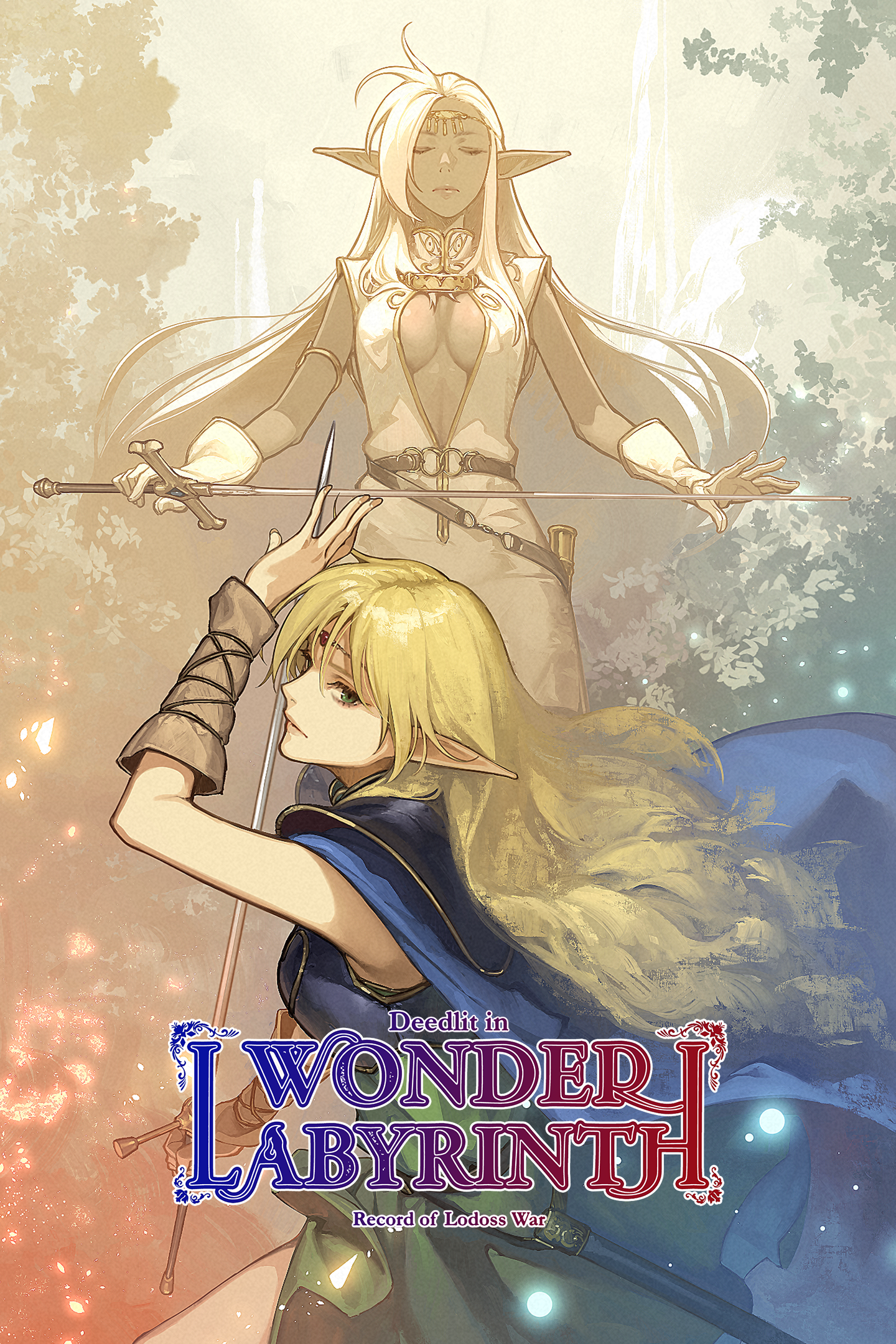
Record of Lodoss War-Deedlit in Wonder Labyrinth-
Летопись войн острова Лодосс: Дидлит в Лабиринте чудес
Details
- Publisher
- Alliance Arts
- Developer
- Team Ladybug, WSS Playground
- Release date
- 16.12.2021
- Age rating
- ESRB:T
- Localization
- English
Purchase options
Platform
Primary: our account is set as the home Xbox of your console ("My home Xbox"), so the game is shared with your own profile and works offline — that is one slot on one console. Secondary: you sign in to our account and launch the game from it, and the console has to stay online. The activation code is an extra option: it is redeemed on your own account, and the game stays there forever.
You install the game from our account and set our account as the home one ("My home Xbox"): after that you play from your own profile, and the progress and achievements stay yours. It works offline.
You sign in to our account and play right from it. A permanent internet connection is required and only the issued profile can be used. It costs less than the primary access.
A bonus way to buy: you get a 25-character code and redeem it on your own account. The game stays with you forever, no other profiles and no sign-in to a shared account.
What happens after payment
About the game
Record of Lodoss War -Deedlit in Wonder Labyrinth- is a 2D action-exploration "Metroidvania"-style game developed under the close supervision of original creator Ryo Mizuno, depicting the previously unknown story of Deedlit and the events leading up to Record of Lodoss War: Diadem of the Covenant.
Both fans of Record of Lodoss War and all-new players alike can fully enjoy this latest installment in the series.
■Story
Deedlit awakens suddenly in a mysterious, unknown place.
Where am I? Why am I here?
With nobody around to respond, her questions are met with only silence.
Seeking answers, Deed eventually sets off on foot, alone…
■Game Features
Sword and Arrow Attacks:
Use your sword for powerful melee attacks against enemies within range, or employ projectile attacks using your bow and arrows against those farther away.
Swappable Equipment:
Freely equip and utilize swords and arrows obtained along the way.
The powerful weapons and tools you acquire can be used to your advantage throughout your journey.
You can also sell off weapons you no longer need.
Swappable Elemental Spirits:
Alternate among a selection of useful elemental spirits to change Deedlit’s various attributes.
While using Sylph, the wind spirit, wind-based attacks do less damage.
When the flame spirit Salamander is in use, fire-based attacks do less damage.
Raise Elemental Spirit Levels:
You can raise the levels of your elemental spirits by absorbing the “Soul Screams” generated when attacking and defeating enemies.
Each spirit’s level is displayed as Deed’s own power level.
When a spirit’s level has maxed out at 3, HP will be automatically recovered.
Screenshots
Click a frame to open it larger, use the arrows to browse
How to activate
Guide for Xbox One
Primary — the game is shared with your own profile
- 1Press the Xbox button, open "Profile & system" → "Add or switch" → "Add new" and sign in with the login and password from your order.
- 2Now open "Settings" → "General" → "Personalization" → "My home Xbox" and choose "Make this my home Xbox". This is what shares our games with every profile on your console.
- 3Switch back to your own profile, open "My games & apps" → "Library" and install the game. The internet is only needed for the download.
- 4Launch the game from your own profile: achievements, saves and progress stay yours, and after the installation the game works offline.
Only one console at a time can be the home Xbox for our account — that is the slot you bought. Please do not change the password, the email or the two-factor settings of the account, or the access will be blocked.
Secondary — you play from our account
- 1Press the Xbox button, open "Profile & system" → "Add or switch" → "Add new" and sign in with the login and password from your order.
- 2Open "My games & apps" → "Library", switch to our profile in the top-left corner and install the game.
- 3Launch the game while our profile stays signed in, and keep the console online: the licence is checked over the internet.
- 4Use your own profile for everything else — the game stays available as long as our account is signed in on this console.
Secondary costs less, but it needs a permanent internet connection and our account stays signed in on your console.
Activation code
- 1On the console open "Store" and go to the "Redeem code" section.
- 2Enter the 25-character code from your order and confirm the activation on your own account.
- 3After the activation the code is shown as "Used" — but you can reinstall the game from your library at any time.
Notes for Xbox One
Important
How to play online
Warranty and support
The warranty covers the whole period of use of the account. If the access stops working, we replace the account or refund your money.
- If the game stops launching, we replace the account or refund your money.
- Average support response time — 15–30 minutes during working hours.
- The warranty covers the whole rental period of the access.
Support
Telegram: @weskars
E-mail: support@gears.games
Working hours: daily 11:00 – 23:00 (UTC+3)
Every order goes through clear stages: "New" → "Awaiting payment" → "Paid" → "Delivered". You can follow the status in your account page.
Similar games
More games in the "Action & adventure" genre



