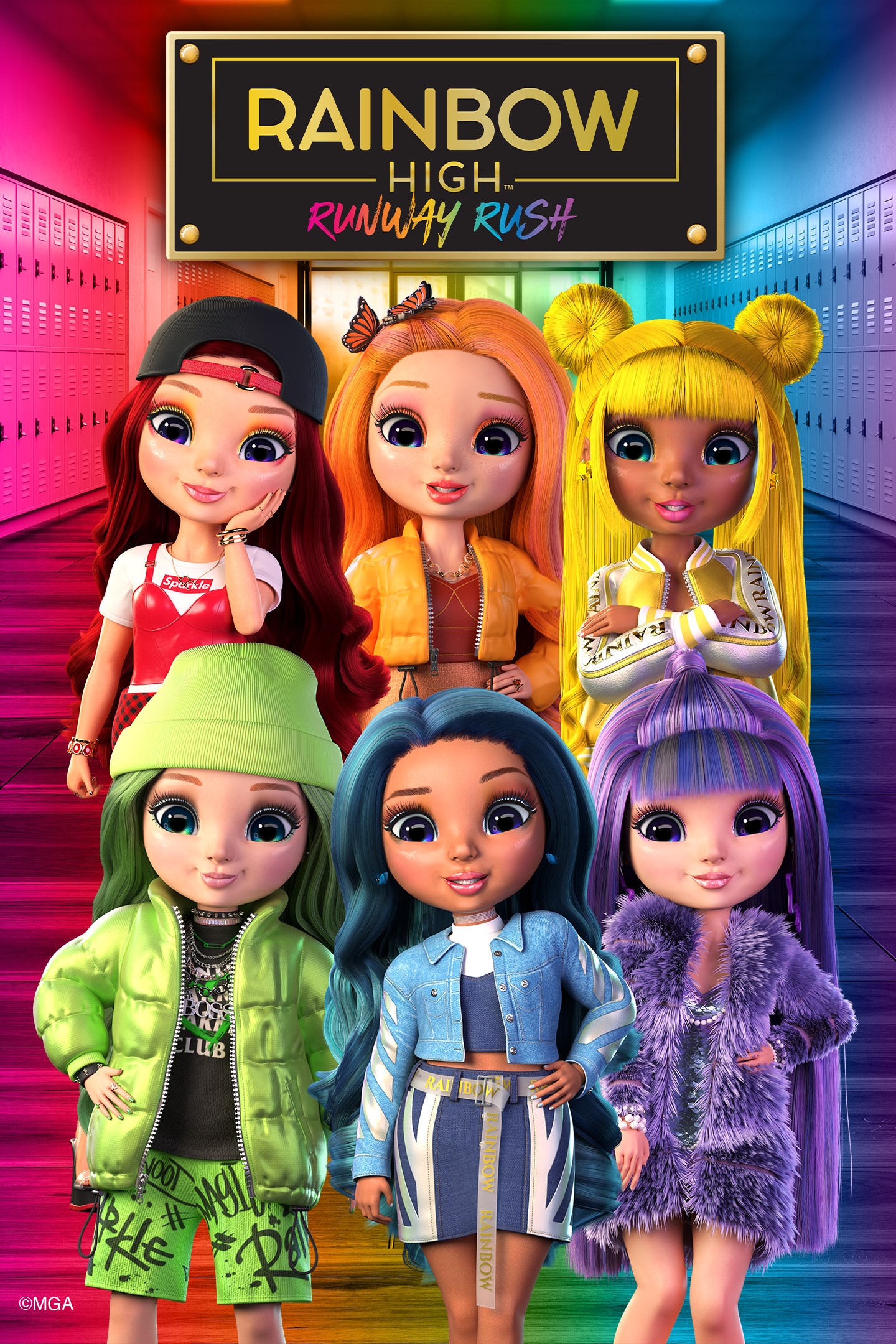
RAINBOW HIGH™: RUNWAY RUSH
RAINBOW HIGH™: МОДНАЯ ЛИХОРАДКА
Details
- Publisher
- Outright Games Ltd.
- Developer
- Xaloc Studios
- Release date
- 22.09.2023
- Age rating
- ESRB:E
- Localization
- English
Purchase options
Platform
Primary: our account is set as the home Xbox of your console ("My home Xbox"), so the game is shared with your own profile and works offline — that is one slot on one console. Secondary: you sign in to our account and launch the game from it, and the console has to stay online. The activation code is an extra option: it is redeemed on your own account, and the game stays there forever.
You install the game from our account and set our account as the home one ("My home Xbox"): after that you play from your own profile, and the progress and achievements stay yours. It works offline.
You sign in to our account and play right from it. A permanent internet connection is required and only the issued profile can be used. It costs less than the primary access.
A bonus way to buy: you get a 25-character code and redeem it on your own account. The game stays with you forever, no other profiles and no sign-in to a shared account.
What happens after payment
About the game
Welcome to the world of Rainbow High. We’re all about letting our true colors shine through creativity, fashion, and friendship. If you can make it through Rainbow High, you can make it through anything.
RING! “A huge announcement in the Runway Classroom. Could all first-year students report to room 112. I repeat, a huge announcement in the Runway Classroom 112!”
It looks like you’ve just got your first art assignment - the theme is ‘Everything is Art’. Play as your favorite Rainbow High character, Ruby, Poppy, Sunny, Jade, Skyler and Violet. Use their unique talents and work together to present your best work to date. The team with the best idea will be awarded the chance to plan a major school project. It’s time to transform creative struggles into creative brilliance.
There are so many places at Rainbow High to find inspiration for our first assignment. Take a tour around the school. Start in the Atrium and check out the majestic unicorn, then catch up on the latest tea with the students in the common rooms. Explore the Residence Corridors, and swing by Sunny’s bedroom as you make your way to the Student Lounge, where you can play video games or take some great selfies. Head over to the Rainbow Union, up to the first floor to find fun materials in the Fabric Studio, and more.
As you work on your assignment, collect rainbow diamonds, and find clues along the way to help you open the rainbow lockers. And use each character’s unique talents to unlock the coolest outfits whilst you help your friends in their creative quests.
This project will get #intense and test friendships at times. Help the BFFs come together and overcome their differences. You can do this!
#LetYourTrueColorsShine
Screenshots
Click a frame to open it larger, use the arrows to browse
How to activate
Guide for Xbox One
Primary — the game is shared with your own profile
- 1Press the Xbox button, open "Profile & system" → "Add or switch" → "Add new" and sign in with the login and password from your order.
- 2Now open "Settings" → "General" → "Personalization" → "My home Xbox" and choose "Make this my home Xbox". This is what shares our games with every profile on your console.
- 3Switch back to your own profile, open "My games & apps" → "Library" and install the game. The internet is only needed for the download.
- 4Launch the game from your own profile: achievements, saves and progress stay yours, and after the installation the game works offline.
Only one console at a time can be the home Xbox for our account — that is the slot you bought. Please do not change the password, the email or the two-factor settings of the account, or the access will be blocked.
Secondary — you play from our account
- 1Press the Xbox button, open "Profile & system" → "Add or switch" → "Add new" and sign in with the login and password from your order.
- 2Open "My games & apps" → "Library", switch to our profile in the top-left corner and install the game.
- 3Launch the game while our profile stays signed in, and keep the console online: the licence is checked over the internet.
- 4Use your own profile for everything else — the game stays available as long as our account is signed in on this console.
Secondary costs less, but it needs a permanent internet connection and our account stays signed in on your console.
Activation code
- 1On the console open "Store" and go to the "Redeem code" section.
- 2Enter the 25-character code from your order and confirm the activation on your own account.
- 3After the activation the code is shown as "Used" — but you can reinstall the game from your library at any time.
Notes for Xbox One
Important
How to play online
Warranty and support
The warranty covers the whole period of use of the account. If the access stops working, we replace the account or refund your money.
- If the game stops launching, we replace the account or refund your money.
- Average support response time — 15–30 minutes during working hours.
- The warranty covers the whole rental period of the access.
Support
Telegram: @weskars
E-mail: support@gears.games
Working hours: daily 11:00 – 23:00 (UTC+3)
Every order goes through clear stages: "New" → "Awaiting payment" → "Paid" → "Delivered". You can follow the status in your account page.
Similar games
More games in the "Family & kids" genre