
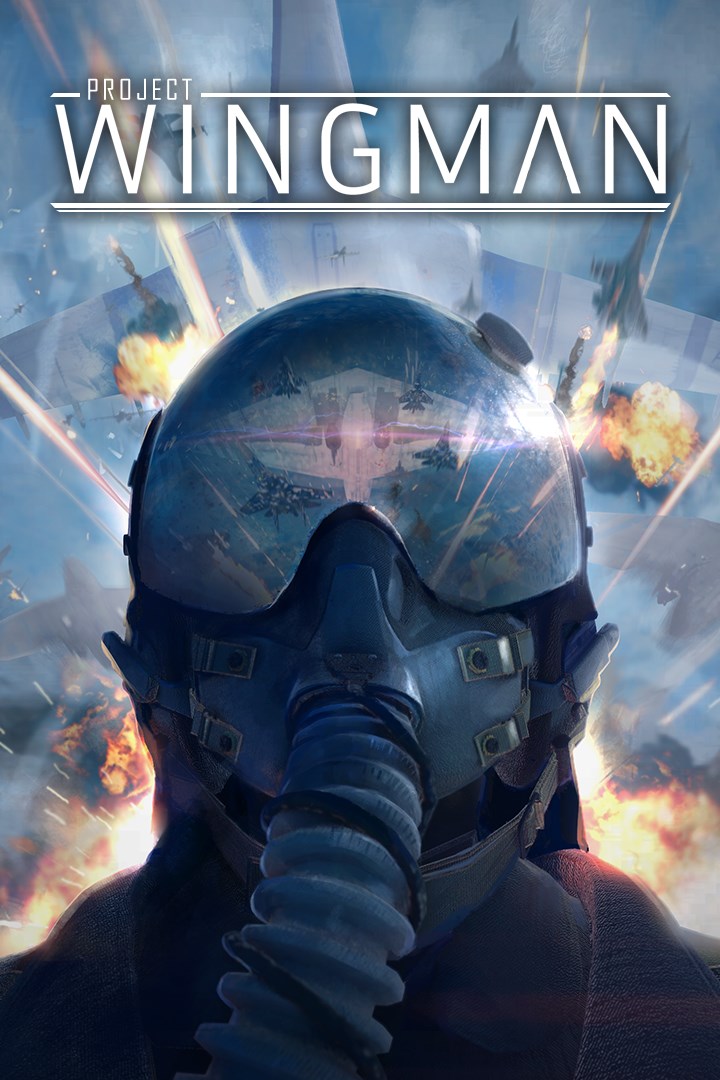
Project Wingman
Details
- Publisher
- Humble Games
- Developer
- Sector D2
- Release date
- 29.07.2021
- Age rating
- ESRB:T
- Localization
- English
- Metascore
- 75 / 100
Source: Steam
Purchase options
Platform
Primary: our account is set as the home Xbox of your console ("My home Xbox"), so the game is shared with your own profile and works offline — that is one slot on one console. Secondary: you sign in to our account and launch the game from it, and the console has to stay online. The activation code is an extra option: it is redeemed on your own account, and the game stays there forever.
You install the game from our account and set our account as the home one ("My home Xbox"): after that you play from your own profile, and the progress and achievements stay yours. It works offline.
You sign in to our account and play right from it. A permanent internet connection is required and only the issued profile can be used. It costs less than the primary access.
A bonus way to buy: you get a 25-character code and redeem it on your own account. The game stays with you forever, no other profiles and no sign-in to a shared account.
What happens after payment
About the game
Project Wingman is a combat flight action game with an emphasis on polished and refined gameplay, true-to-its-roots inspirations, and an engaging single player experience. Perfect for those who aren't looking for a simulator experience, with the ease of pick up and play, all the way to those who want a fast-paced challenging flight action game.
Dogfight, strike, and fly through combat zones based off an alternate history of Earth. Either over the cold waters of the Bering Strait, attacking tanks in the brutal environments of Yellowstone magma fields, or diving through the Redwoods to strike targets of opportunity in the Pacific Northwest, across the oceans, above the scarred lands of the world, this war will take you from exotic battlefield to exotic battlefield, all while going up against odds way above your pay grade.
Pure Combat Flight Action
Exotic weaponries such as railguns and geothermal-powered armaments will be ready to pluck you out of the sky if you're careless. Whether you are an attack aircraft pilot, skimming the ground with a gatling gun and rocket launchers attached to your wing, or an interceptor with long range, almost sniper-like missiles at your disposal, it will be up to you to prove yourself as an Ace pilot.
Conquest Mode
In Conquest Mode, fight in an uphill battle against various bosses and ace squadrons in a territory capture game, drawing elements from roguelikes and RPGs. Players will have to earn enough money to not only purchase new aircraft, but build a mercenary army of their own in order to take on waves of increasingly difficult opposition as they struggle to take on a myriad of changing missions.
Key Features:
- Fly in varied and exciting scenarios and locations unlike you've ever seen before
- Engaging single player campaign
- Over 20 different aircraft and over 40 unique weapons at your disposal
- Fight different kinds of adversaries such as giant mechanized fortresses and railgun cannons
- Test your skills in Conquest mode and fight against hordes of adversaries
- Want a different Conquest experience? - Adjust it with modifiers to your liking
- Beautiful 3D Volumetric clouds rendered with TrueSKY
Screenshots
Click a frame to open it larger, use the arrows to browse
How to activate
Guide for Xbox One
Primary — the game is shared with your own profile
- 1Press the Xbox button, open "Profile & system" → "Add or switch" → "Add new" and sign in with the login and password from your order.
- 2Now open "Settings" → "General" → "Personalization" → "My home Xbox" and choose "Make this my home Xbox". This is what shares our games with every profile on your console.
- 3Switch back to your own profile, open "My games & apps" → "Library" and install the game. The internet is only needed for the download.
- 4Launch the game from your own profile: achievements, saves and progress stay yours, and after the installation the game works offline.
Only one console at a time can be the home Xbox for our account — that is the slot you bought. Please do not change the password, the email or the two-factor settings of the account, or the access will be blocked.
Secondary — you play from our account
- 1Press the Xbox button, open "Profile & system" → "Add or switch" → "Add new" and sign in with the login and password from your order.
- 2Open "My games & apps" → "Library", switch to our profile in the top-left corner and install the game.
- 3Launch the game while our profile stays signed in, and keep the console online: the licence is checked over the internet.
- 4Use your own profile for everything else — the game stays available as long as our account is signed in on this console.
Secondary costs less, but it needs a permanent internet connection and our account stays signed in on your console.
Activation code
- 1On the console open "Store" and go to the "Redeem code" section.
- 2Enter the 25-character code from your order and confirm the activation on your own account.
- 3After the activation the code is shown as "Used" — but you can reinstall the game from your library at any time.
Notes for Xbox One
Important
How to play online
Warranty and support
The warranty covers the whole period of use of the account. If the access stops working, we replace the account or refund your money.
- If the game stops launching, we replace the account or refund your money.
- Average support response time — 15–30 minutes during working hours.
- The warranty covers the whole rental period of the access.
Support
Telegram: @weskars
E-mail: support@gears.games
Working hours: daily 11:00 – 23:00 (UTC+3)
Every order goes through clear stages: "New" → "Awaiting payment" → "Paid" → "Delivered". You can follow the status in your account page.
Similar games
More games in the "Action & adventure" genre



