
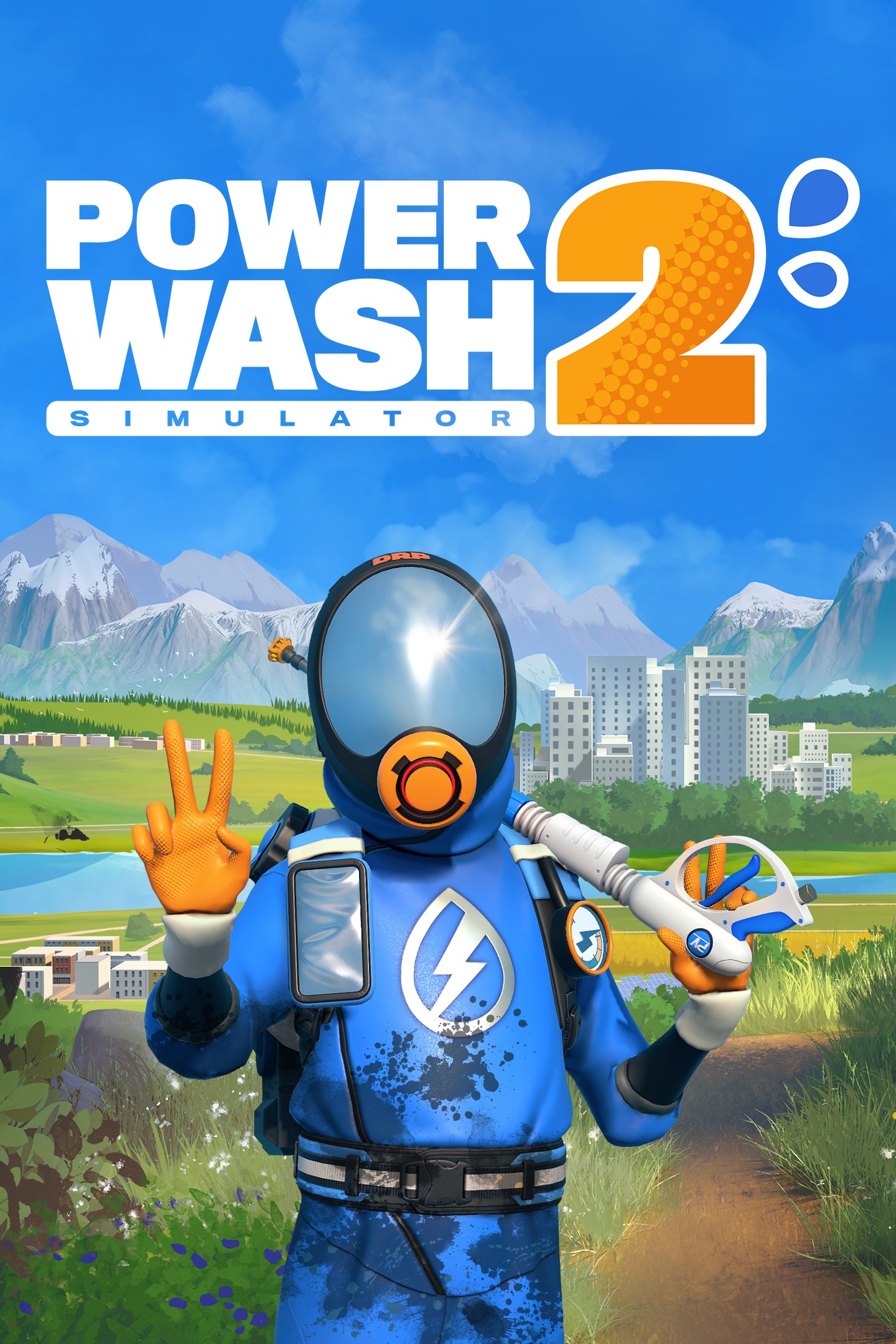
PowerWash Simulator 2
Details
- Publisher
- FuturLab Limited
- Developer
- FuturLab Limited
- Release date
- 23.10.2025
- Age rating
- ESRB:E
- Localization
- English
Purchase options
Primary: our account is set as the home Xbox of your console ("My home Xbox"), so the game is shared with your own profile and works offline — that is one slot on one console. Secondary: you sign in to our account and launch the game from it, and the console has to stay online. The activation code is an extra option: it is redeemed on your own account, and the game stays there forever.
You install the game from our account and set our account as the home one ("My home Xbox"): after that you play from your own profile, and the progress and achievements stay yours. It works offline.
You sign in to our account and play right from it. A permanent internet connection is required and only the issued profile can be used. It costs less than the primary access.
A bonus way to buy: you get a 25-character code and redeem it on your own account. The game stays with you forever, no other profiles and no sign-in to a shared account.
What happens after payment
About the game
PowerWash Simulator is back, satisfaction is a spray away!
Dust off your power washer and relax into pure feel-good fun. Blast away every last speck, smear and splatter of filth to restore Muckingham (and beyond ) to gleaming glory.
Craving more to Clean?
The jobs and water keep flowing in PowerWash Simulator 2. Play through a fresh new campaign, uncovering more of Muckingham’s mysteries. Plus, venture even further out to brand-new grime-coated locations like Sponge Valley, Power Falls and Lubri City.
Alongside new locations and jobs, you’ll also find a new job type. Multi-stage jobs will unlock different areas of a job – from vehicle interiors to entirely different rooms, your to-do list keeps growing.
Tools of the Trade
Reach new heights of power washing professionalism with a range of new tools to help you achieve a spectacular sparkle, high and low. Realise even your loftiest cleaning ambitions with the help of an all-new abseiling rig and cherry picker or stay grounded with a grime busting surface cleaner for large areas.
No Place like your Home-base
Kick back and relax in your home-base after a hard-days-cleaning. Make the place yours by collecting furniture and trinkets to spruce it up along the way, then invite your power wash pals over to check out your pad.
You didn’t think we’d leave your furry friends in the van, did you? Your pretty kitties are the purr-fect distraction for when you’ve pressed paws on work for the day.
Soap-erior Washing
Watch your worries melt away with each swipe of your power washer. Cleaning feels even better in PowerWash Simulator 2, with enhanced soap that clings to stubborn stains and annihilates dirt.
Clean in Split-screen!
Satisfaction on the double! Share campaign progression online together for the first time. In addition to online play, split-screen co-op has entered the chat. Team up and take on the dirt with twice the wash-power, from the convenience of one screen.
Screenshots
Click a frame to open it larger, use the arrows to browse
How to activate
Guide for Xbox Series X|S
Primary — the game is shared with your own profile
- 1Press the Xbox button, open "Profile & system" → "Add or switch" → "Add new" and sign in with the login and password from your order.
- 2Now open "Settings" → "General" → "Personalization" → "My home Xbox" and choose "Make this my home Xbox". This is what shares our games with every profile on your console.
- 3Switch back to your own profile, open "My games & apps" → "Library" and install the game. The internet is only needed for the download.
- 4Launch the game from your own profile: achievements, saves and progress stay yours, and after the installation the game works offline.
Only one console at a time can be the home Xbox for our account — that is the slot you bought. Please do not change the password, the email or the two-factor settings of the account, or the access will be blocked.
Secondary — you play from our account
- 1Press the Xbox button, open "Profile & system" → "Add or switch" → "Add new" and sign in with the login and password from your order.
- 2Open "My games & apps" → "Library", switch to our profile in the top-left corner and install the game.
- 3Launch the game while our profile stays signed in, and keep the console online: the licence is checked over the internet.
- 4Use your own profile for everything else — the game stays available as long as our account is signed in on this console.
Secondary costs less, but it needs a permanent internet connection and our account stays signed in on your console.
Activation code
- 1On the console open "Store" and go to the "Redeem code" section.
- 2Enter the 25-character code from your order and confirm the activation on your own account.
- 3After the activation the code is shown as "Used" — but you can reinstall the game from your library at any time.
Notes for Xbox Series
Important
How to play online
Warranty and support
The warranty covers the whole period of use of the account. If the access stops working, we replace the account or refund your money.
- If the game stops launching, we replace the account or refund your money.
- Average support response time — 15–30 minutes during working hours.
- The warranty covers the whole rental period of the access.
Support
Telegram: @weskars
E-mail: support@gears.games
Working hours: daily 11:00 – 23:00 (UTC+3)
Every order goes through clear stages: "New" → "Awaiting payment" → "Paid" → "Delivered". You can follow the status in your account page.
Similar games
More games in the "Simulation" genre



