
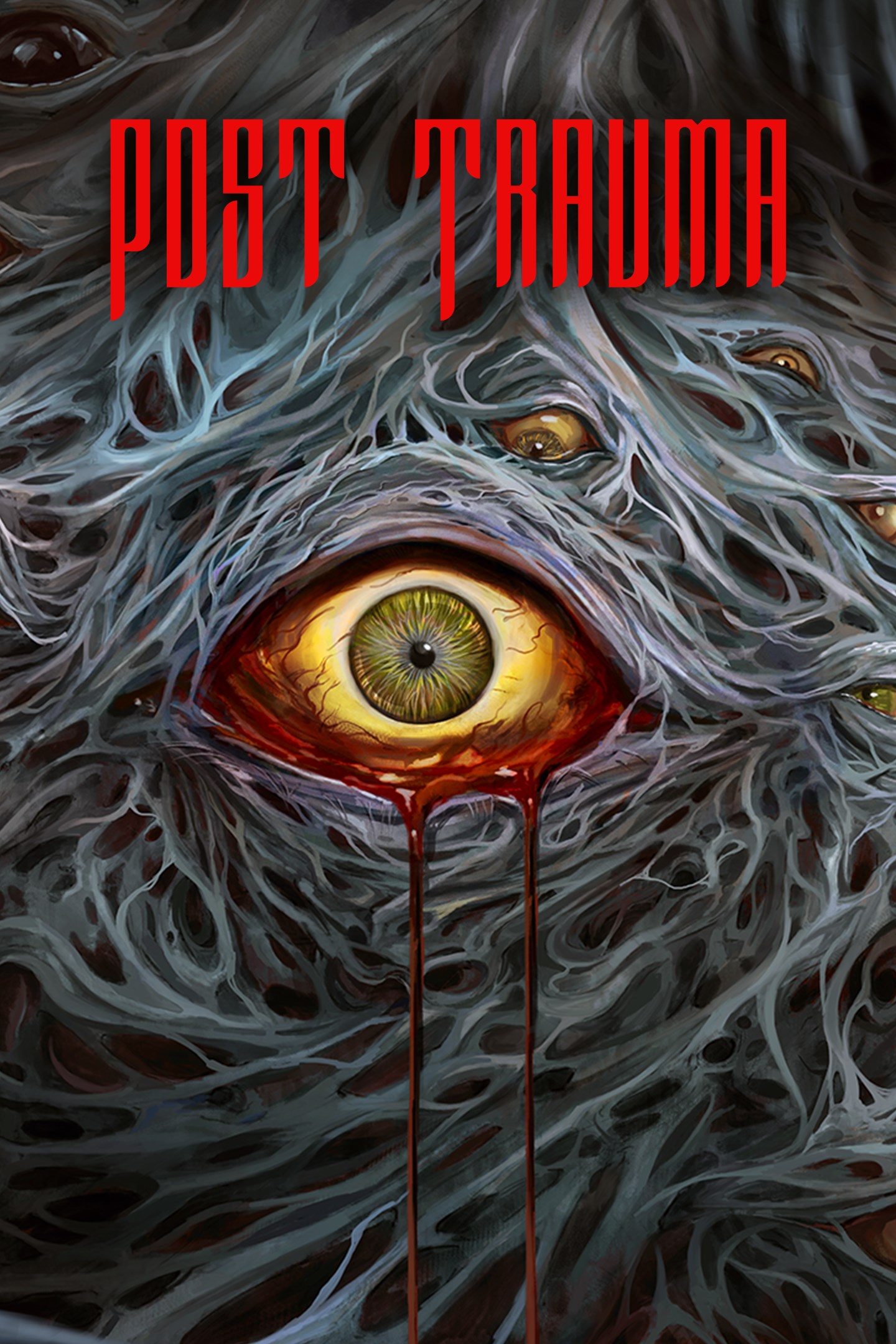
Post Trauma
Details
- Publisher
- Raw Fury
- Developer
- Red Soul Games
- Release date
- 22.04.2025
- Age rating
- ESRB:M
- Localization
- English
Purchase options
Primary: our account is set as the home Xbox of your console ("My home Xbox"), so the game is shared with your own profile and works offline — that is one slot on one console. Secondary: you sign in to our account and launch the game from it, and the console has to stay online. The activation code is an extra option: it is redeemed on your own account, and the game stays there forever.
You install the game from our account and set our account as the home one ("My home Xbox"): after that you play from your own profile, and the progress and achievements stay yours. It works offline.
You sign in to our account and play right from it. A permanent internet connection is required and only the issued profile can be used. It costs less than the primary access.
A bonus way to buy: you get a 25-character code and redeem it on your own account. The game stays with you forever, no other profiles and no sign-in to a shared account.
What happens after payment
About the game
Post Trauma is a modern interpretation of genre-defining survival horror classics. As you venture deeper into the unknown, you’ll strive to solve the mysteries of your unfamiliar surroundings, hoping to discover hidden truths while trying to stay alive.
Players will explore a terrifying, twisted reality that constantly unsettles as its story shifts and unravels.
Fight or Flight?
In Post Trauma, players control Roman (Togo Igawa), a tormented train conductor who awakes to find himself in a surreal dimension following a terrible panic attack. Faced with horrifying architecture and nightmarish abominations, Roman can choose to defend himself with an array of weapons or try to find the path of least resistance.
A new world of horror that pays homage to the greats
Inspired by key staples of the Survival Horror genre, Post Trauma blends fixed camera angles with stunning visuals through Unreal Engine 5 to create a truly unsettling, yet familiar horror experience. But just when you think you have the answers, this hellscape changes the questions as you enter the unknown to face your greatest fears.
Can you find a way home?
To survive this cruel world, you must piece together an ongoing mystery across several, seemingly unrelated settings. Deducing your environments to find unlikely hints and discovering precious tools in unexpected places will help you make continued progress.
As you find clues and solve puzzles, you’ll gradually learn more about where you are and how you can escape, using a delicate mix of patience and cunning to stay alive. And maybe a pad and paper too.
Built and enriched by world-class talent
Featuring a fully voice acted cast (Togo Igawa, Autumn Ivy, Hyoie O’Grady) and a captivating, ambient audioscape, elevated by a hypnotic score from Nicolas Gasparini (Myuu), Post Trauma has been crafted to be a homage to beloved franchises and a new merging of playstyles. The intent is to create a truly special, unforgettable horror experience fuelled by pure passion and incredible talent.
Screenshots
Click a frame to open it larger, use the arrows to browse
How to activate
Guide for Xbox Series X|S
Primary — the game is shared with your own profile
- 1Press the Xbox button, open "Profile & system" → "Add or switch" → "Add new" and sign in with the login and password from your order.
- 2Now open "Settings" → "General" → "Personalization" → "My home Xbox" and choose "Make this my home Xbox". This is what shares our games with every profile on your console.
- 3Switch back to your own profile, open "My games & apps" → "Library" and install the game. The internet is only needed for the download.
- 4Launch the game from your own profile: achievements, saves and progress stay yours, and after the installation the game works offline.
Only one console at a time can be the home Xbox for our account — that is the slot you bought. Please do not change the password, the email or the two-factor settings of the account, or the access will be blocked.
Secondary — you play from our account
- 1Press the Xbox button, open "Profile & system" → "Add or switch" → "Add new" and sign in with the login and password from your order.
- 2Open "My games & apps" → "Library", switch to our profile in the top-left corner and install the game.
- 3Launch the game while our profile stays signed in, and keep the console online: the licence is checked over the internet.
- 4Use your own profile for everything else — the game stays available as long as our account is signed in on this console.
Secondary costs less, but it needs a permanent internet connection and our account stays signed in on your console.
Activation code
- 1On the console open "Store" and go to the "Redeem code" section.
- 2Enter the 25-character code from your order and confirm the activation on your own account.
- 3After the activation the code is shown as "Used" — but you can reinstall the game from your library at any time.
Notes for Xbox Series
Important
How to play online
Warranty and support
The warranty covers the whole period of use of the account. If the access stops working, we replace the account or refund your money.
- If the game stops launching, we replace the account or refund your money.
- Average support response time — 15–30 minutes during working hours.
- The warranty covers the whole rental period of the access.
Support
Telegram: @weskars
E-mail: support@gears.games
Working hours: daily 11:00 – 23:00 (UTC+3)
Every order goes through clear stages: "New" → "Awaiting payment" → "Paid" → "Delivered". You can follow the status in your account page.
Similar games
More games in the "Action & adventure" genre



