
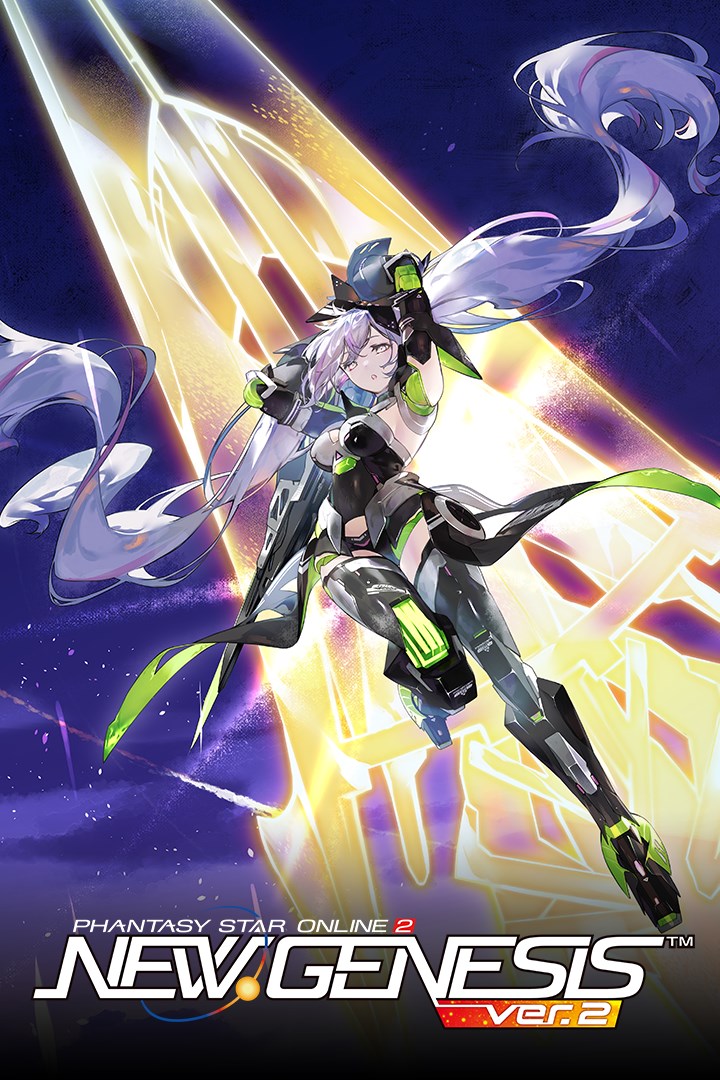
Phantasy Star Online 2 New Genesis
Details
- Publisher
- SEGA Corporation
- Developer
- SEGA Corporation
- Release date
- 16.03.2020
- Age rating
- ESRB:M
- Localization
- English
Purchase options
Not available
What happens after payment
About the game
Phantasy Star Online 2 New Genesis, the latest chapter in the Phantasy Star Online 2 series, is here at last!
It's time to jump into adventures beyond imagination!
This new adventure takes place on a vast open field! Up to 32 people can enjoy the adventure in a new world with beautifully-evolved graphics!
The simple and intuitive controls developed in the series up to now have also evolved! A new dimension of battle with a variety of powerful enemies awaits! The new actions Photon Dash and Photon Glide allow you to traverse across the vast open field with ease!
Of course, the ultimate in character creation has also evolved. Create your own main character that will be unique throughout the world, and head out to a new adventure!
・The core game is Free-to-Play, but there is certain paid content that can be purchased.
・The Phantasy Star Online 2 New Genesis game that can be downloaded with this content is the same as that included in other editions. You do not have to download this if it is already installed.
・Proceeding with play in Phantasy Star Online 2 New Genesis will allow you to play Phantasy Star Online 2.
・Please log in with an administrator account to play this game.
Screenshots
Click a frame to open it larger, use the arrows to browse
How to activate
Guide for Xbox One
Primary — the game is shared with your own profile
- 1Press the Xbox button, open "Profile & system" → "Add or switch" → "Add new" and sign in with the login and password from your order.
- 2Now open "Settings" → "General" → "Personalization" → "My home Xbox" and choose "Make this my home Xbox". This is what shares our games with every profile on your console.
- 3Switch back to your own profile, open "My games & apps" → "Library" and install the game. The internet is only needed for the download.
- 4Launch the game from your own profile: achievements, saves and progress stay yours, and after the installation the game works offline.
Only one console at a time can be the home Xbox for our account — that is the slot you bought. Please do not change the password, the email or the two-factor settings of the account, or the access will be blocked.
Notes for Xbox One
Important
How to play online
Warranty and support
The warranty covers the whole period of use of the account. If the access stops working, we replace the account or refund your money.
- If the game stops launching, we replace the account or refund your money.
- Average support response time — 15–30 minutes during working hours.
- The warranty covers the whole rental period of the access.
Support
Telegram: @weskars
E-mail: support@gears.games
Working hours: daily 11:00 – 23:00 (UTC+3)
Every order goes through clear stages: "New" → "Awaiting payment" → "Paid" → "Delivered". You can follow the status in your account page.
Similar games
More games in the "Action & adventure" genre



